Balance System SD (with v4.X software) 79
Configuration
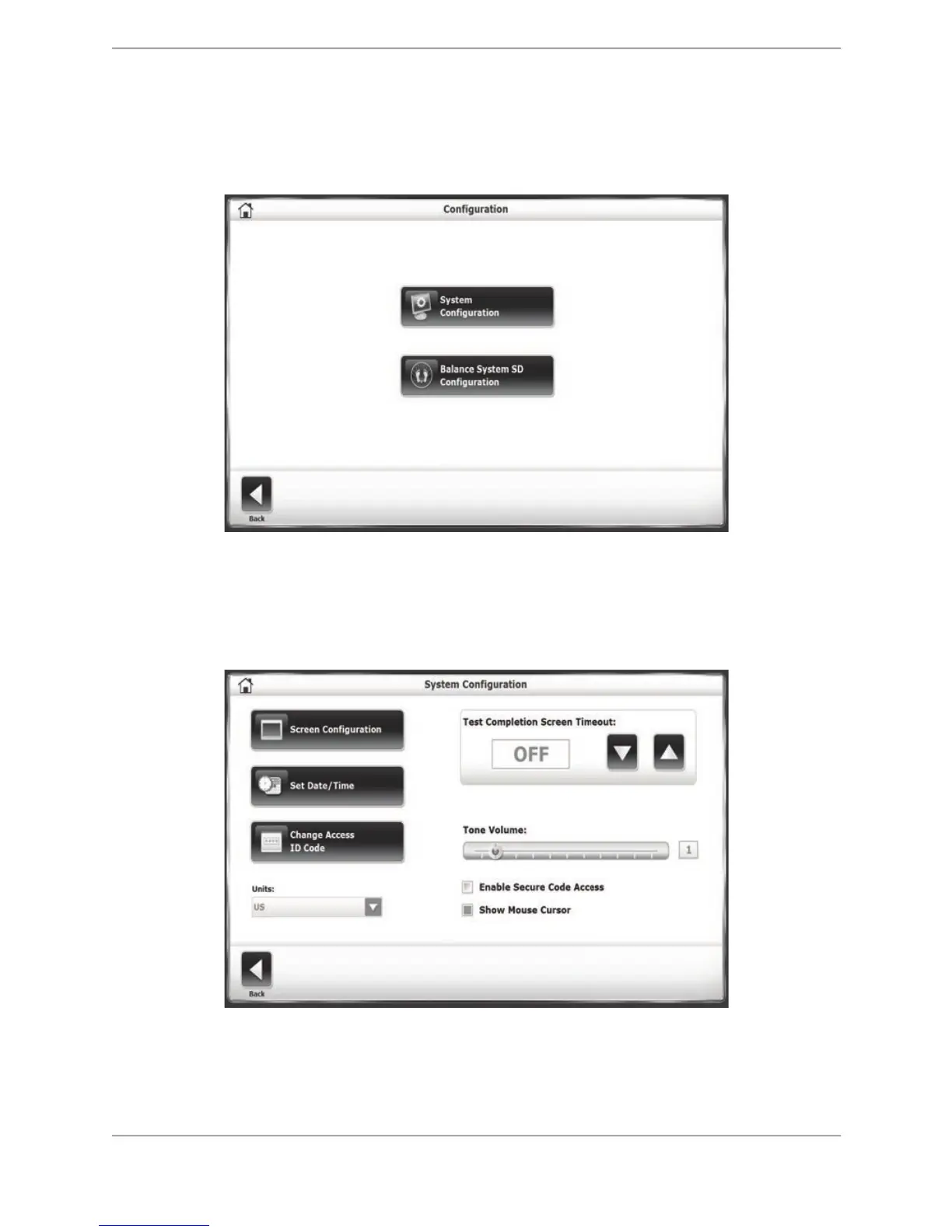
To advance to the Configuration screen from the Utilities Menu, touch <Configuration>. A
submenu is displayed featuring two icons; one for System Configuration and one for Balance
System SD Configuration.
Figure 8.21. Configuration Screen
System Configuration
The System Configuration screen allows the user to select between various display options and
to set specific parameters for a variety of functions.
Figure 8.22. System Configuration screen.
The following is a description of System Configuration screen options. Once all parameters and
values are set, touch <Back> to exit and return to the Utilities Menu. Touch <Back> a second
time to return to the Main Menu:



 To Next Page