Balance System SD (with v4.X software) 81
Balance System SD Configuration
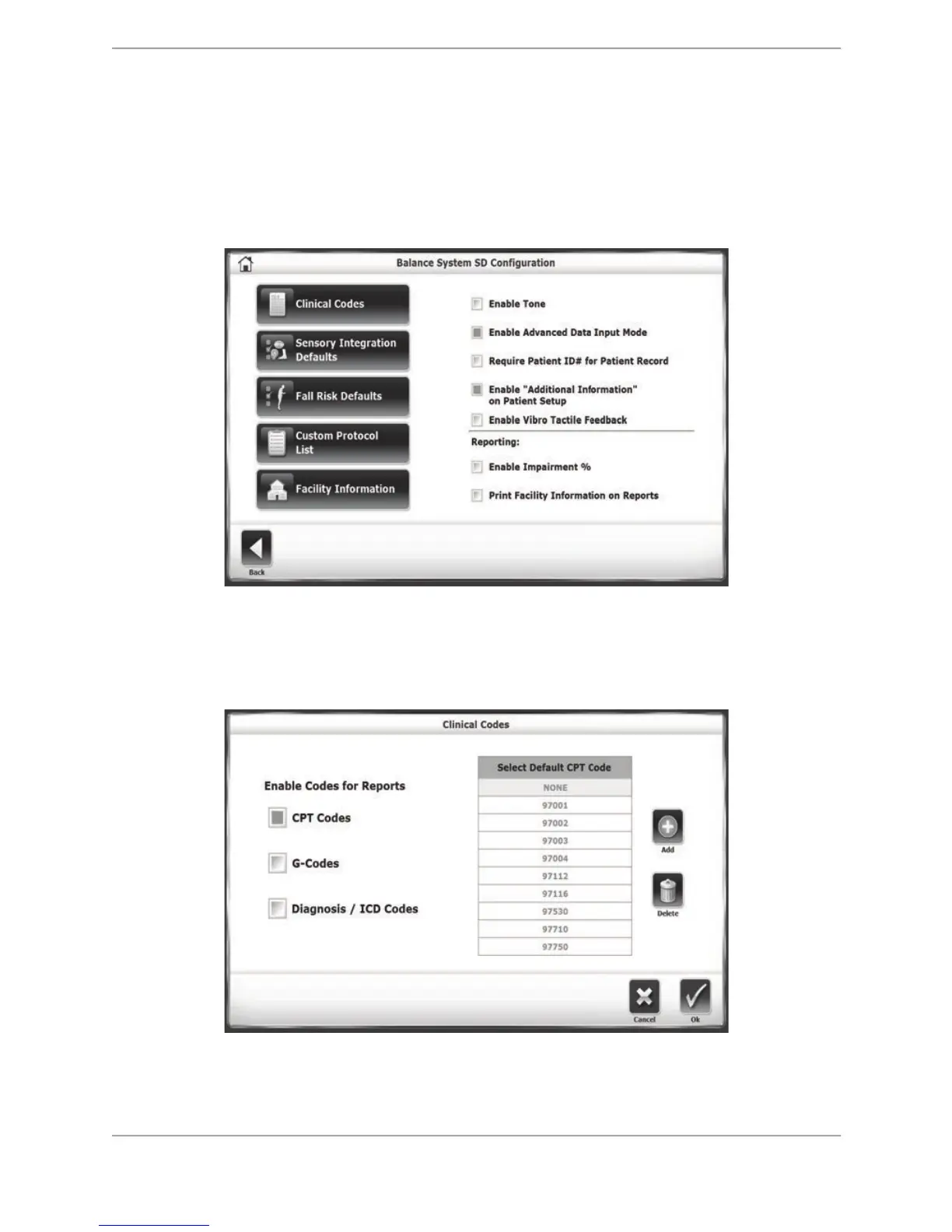
The Balance System SD Configuration screen allows the user to further configure the Balance
System SD user settings for things like Clinical Codes and Facility Information. Descriptions of
the Balance System SD Configuration screen options are detailed below. Once all parameters
and values are set as desired, touch <Back> to exit and return to the Configuration submenu.
Touch <Back> again to return to the main Utilities menu.
Figure 8.24. Balance System SD Configuration screen.
Clinical Codes: The Clinical Codes screen allows the user to activate the CPT Codes, G-Codes,
and Diagnostic/ICD Codes options on the Patient Information Setup screen. It allows a default
CPT Code to be set.
Figure 8.25. Clinical Codes screen.



 To Next Page