Balance System SD (with v4.X software) 75
View and Print Progress Report
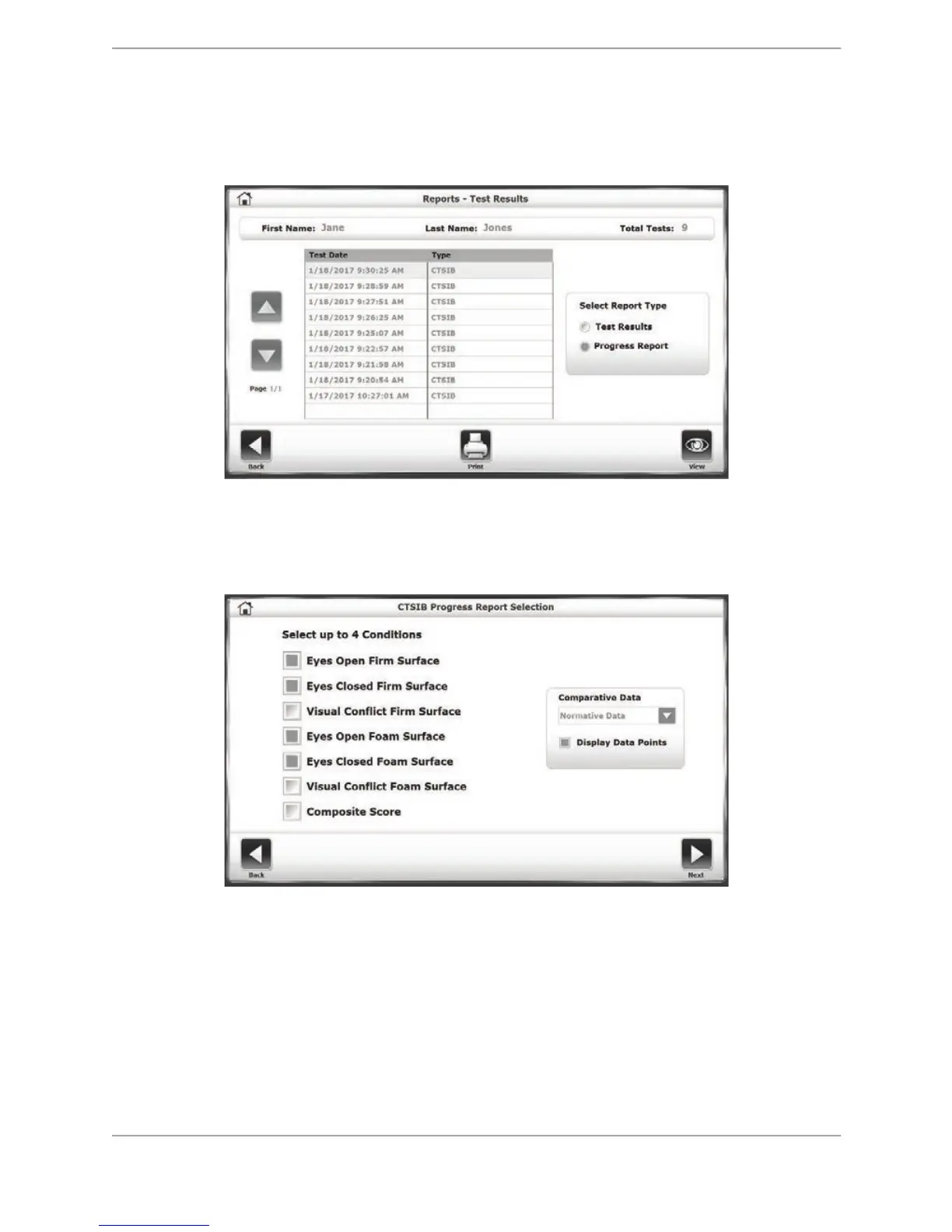
1. If the patient has multiple tests, a progress report can be viewed. Select the <Progress
Report> radio button under Select Report Type, and select <View>.
Figure 8.14. The Reports – Test Results screen with the Progress Report radio button selected.
2. On the CTSIB Progress Report Selection screen, you can select what Conditions should be
displayed in the report.
Figure 8.15. The CTSIB Progress Report Selection screen.
The user also set the Comparative Data in the report to be based on normative data or a
certain percentage over the patient’s original baseline score if it is available/applicable for
the particular test.



 To Next Page