90 Biodex Medical Systems, Inc. © 2017
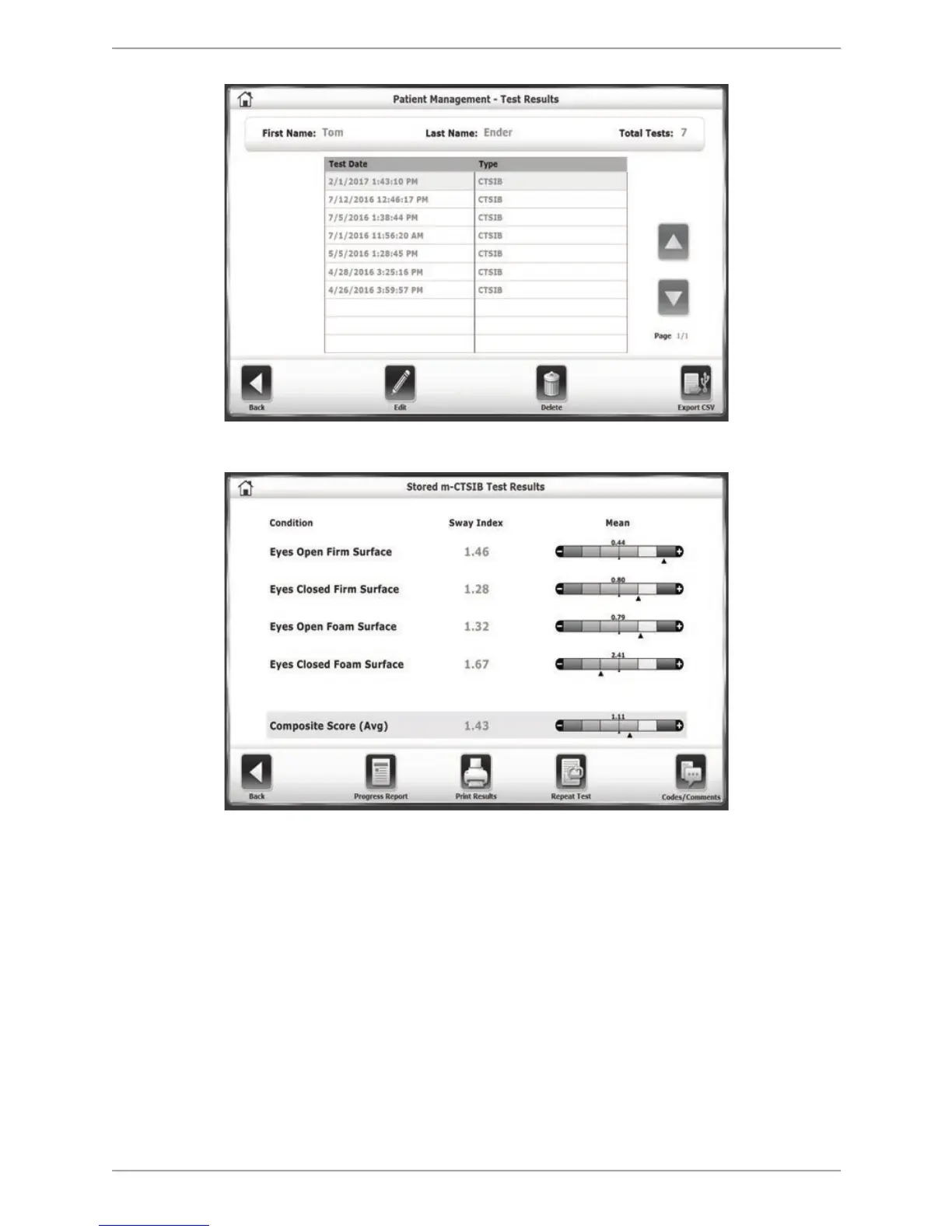
Figure 8.32. The Patient Management – Test Results screen.
Figure 8.33. The stored test results screen for an m-CTSIB Test.
Deleting Patient Files
Patient Management functions include the ability to delete an individual patient file, delete
multiple patient files, and import or export patient data. A description of each feature follows.
To Delete A Single Patient File:
1. Touch to highlight the patient file to delete.
2. Touch <Delete> to delete the selected patient file. The system prompts to ensure that the
selected file is to be deleted. The function will delete all test results associated with the
patient.
3. Touch <OK>. The selected file is deleted and the system returns to the Patient Management
screen.



 To Next Page