96 Biodex Medical Systems, Inc. © 2017
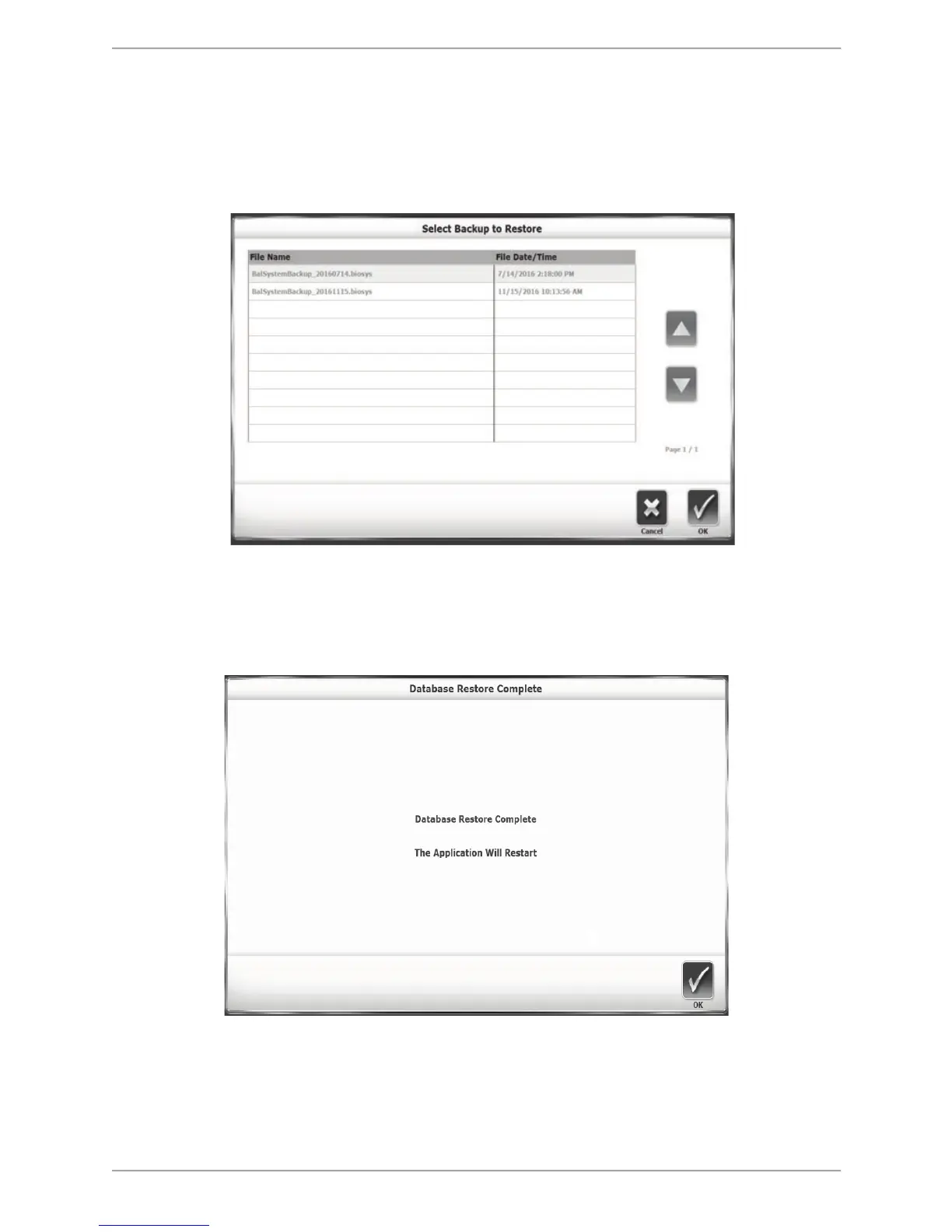
Restore from USB
The Restore from USB function allows users to restore a previously backed up database to be
the device’s current data set. The restoration is made from a removable flash drive used in the
Backup to USB function. Select the <Restore from USB> icon to perform the restoration.
Figure 8.41. Restore from USB screen.
A list of backed up databases is displayed (see Figure 8.34). The most recently backed up
database is the bottom row of the list. Select the database to be restored as the device’s current
data set, and select <OK>. The confirmation screen is displayed:
Figure 8.42. Restore from USB confirmation screen.
The time it takes to reach the Database Restore Complete screen depends on the size of the
database. The Balance System SD application restarts once <OK> is touched. The Backup
operation makes a backup of the entire system—not just the database. All system selections



 To Next Page