Balance System SD (with v4.X software) 27
The Diagnostic Information Screen
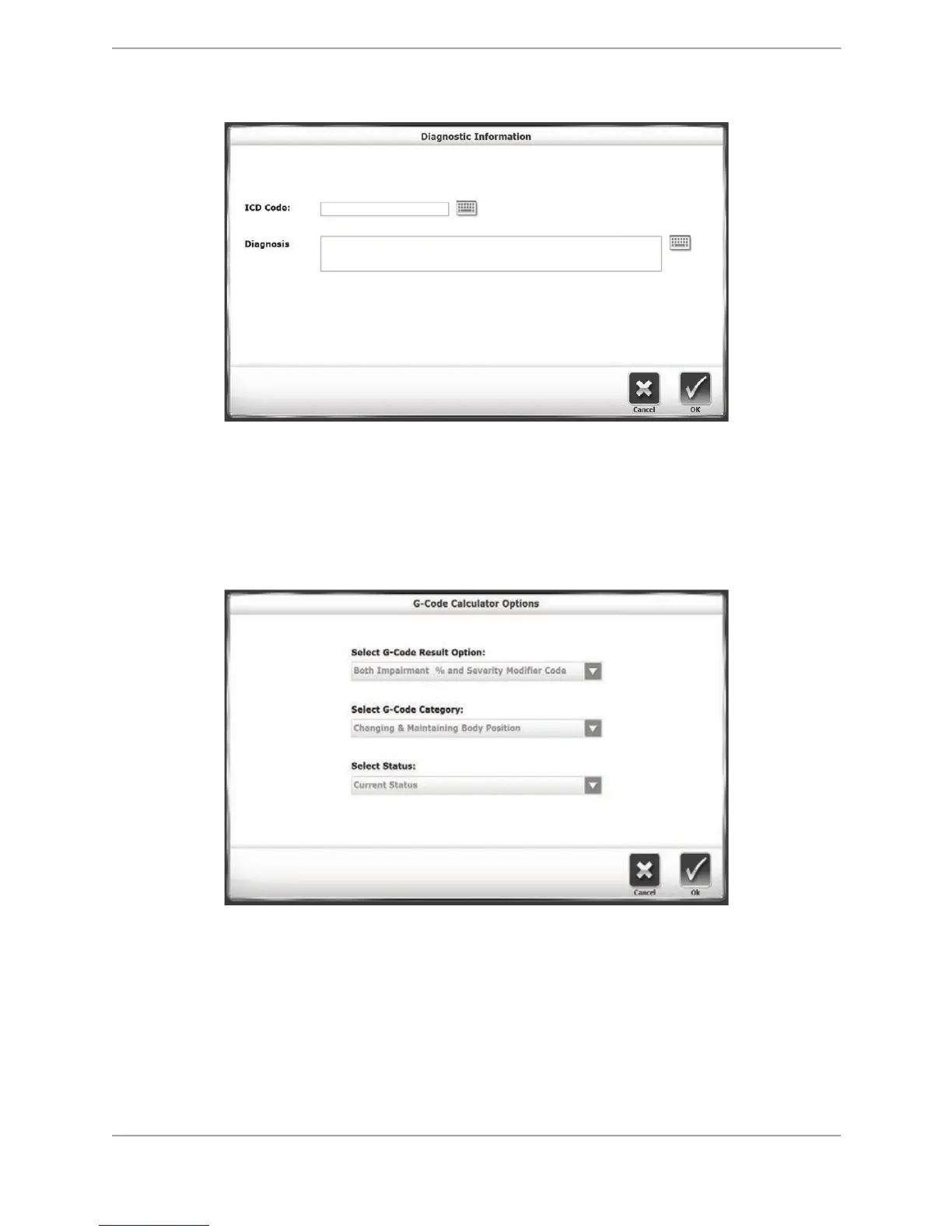
Figure 5.8. The Diagnostic Information screen.
On the Diagnostic Information screen, users can manually enter an ICD code in one field, and
more specific text in the larger field. Note that this screen does not necessarily have to feature
an ICD Code field; this can be activated or deactivated in System Utilities.
The G-Code Calculator Options Screen
Figure 5.9. The G-Code Calculator Options screen.
The G-Code Calculator Options screen contains three drop-down menus that will apply various
types of G-Code data to the patient’s tests. The G-Code result options and categories are
discussed in depth in a later section of this document. After making any selections to the
menus on this screen, note that the G-Code icon on the Patient Setup screen will change from
red to green. How the G-Code function is used is detailed in the Training and Testing sections.



 To Next Page