98 Biodex Medical Systems, Inc. © 2017
9. Software Updates
From time to time, it may be necessary to update the device’s software.
Updating the Software:
1. Download the updated software from www.biodex.com to a portable flash drive. Be sure to
save the file in the root directory of the drive.
2. Copy the file to a portable flash drive. Make sure the file is saved in the root directory of
the flash drive.
3. While the device monitor is displaying the main screen (with the <Testing> and <Training>
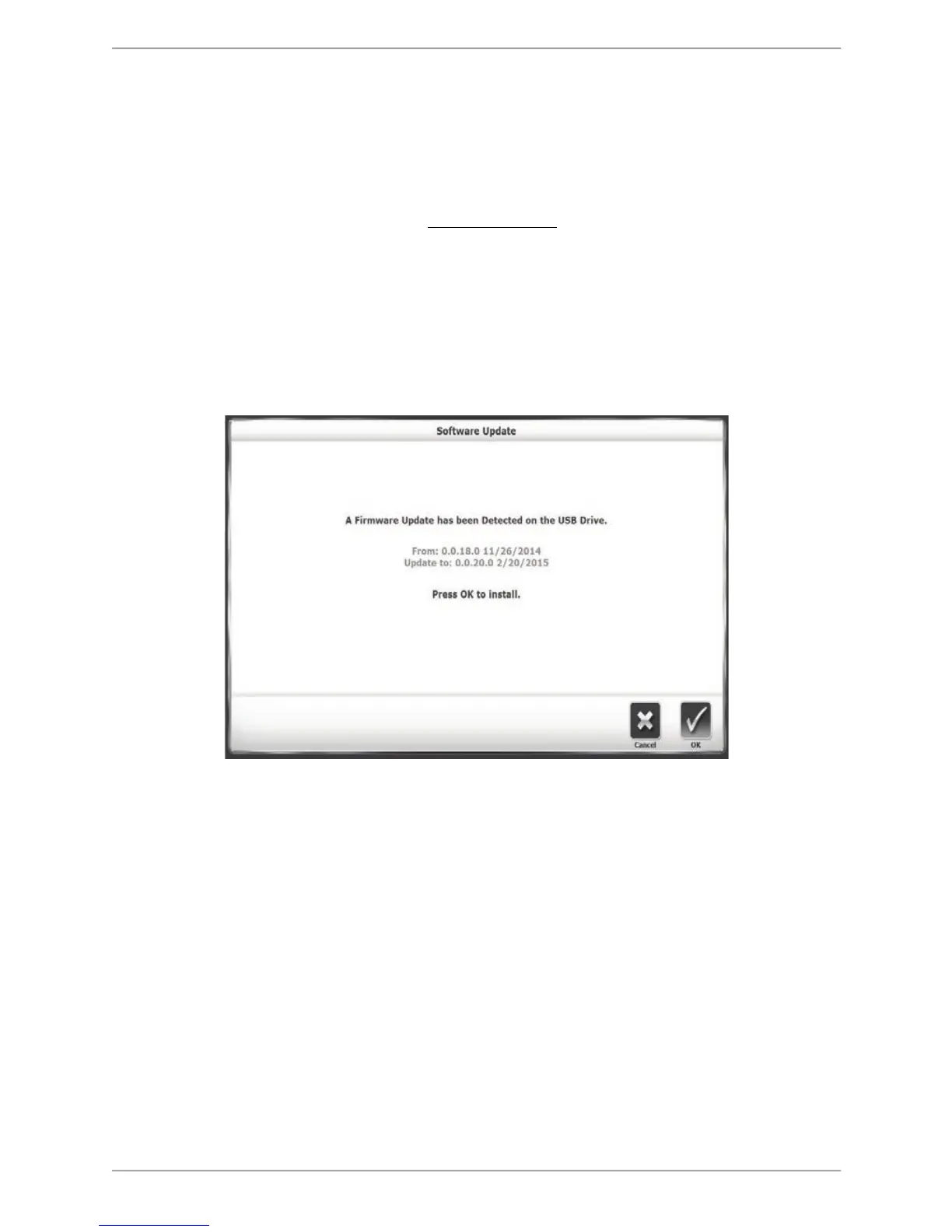
icons), insert the flash drive into one of the USB ports. The Software Update screen is
displayed.
4. Follow the directions on the screen to complete the update.
Figure 9.1. Software Update screen.



 To Next Page