26 Biodex Medical Systems, Inc. © 2017
! Diagnosis (Figure 5.8): Touch <Diagnosis> to enter diagnostic information for the patient,
including an ICD code.
! CPT Code: (Figure 5.6): Touch the <CPT Code> drop-down menu to assign a particular CPT
(Current Procedural Terminology) code to the patient.
! G-Code Options (Figure 5.9): Touch <G-Code> to apply certain G-Code settings to this
particular patient.
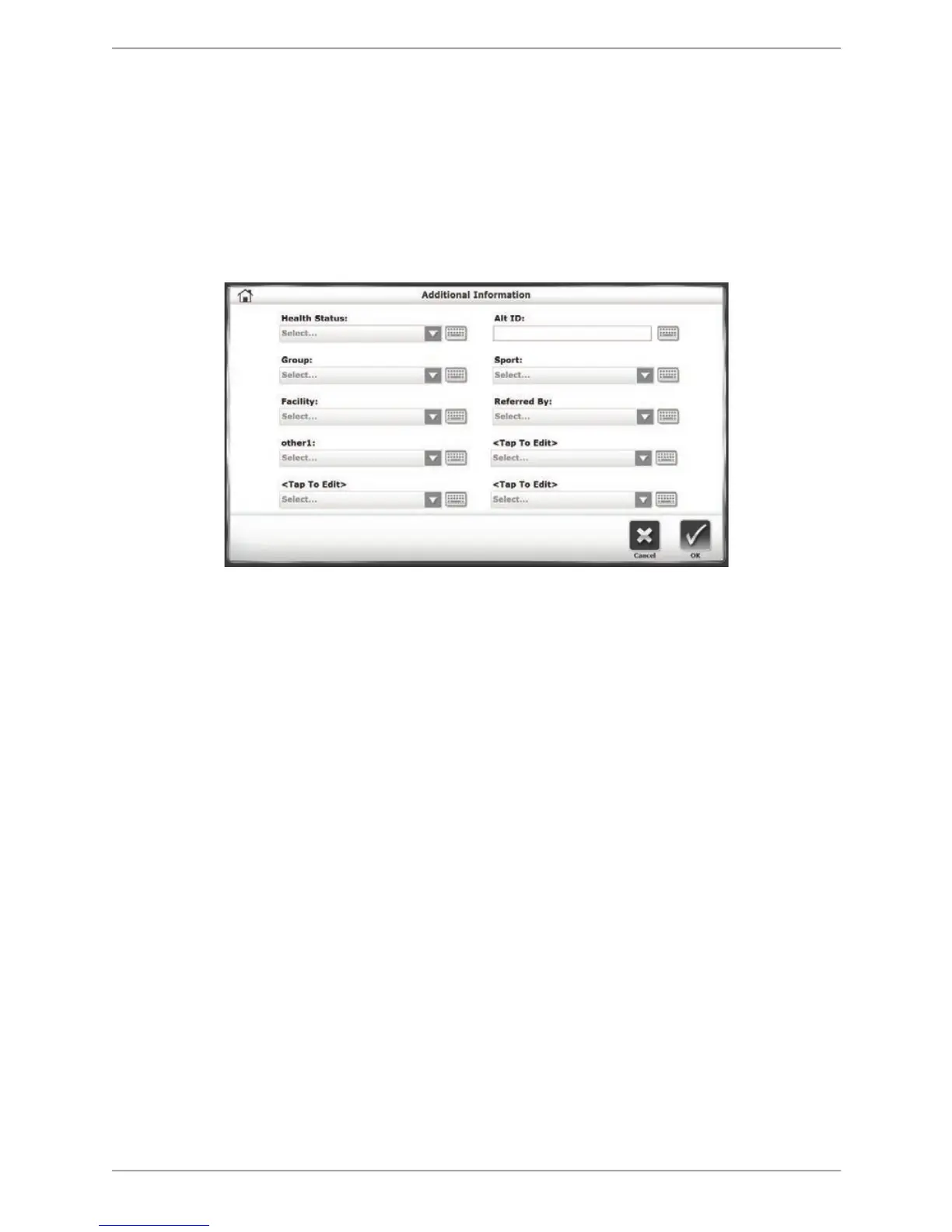
The Additional Information Screen
Figure 5.7. The Additional Information screen.
Entering Additional Information data is optional. The Additional Information screen contains a
series of drop-down menus and editable fields in which users can enter various types of
information about the patient. In each menu, users can enter a new value or item into the drop-
down list. Entering Additional Information data is optional.
The screen contains the following fields: Health Status, Alt(ernative) ID, Group, Sport, Facility,
Referred By, and four custom categories (referred to as <Tap to Edit> that can be defined by the
user. Custom categories are named by touching the field and entering a name using the keypad
or selecting a name from the drop-down menu (e.g., other1as illustrated in Figure 5.7).



 To Next Page