Balance System SD (with v4.X software) 65
8. System Utilities
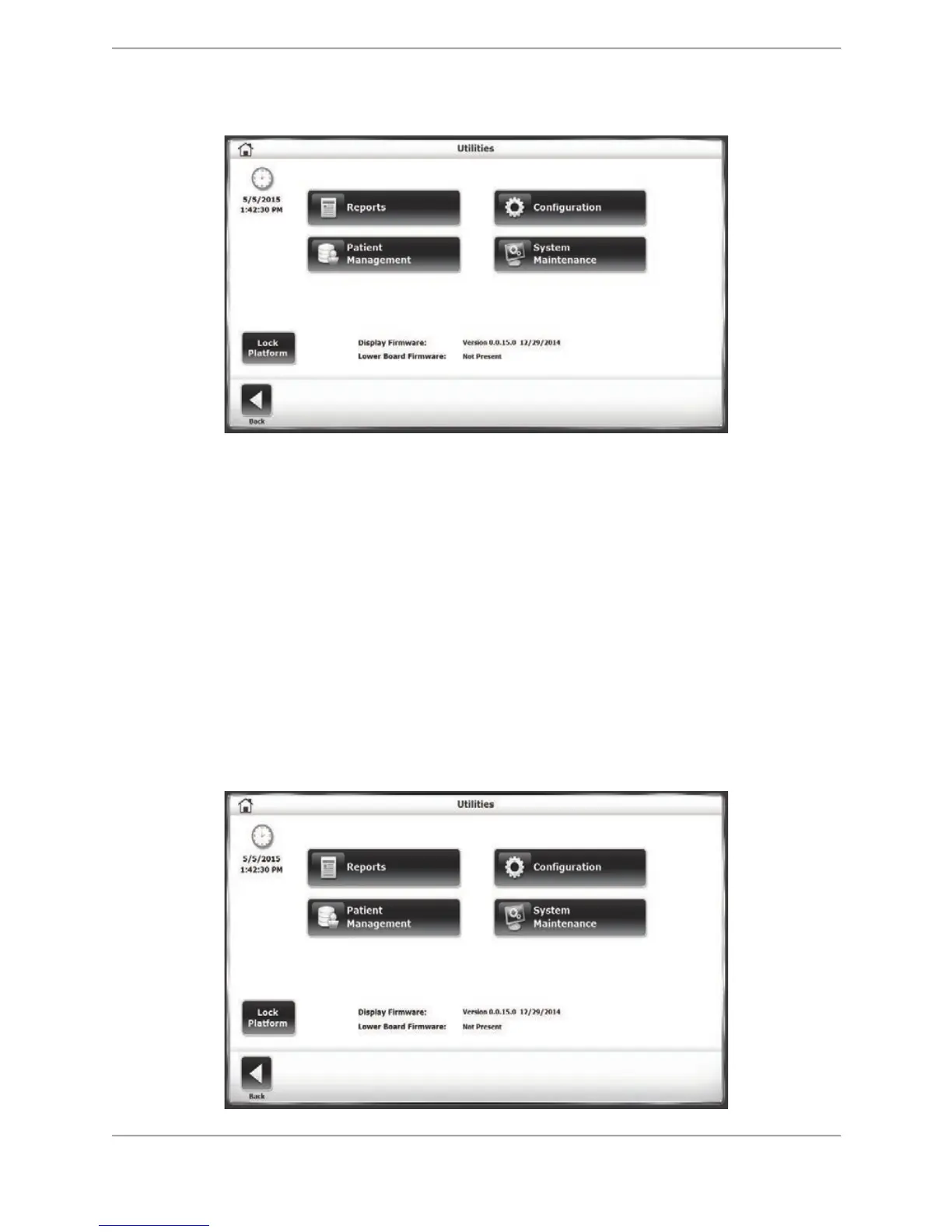
Figure 8.1. The Utilities Screen
The Utilities Menu allows access to the Reports, Configuration, Patient Management, and
System Maintenance screens. To access the Utilities menu, touch <Utilities> on the Main screen.
Note: <Lock Platform> allows the user to manually lock the platform if it is not locked in any
previous operation/session.
The Utilities menu displays technical information about the Balance System SD firmware
version. To access any of these configurations, enter 159 at the Access ID Code screen and
touch <OK>.
Reports
The Reports function is another way to navigate to the Test Results screens detailed in the
Patient Management section, with the main difference being that Codes/Comments or G-Code
data cannot be edited in Reports section screens.
Figure 8.2. Utilities Menu



 To Next Page