94 Biodex Medical Systems, Inc. © 2017
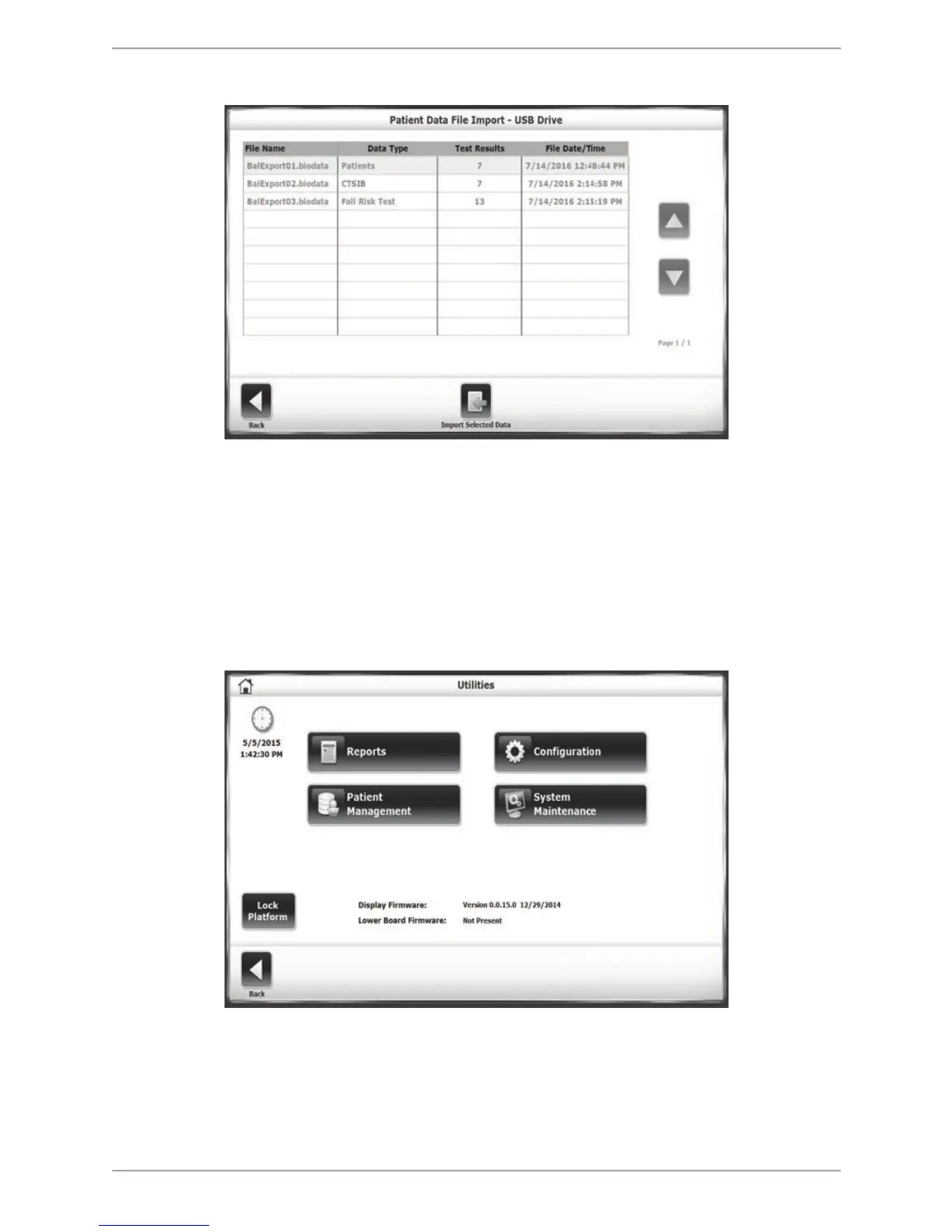
Figure 8.38. The Patient Data File Import screen.
From the Patient Management – Select a Patient screen, select <Import>. On the resulting
Patient Data File Import - USB Drive screen, the user can select the file to import from an
inserted USB flash drive directory.
Depending on how the files were exported, different options for the types of files to be
imported (whole patient files as opposed to only certain types of tests) are presented.
System Maintenance
Figure 8.32. Utilities Screen
The System Maintenance main menu contains icons for three configurations related to database
maintenance:
! Backup to USB.



 To Next Page