Balance System SD (with v4.X software) 95
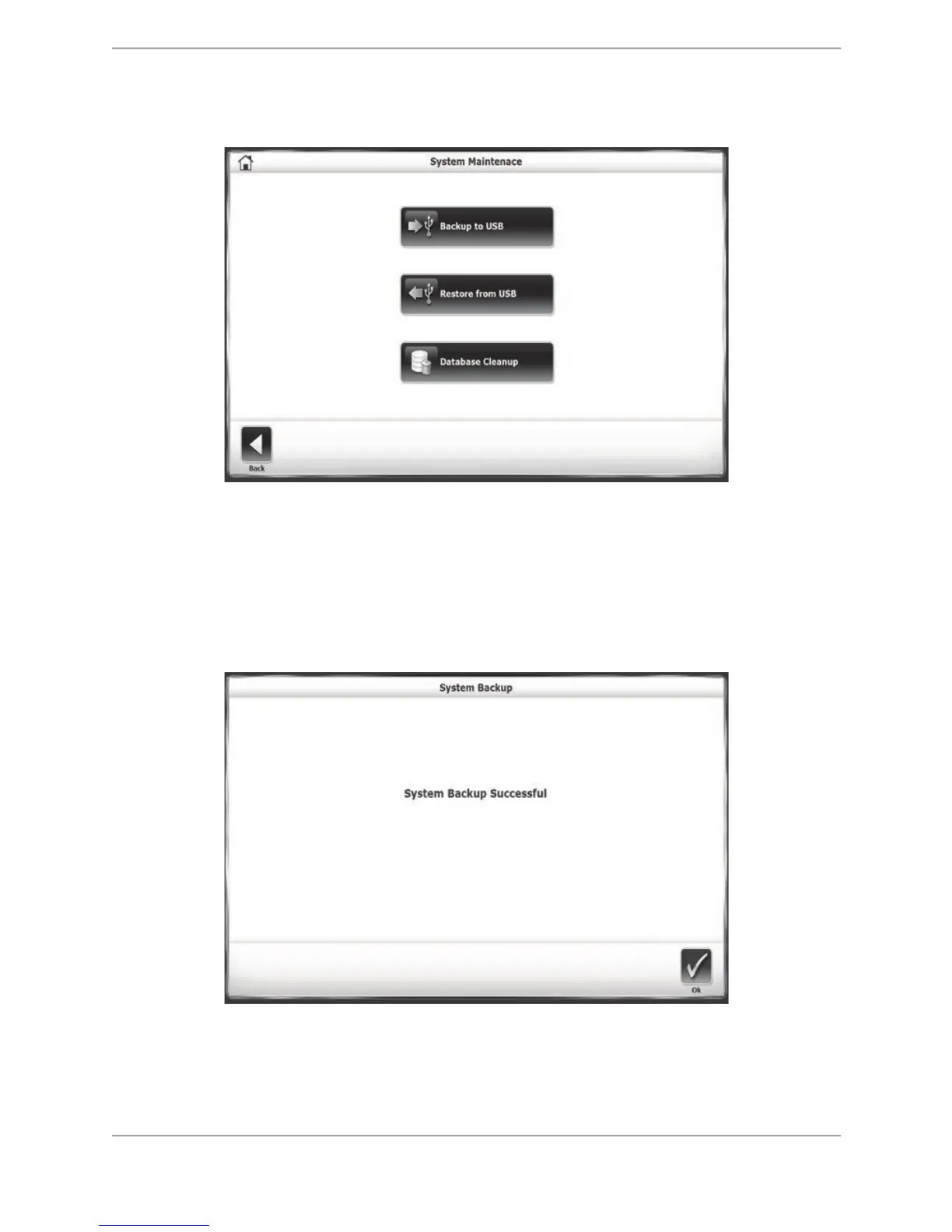
! Restore from USB.
! Database Cleanup.
Figure 8.39. Database Maintenance main screen.
Backup to USB
The Backup to USB function creates a backup database of current patient records on a
removable USB flash drive. After inserting a flash drive into one of the device’s USB ports,
selecting the <Backup to USB> icon generates this screen:
Figure 8.40. Backup to USB screen.



 To Next Page