Balance System SD (with v4.X software) 25
If the number of patient records on the device is relatively small, it may be easier to scroll
through the records with the or arrows. (The arrows will not scroll through individual
records, but rather pages of records—ten per page.)
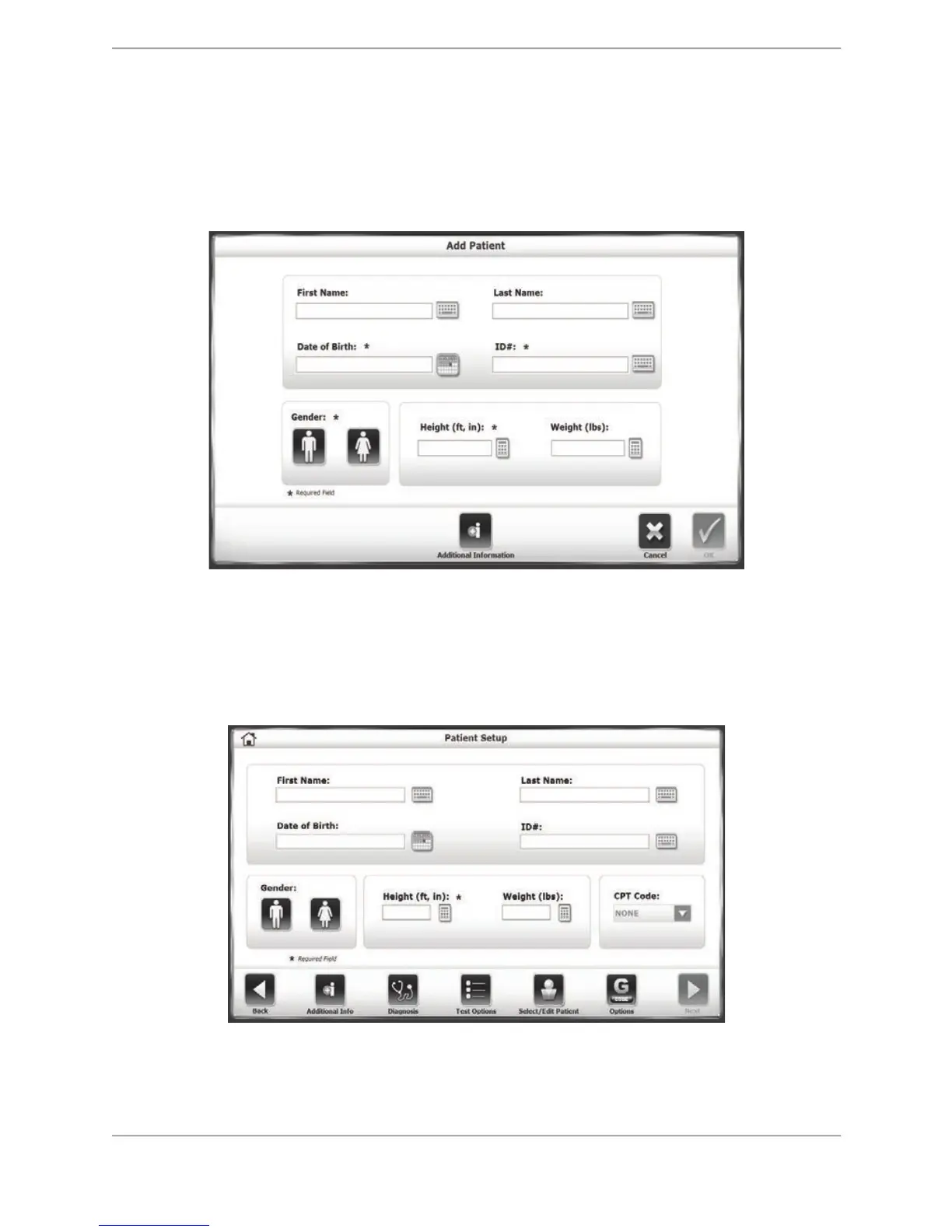
Patient records can be edited on this screen, or a new patient can be added. Many of the same
information fields that are in the Patient Setup screen will need to be entered.
Figure 5.5. The Add Patient screen.
Patient Setup Screen with optional Parameters
The following parameters are only visible when they are activated within the Balance System SD
Configuration settings (i.e., in System Utilities). If they are turned on, additional buttons are
displayed; otherwise they will not be visible at Patient Setup screen.
Figure 5.6. Patient Setup Screen
! Additional Info (Figure 5.7): Touch <Additional Info> to enter information regarding the
patient’s health status and the facility where treatment is taking place.



 To Next Page