Balance System SD (with v4.X software) 93
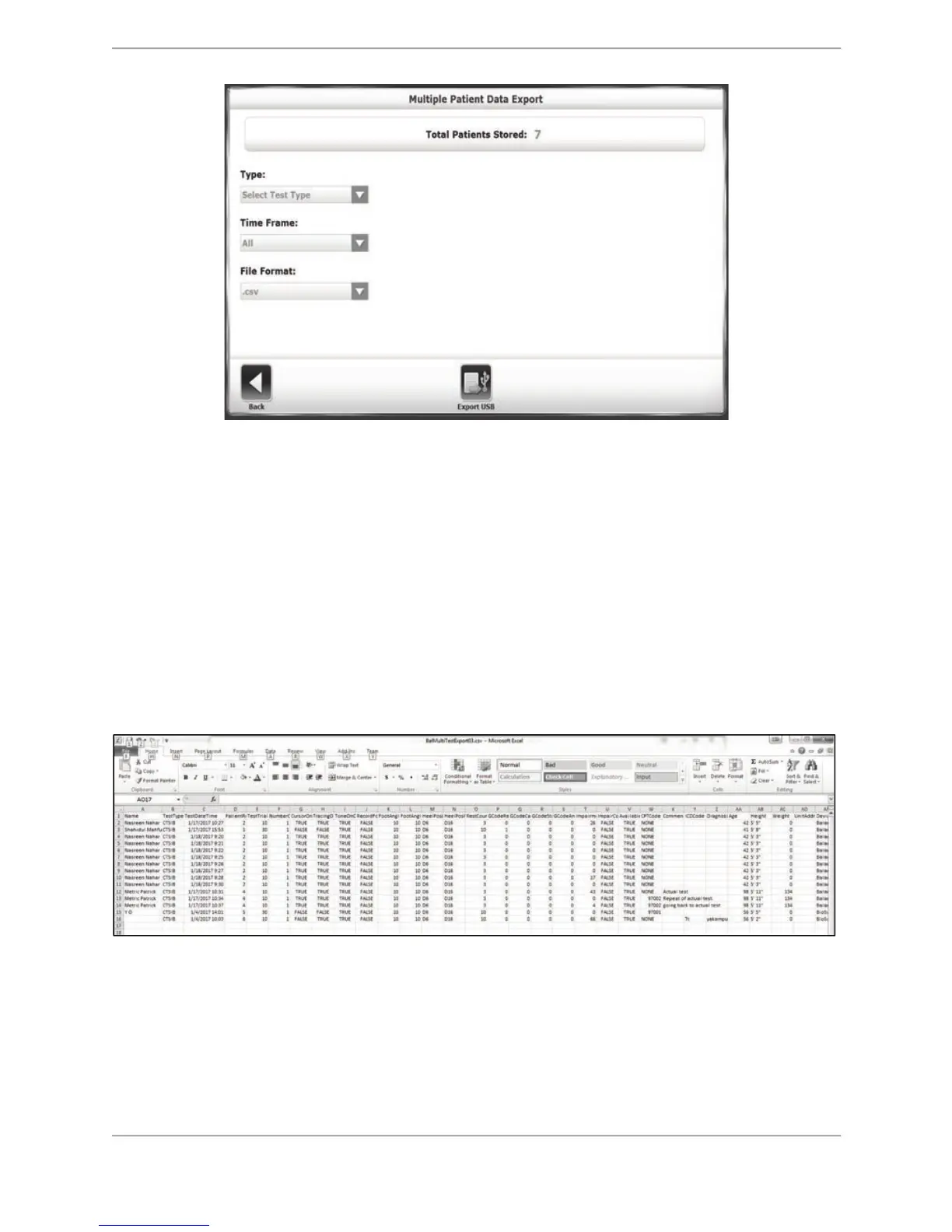
Figure 8.36. The Multiple Patient Data Export screen.
3. On the Multiple Data Export screen, the user has the option to filter results by Type (whole
patient records or particular test types), Time Frame (From, Prior To, From/To), and File
Format (.csv or .biodata).
4. When the desired filters are set, touch <Export USB> and a file is saved to an automatically
created folder named BioCsv or BioData on an inserted USB flash drive.
To Export a Multi Record Data Export as a CSV File:
This option is used to export all the patient test results in a single CSV file matching the
selected test type for the export option. It can be opened using a CSV compatible program such
as Excel.
Figure 8.37. Example of File Export to a CVS File Format.
Importing Patient Data
The Import Patient Data function allows patient data from a stored test to be imported in a
.biodata file format.



 To Next Page