22 Biodex Medical Systems, Inc. © 2017
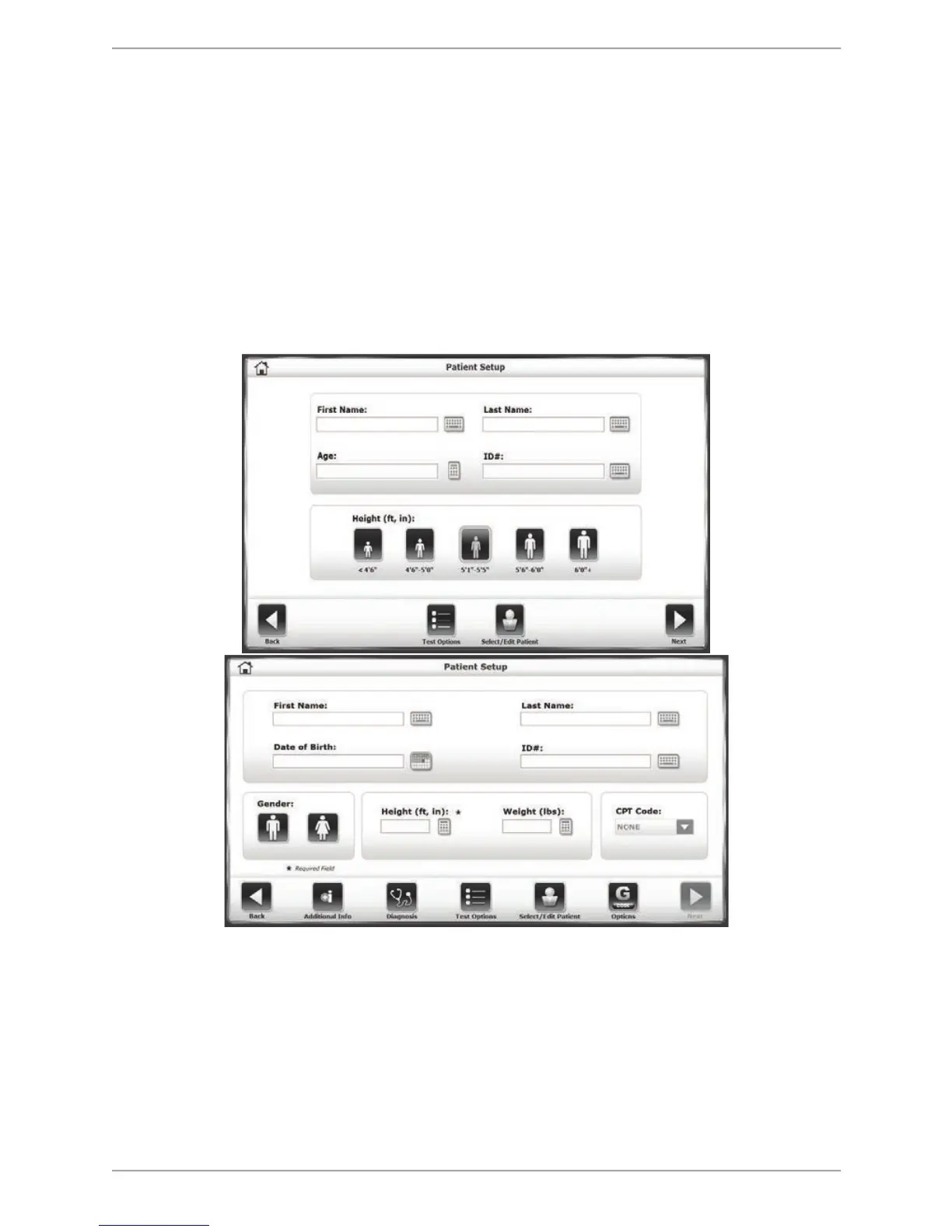
Patient Setup Information Screen
The Patient Setup information screen will precede all training and testing mode interfaces.
Touch the appropriate icon to begin entering information. A pop-up keypad or keyboard is used
to enter some parameters such as name and age. Once the desired information is
entered/selected, touch <Next> to advance to the Training mode screen. Other adjustments can
be made using the icons along the bottom of the screen. The presence of some of these icons
is set in the System Utilities section.
The default setting for the Balance System SD will be the simpler, quicker Patient Setup screen
illustrated in Figure 5.2a. The steps for configuring the more advanced Patient Setup screen
(Fig. 5.2b) is detailed in the System Utilities section of this manual.
Figure 5.2a and b The Patient Setup information screen.



 To Next Page