66 Biodex Medical Systems, Inc. © 2017
View Test Results and Print Report
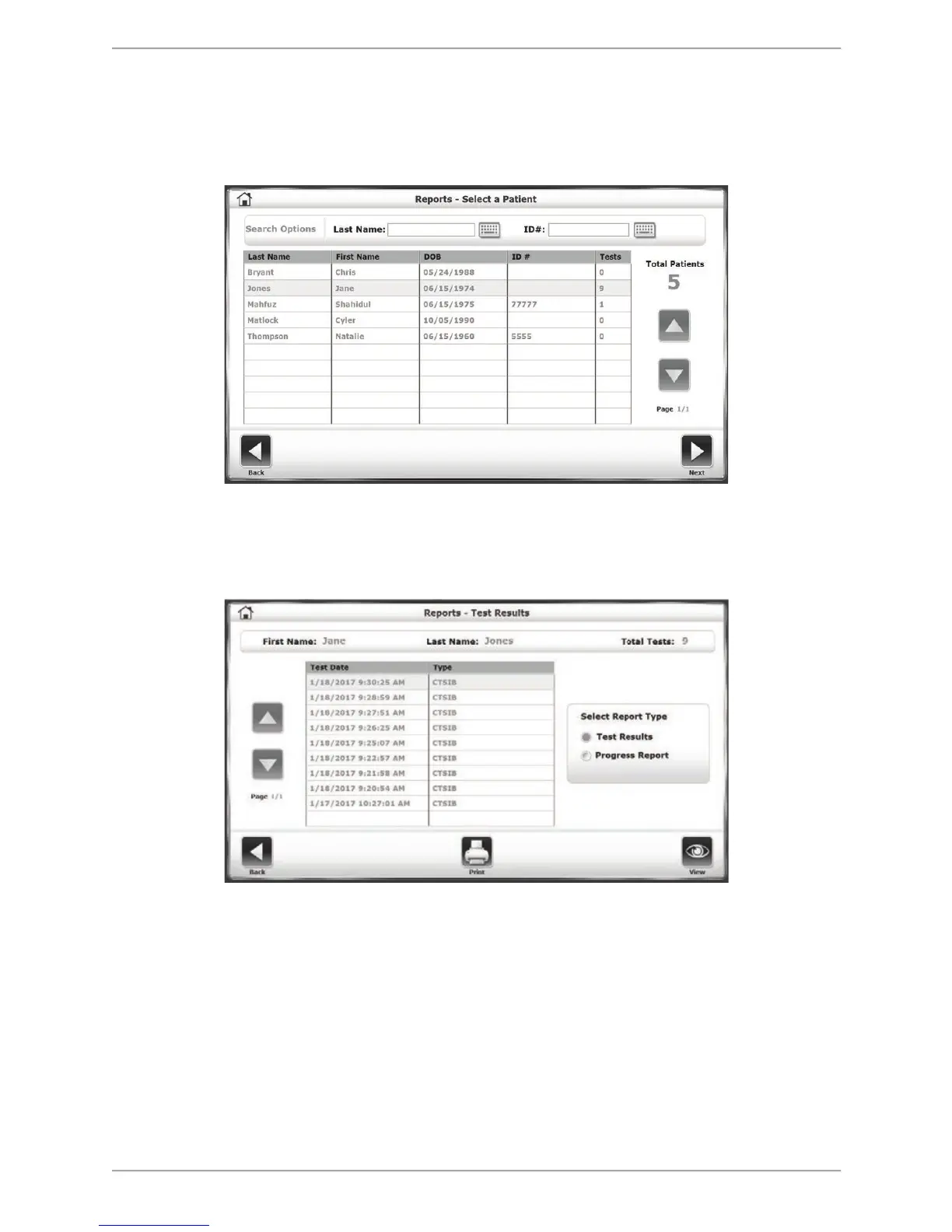
1. To view a list of patient result reports, touch <Reports>, select any Report row, and press
the <Next> button.
Figure 8.3. Reports – Select a Patient screen.
2. On the Reports – Test Results screen, the user can view individual test results, or, if there is
more than one particular report, view or print a Progress Report.
Figure 8.4. Reports – Test Results screens.
3. Click on a particular Test Date row and click on <View> to see the Stored Test Results for
that particular test.



 To Next Page