76 Biodex Medical Systems, Inc. © 2017
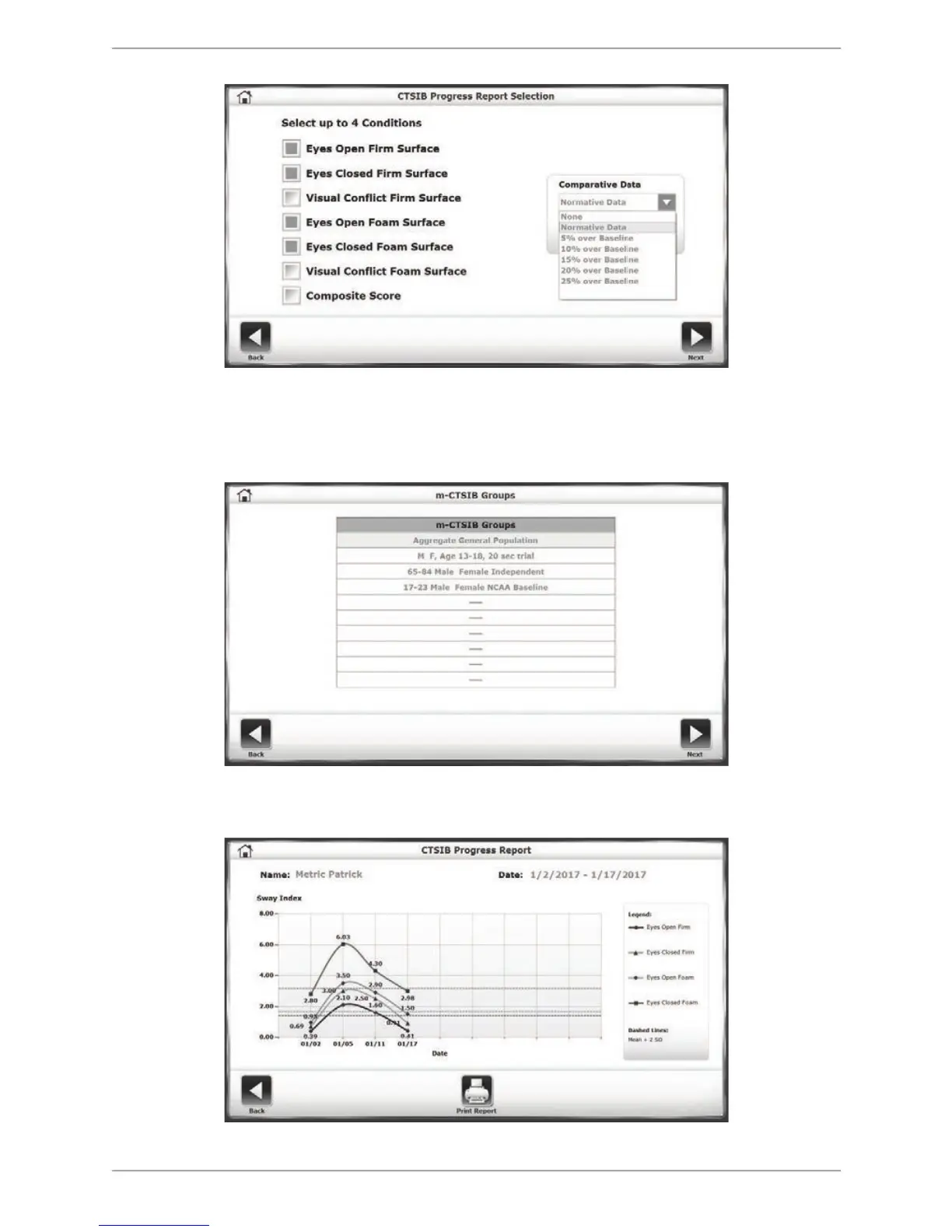
Figure 8.16. Selecting the type of comparative data in the Progress Report Selection screen.
3. If the user selects Normative Data as the comparative data type, a specific normative data
set must be designated before touching <Next>.
Figure 8.17. Selecting a specific set of normative data to be used in the Progress Report.
4. The resulting Progress Report screen illustrates the data points of the tests over time.
Figure 8.18. A sample Progress Report for a series of CTSIB tests.



 To Next Page