Balance System SD (with v4.X software) 77
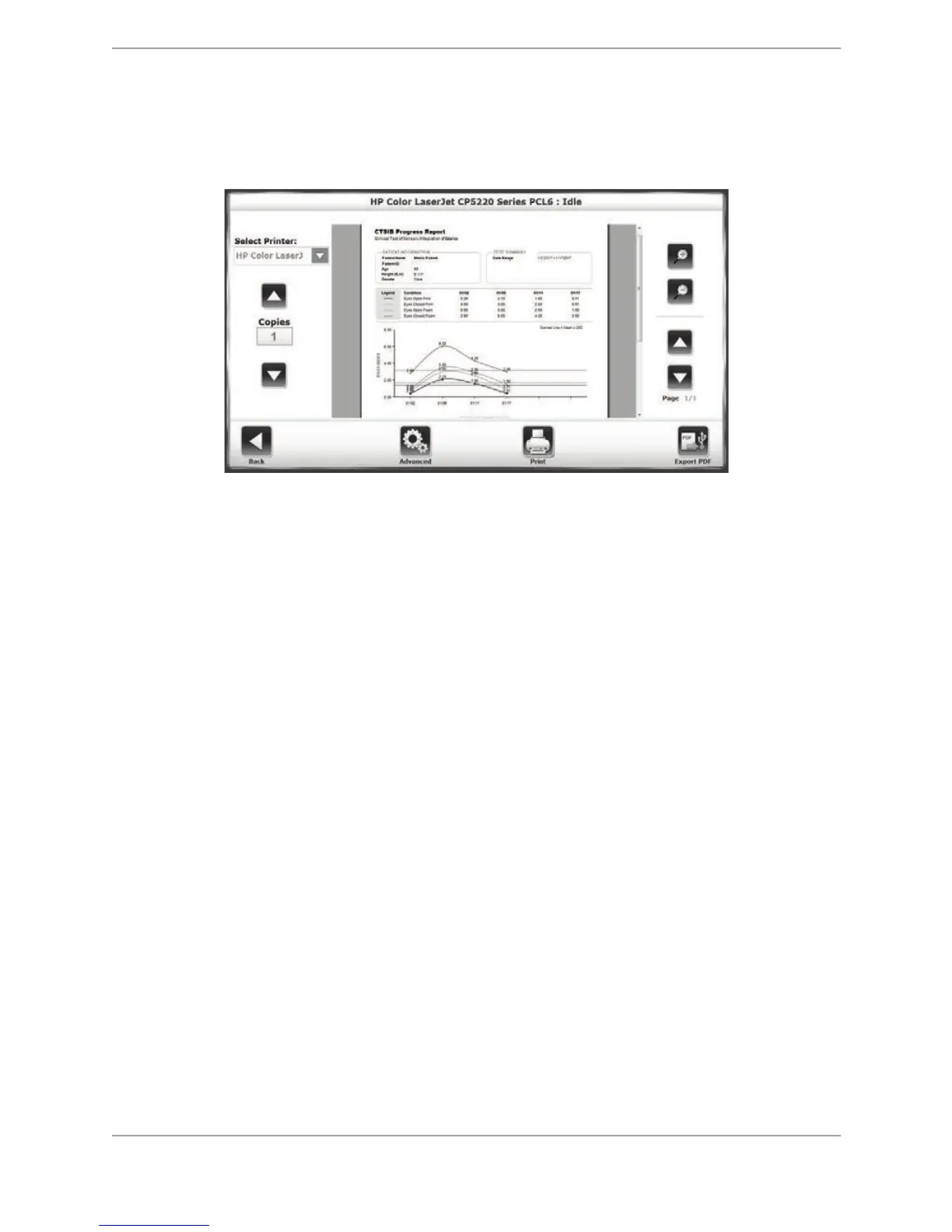
5. The user can touch <Print Report> on this screen to bring up the print options screen. The
Progress Report print options screen can also be accessed at the Reports – Test Results
screen (Figure 8.27) by touching <Print> on that screen.
Figure 8.19. Print options screen for a Progress Report.
• Touch one of the <Magnifying Glass> buttons to zoom in (+) or zoom out (-) increasing
or decreasing the size of the print preview.
• If the report contains more than one page, use the <"> or <#> keys to navigate
through the pages.
• Touch <Advanced> to display a Windows print dialog screen. From this Windows screen,
the user can select options to further refine the printed report.
A sample of a printed Progress Report is shown on the following page.



 To Next Page