40 Biodex Medical Systems, Inc. © 2017
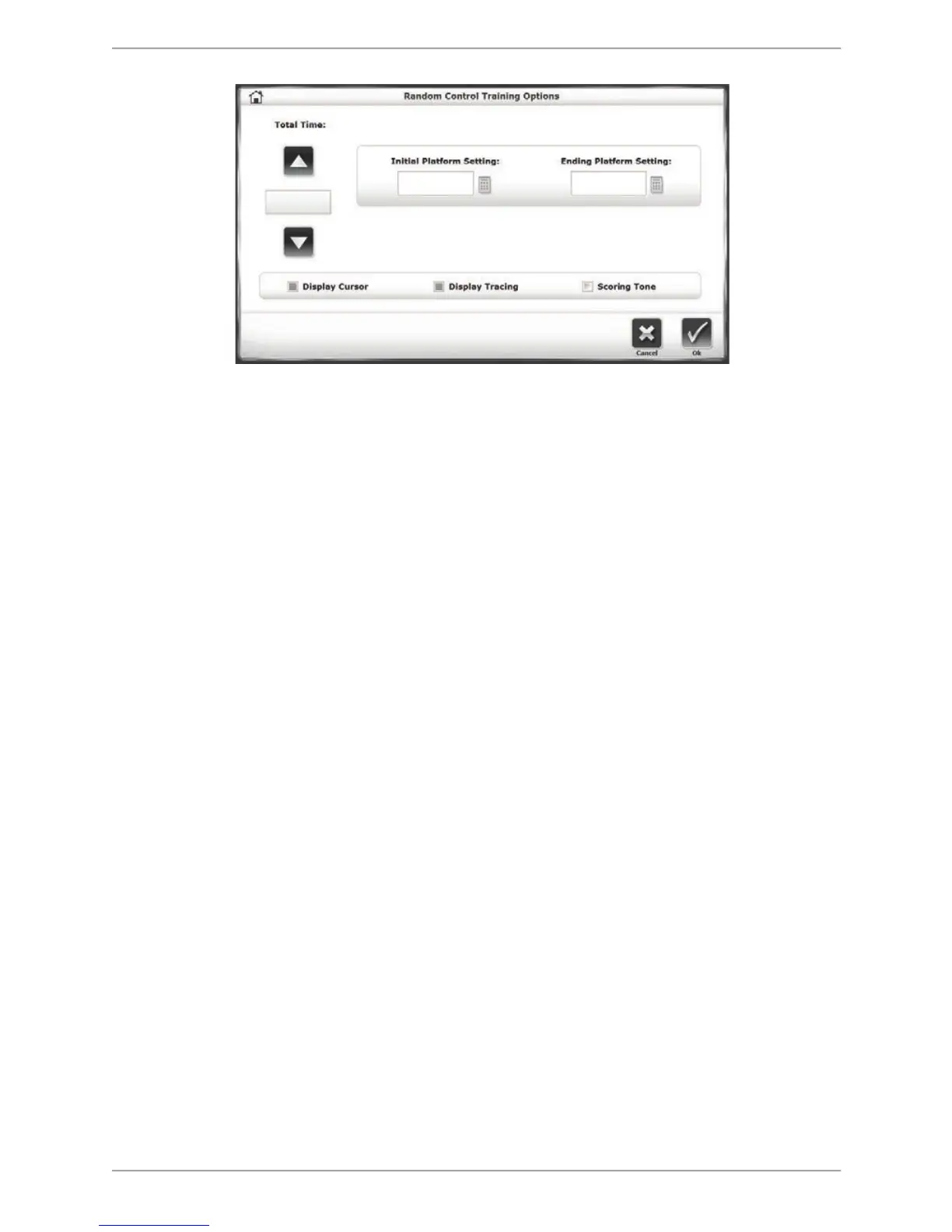
Figure 6.10. The Maze Control Training Options Screen.
5. Use the <"> or <#> keys to set the total time in ten-second increments. During the
routine, the system will count down from the time setting selected. If no time is set, the
timer will count up from 00:00.
NOTE: Total time must be set before the beginning and ending platform stability can be set.
6. To set initial platform stability, touch the appropriate key and enter the setting from the
displayed keypad (static, 1 is most stable, 12 is least stable). Touch <OK> to return to the
Random Control Training Options screen and set the ending platform stability in the same
manner.
7. Touch <OK> to confirm the selections or <Cancel> to return to the Patient Setup Information
screen without making changes. Touch <NEXT> to advance to the Random Control Training
screen.
8. On the Random Control Training screen, there are two settings that can be adjusted to
challenge the patient. The <Circle Speed> button allows the user to toggle between three
different speeds for the target to move about the circular grid. For example, the single
green circle setting denotes the slowest or least challenging setting. Touch the <Skill Level>
button to increase or decrease the target size. The target is the red circle that will start off
in the center of the grid. The larger the target, the easier it will be for the patient to keep
the cursor inside its boundary as it randomly moves about the grid.



 To Next Page