Balance System SD (with v4.X software) 83
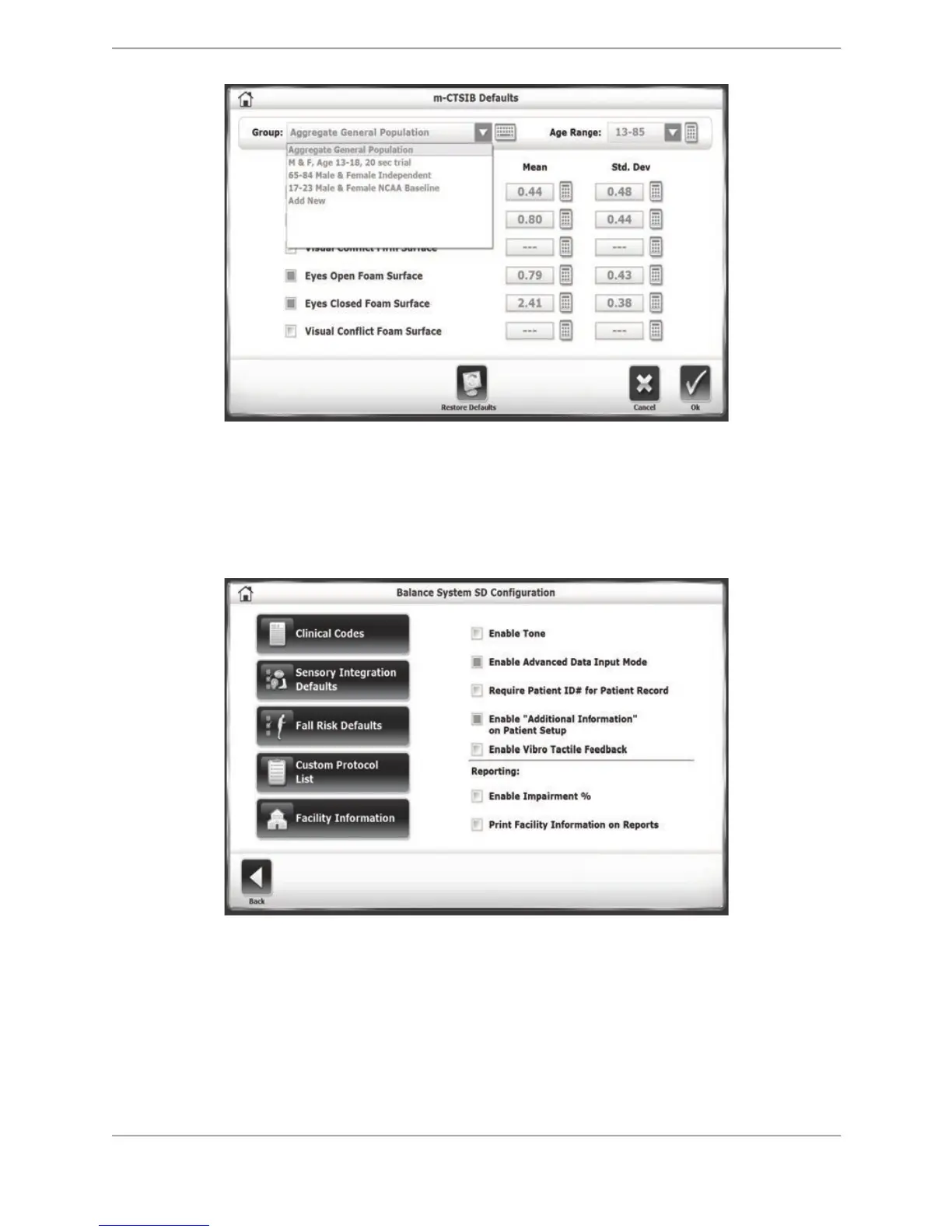
Figure 8.27. m-CTSIB Defaults screen.
For each type of test, select the Group and Age Range drop-down menu to make changes or
add a new group, and select the keypad icons beside each row to edit the normative data for
that group. Selecting the <Restore Defaults> icon reverts the normative data back to the factory
setting.
Figure 8.28. Balance System SD Configuration Screen
Fall Risk Defaults: For the Fall Risk Test, users can change the default settings and associated
normative data.
Note: Changing the default conditions will make comparisons to the default normative invalid.
Custom Protocol List: Users can add, edit, or delete customized testing or training protocols
from this screen. (More detail is presented later in this section.)



 To Next Page