41
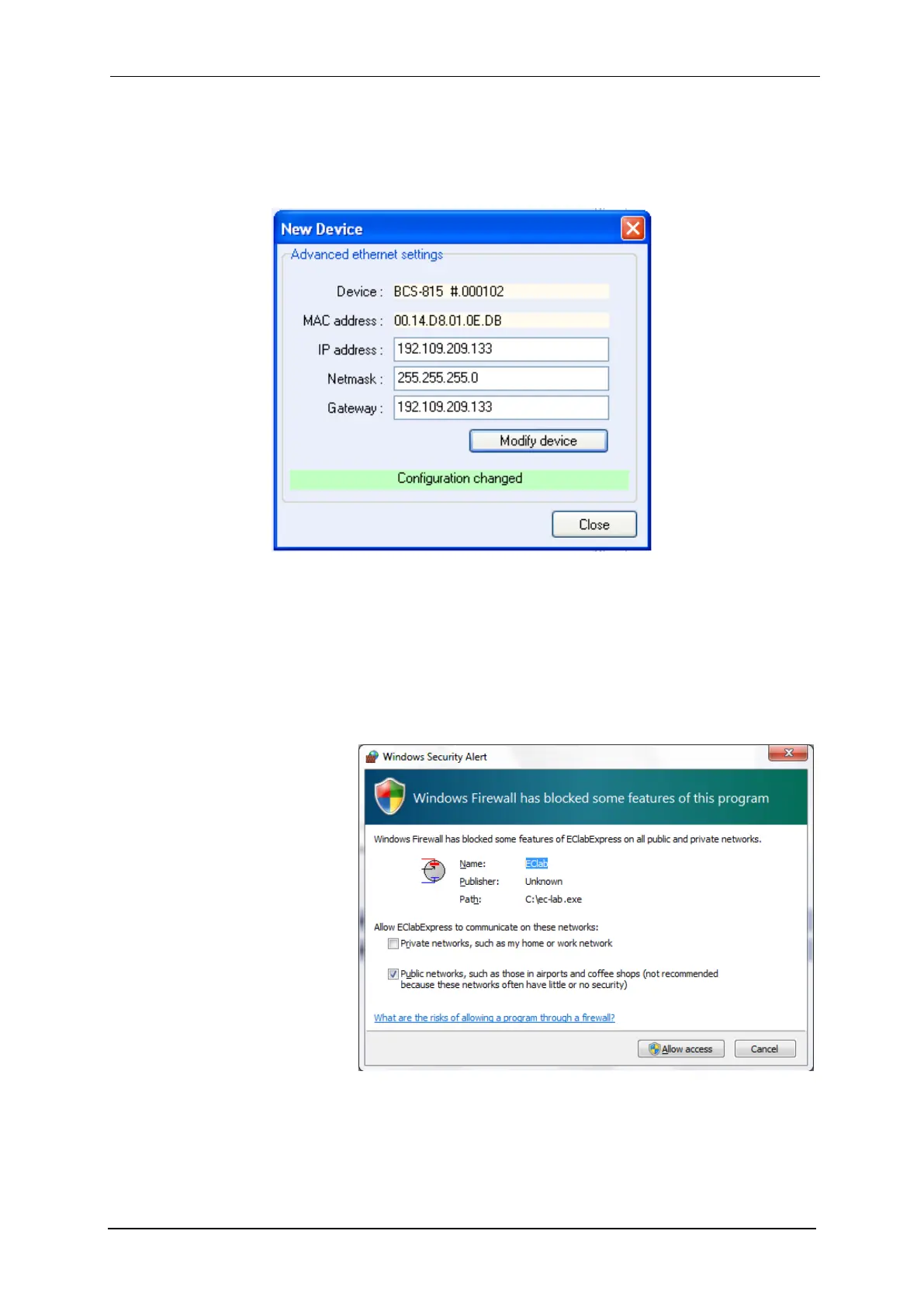
indicating that the communication module is reinitialized with the new IP Address. “Configu-
ration changed” appears at the bottom of this window.
Then click “OK” to display the “New Device” window where you have to click “Refresh” to
refresh the window and select your instrument IP address.
Fig. 46: New configuration.
Now the instrument is ready for use.
Note that it is possible to communicate with the instrument from another subnet with the fol-
lowing ports 23455 (broadcast), 23456, 23457 and 23458.
4.3 Windows Security Alert
When the user tries to find an
instrument in the network the
software will use a broadcast
that may be stopped by win-
dows firewall. In this case click
on the “Allow access” button:



 To Next Page