38
4 Connecting the PC with the instrument
4.1 Network parameter configuration with the Ethernet connection
The Ethernet connection on the communication board is a 10/100 baseT compatible with any
network. When it is installed in a Local Area Network (via the Ethernet connection), the in-
strument is automatically detected by the computers of the network. It becomes very easy to
select an instrument on the network and modify its IP address via the Ethernet connection.
This is possible with a MAC Address (set at the factory on the communication board) even if
the instrument is not in the same network as the computer (before being connected togeth-
er). All new instruments are delivered with the following IP address as default:
192.109.209.128. You can either manage your instrument directly with the computer (direct
connection with the Ethernet cable) or change the instrument’s IP address to add the instru-
ment in your local network. The way to proceed is the same in both cases. The first step is
the detection of the new instrument by a computer (directly or via the network). The second
step is the IP address change before the connection, either to have both the instrument and
the computer in the same LAN or to make a small network including the instrument and the
PC.
4.2 Connection to the computer with BT-Lab
software
The procedure to connect your computer directly or via the network to the instrument is as
follows.
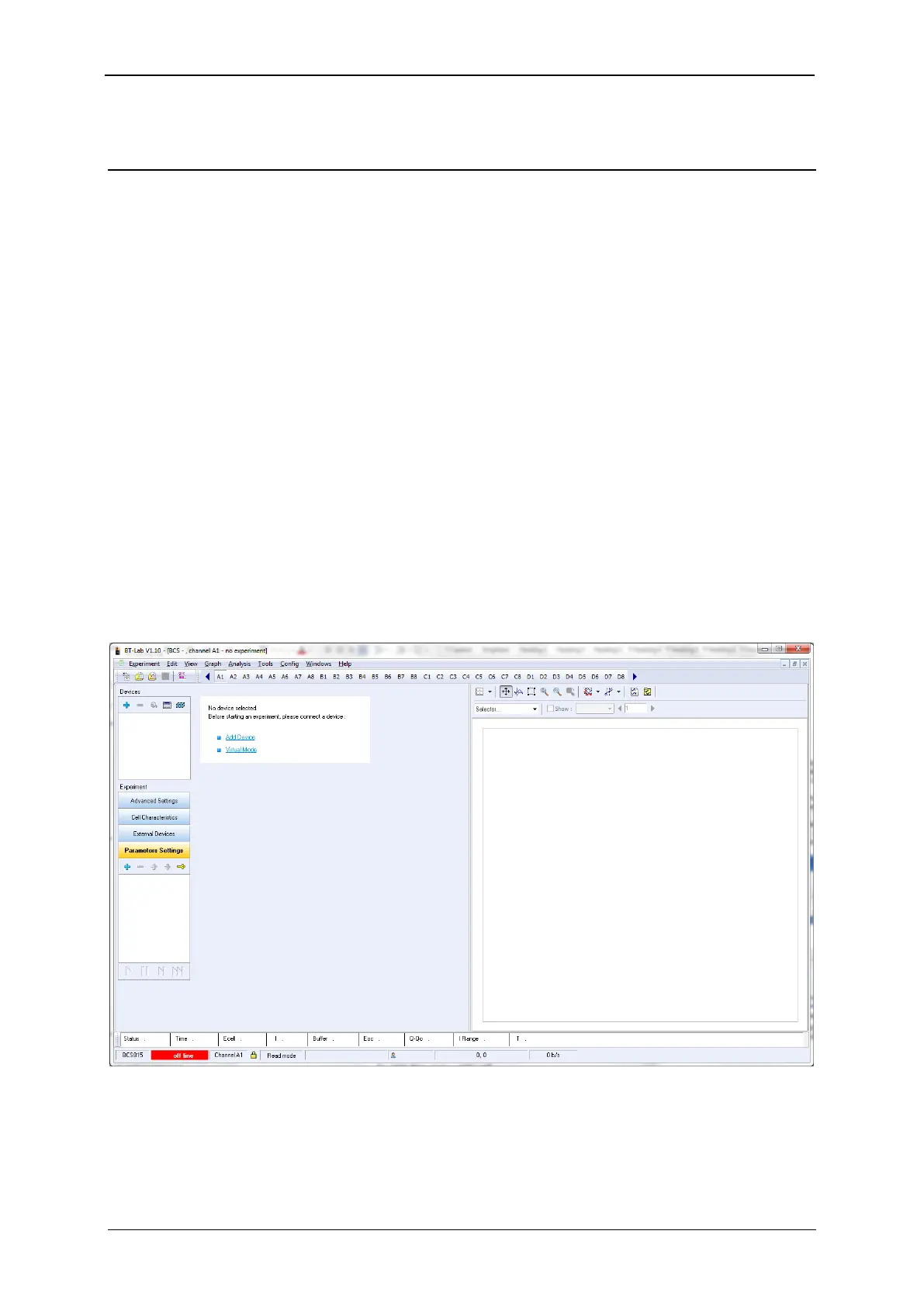
1) Launch BT-Lab
®
software 1.30 or higher
Fig. 41: Main window of BT-Lab
®
.



 To Next Page