32
3 Software installation on the computer
Before turning on the instrument, it is recommended to install the BT-Lab
®
software on your
PC. For this operation, insert the CD-ROM in the computer. The installation is automatically
launched with the “Autorun” function. The first software to be installed is BT-Lab
®
.
3.1 BT-Lab
®
software installation
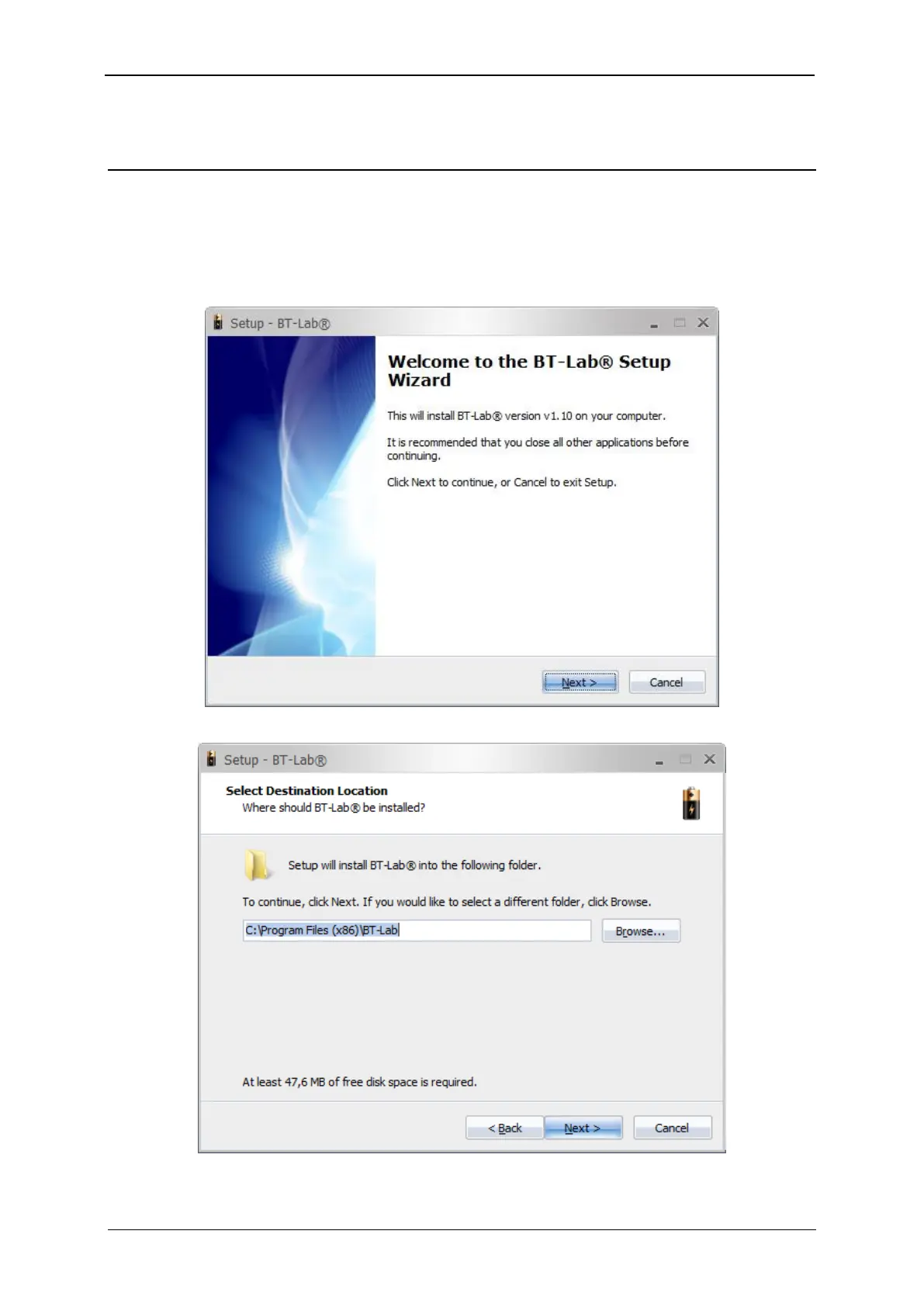
Fig. 32: BT-Lab® software installation. Step 1.
Fig. 33: BT-Lab® software installation. Step 2.



 To Next Page