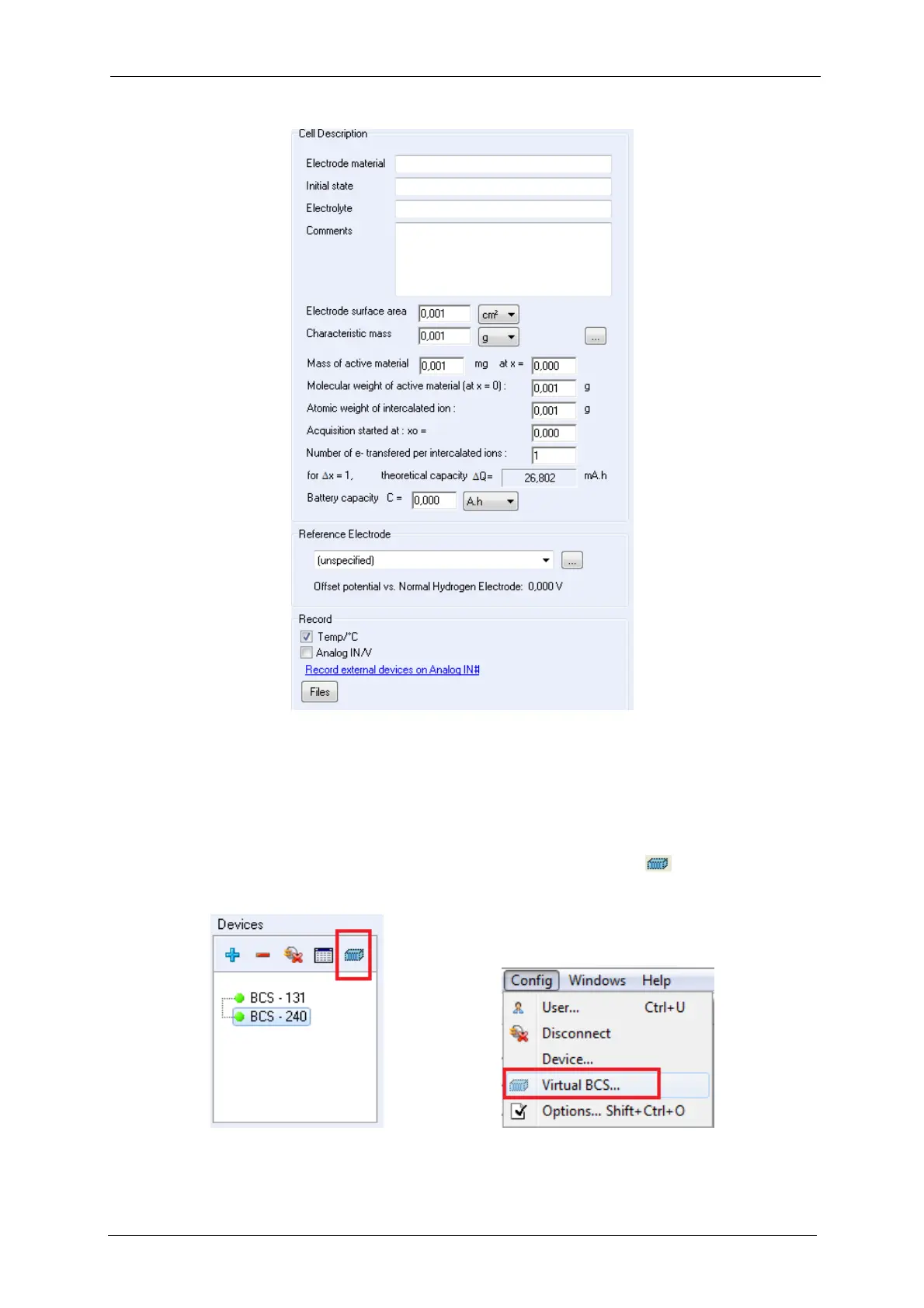
Fig. 56: Cell description in Cell Characteristics tab.
6.3 Virtual BCS-8xx
The user can work with the BT-Lab
software without being connected to an instrument. In
this case, the software sees a virtual BCS-8xx (BCS-815, BCS-810 and BCS-805) that is not
available for experiments but can be used as a user’s interface. The user can select the vir-
tual BCS in the “Devices” frame; click on the “Virtual BCS” button or on virtual BCS
sub-menu from Config menu of BT-Lab then, the corresponding software interface will be
displayed.
Fig. 57: Virtual BCS button (in the red rectangle).



 To Next Page