30
By default, the IP address of the instrument is 192.109.209.128. The USB port available on
the front panel of the communication module is disabled and used only for service.
2.6.2.1 Direct Ethernet connection
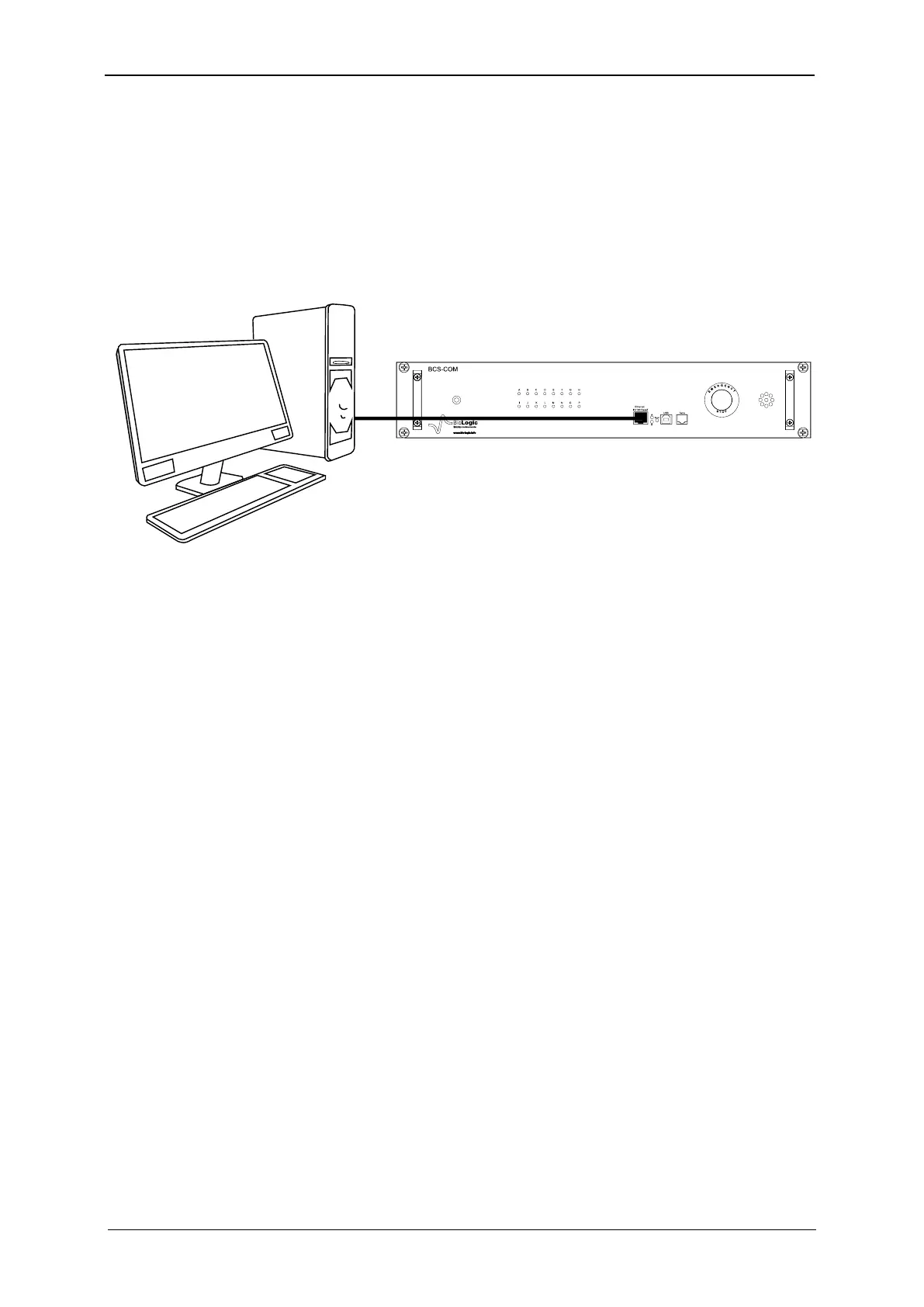
Connect the computer directly to the instrument with the Ethernet cable. The IP addresses of
both devices have to be in the same network. This means that the numbers in the three first
groups of the IP address must be the same, for example, 192.109.209.168 for the instrument
and 192.109.209.169 for the computer.
Fig. 29: Direct connection. One BCS-COM module to one PC.
2.6.2.2 Network connection
Several PCs can be connected to the same instrument through the network.
WARNING: check IP addresses before connection to avoid any IP conflicts (see TCP/IP con-
figuration chapter).



 To Next Page