7 Maintenance
WARNING! Read this chapter before performing any maintenance.
7.1 Firmware Upgrade/Downgrade with BT-Lab
software
WHEN A USER RECEIVES A NEW UNIT FROM THE FACTORY, CURRENT VERSIONS OF THE SOFTWARE
AND FIRMWARE ARE ALREADY INSTALLED. THE INSTRUMENT IS READY TO BE USED. IT DOES NOT
NEED TO BE UPGRADED. THE CURRENT VERSION AND THE FIRMWARE ARE INSTALLED ON THE
COMMUNICATION MODULE (NOT ON THE BCS-8XX MODULE)
It is possible to upgrade or downgrade the firmware of the instrument using “firmware up-
grade/downgrade” available in tool menu of BT-Lab
. This procedure should be done by an
advanced user and should be only done exceptionally.
The procedure to follow is described hereafter:
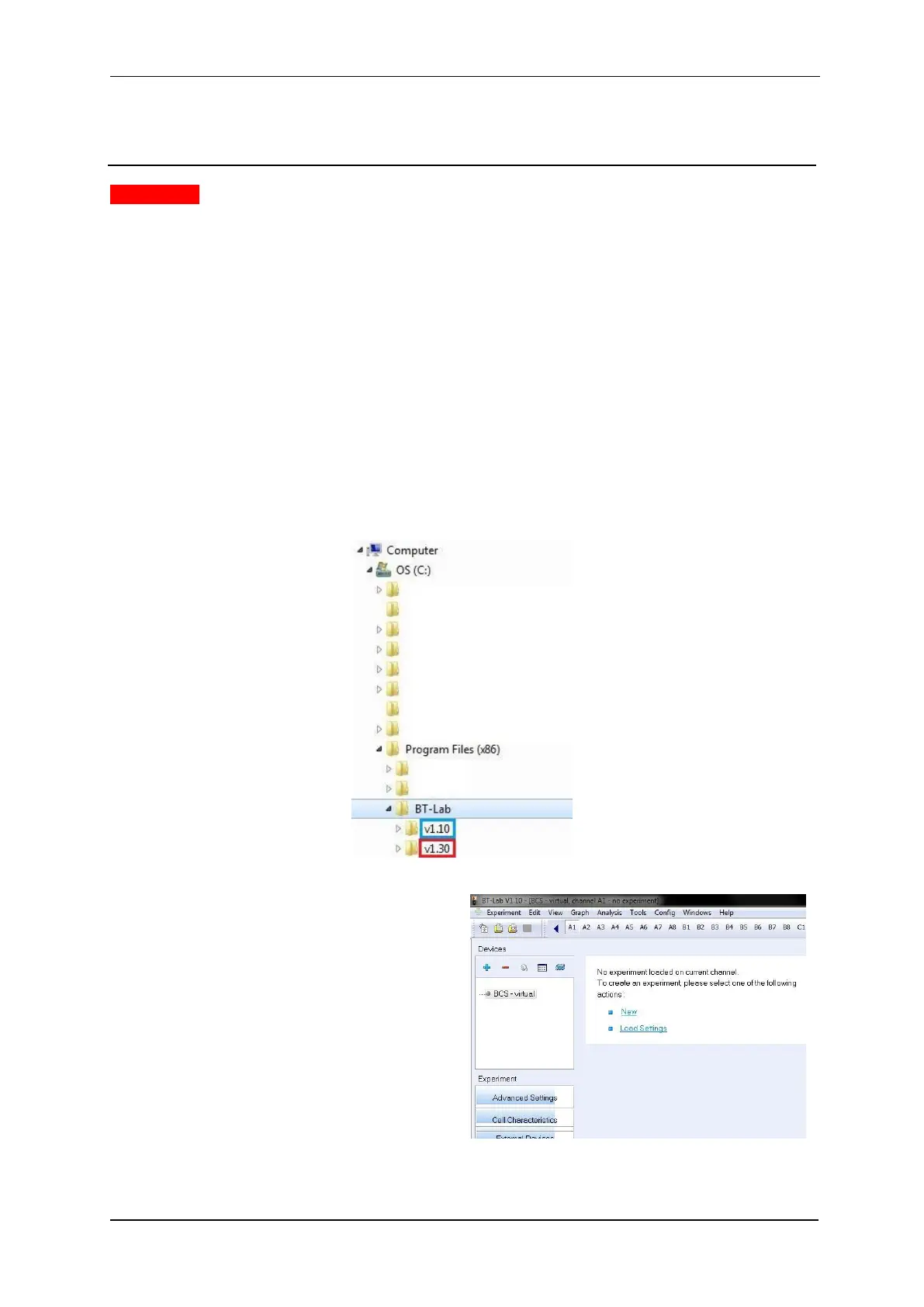
1) Make sure that both versions are installed on the computer (here it is an upgrade
from v1.10 to v1.30).
Fig. 59: Both versions on the computer.



 To Next Page