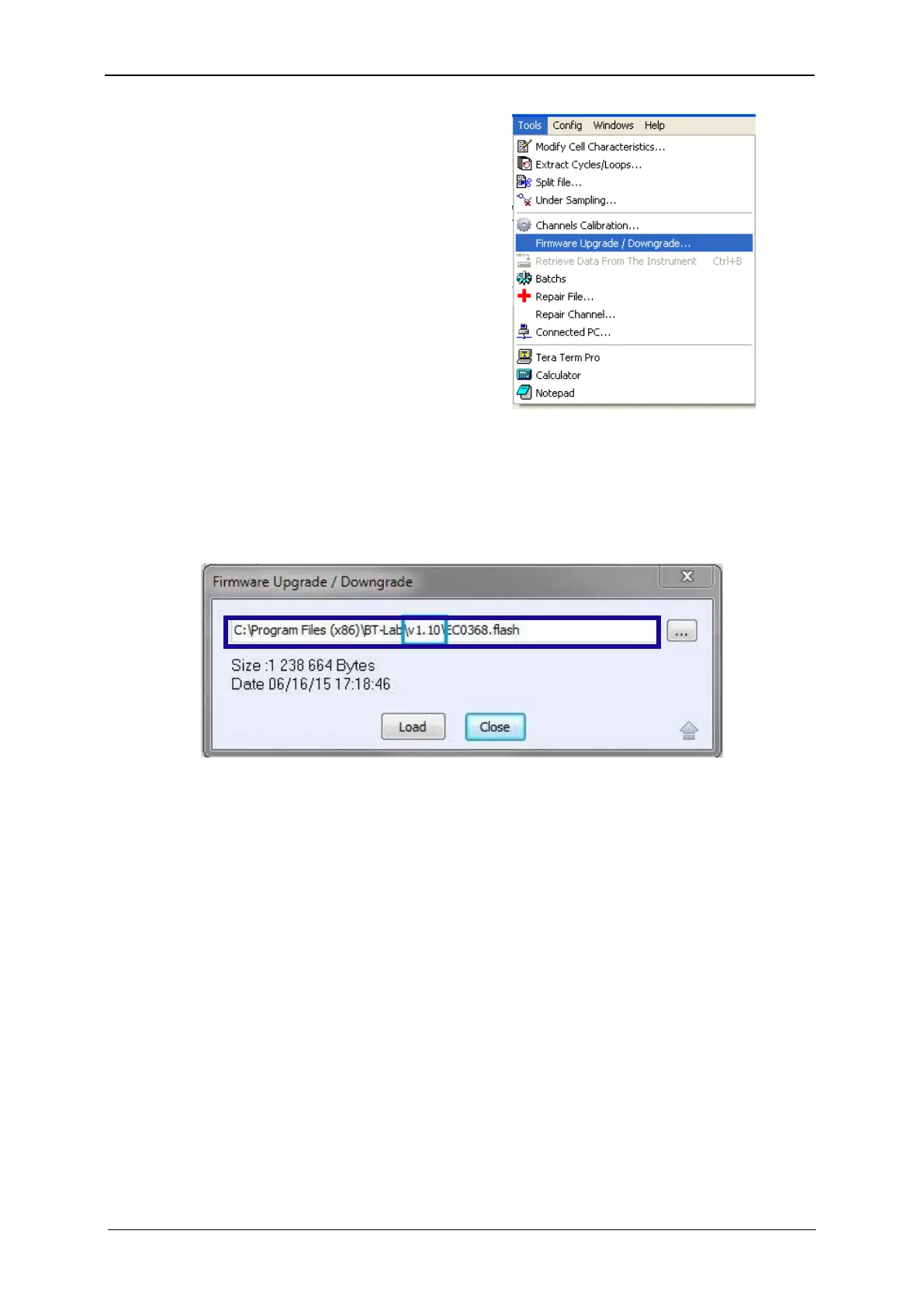
4) The window displays the pathway of the current firmware flash (here: v1.10).
NOTE:
The flash file is located in the “Program files” directory.
Fig. 62: Loading of the flash.
5) Click on the “Browse” button to select to the flash file (EC0368.flash) of the version to
upgrade or downgrade (here: v1.30). Click on “Open” when the flash is selected.
NOTE:
If the wrong file is selected, the communication module may be damaged.



 To Next Page