8.3.2 PROFINET output sources (OUT-PZD x)
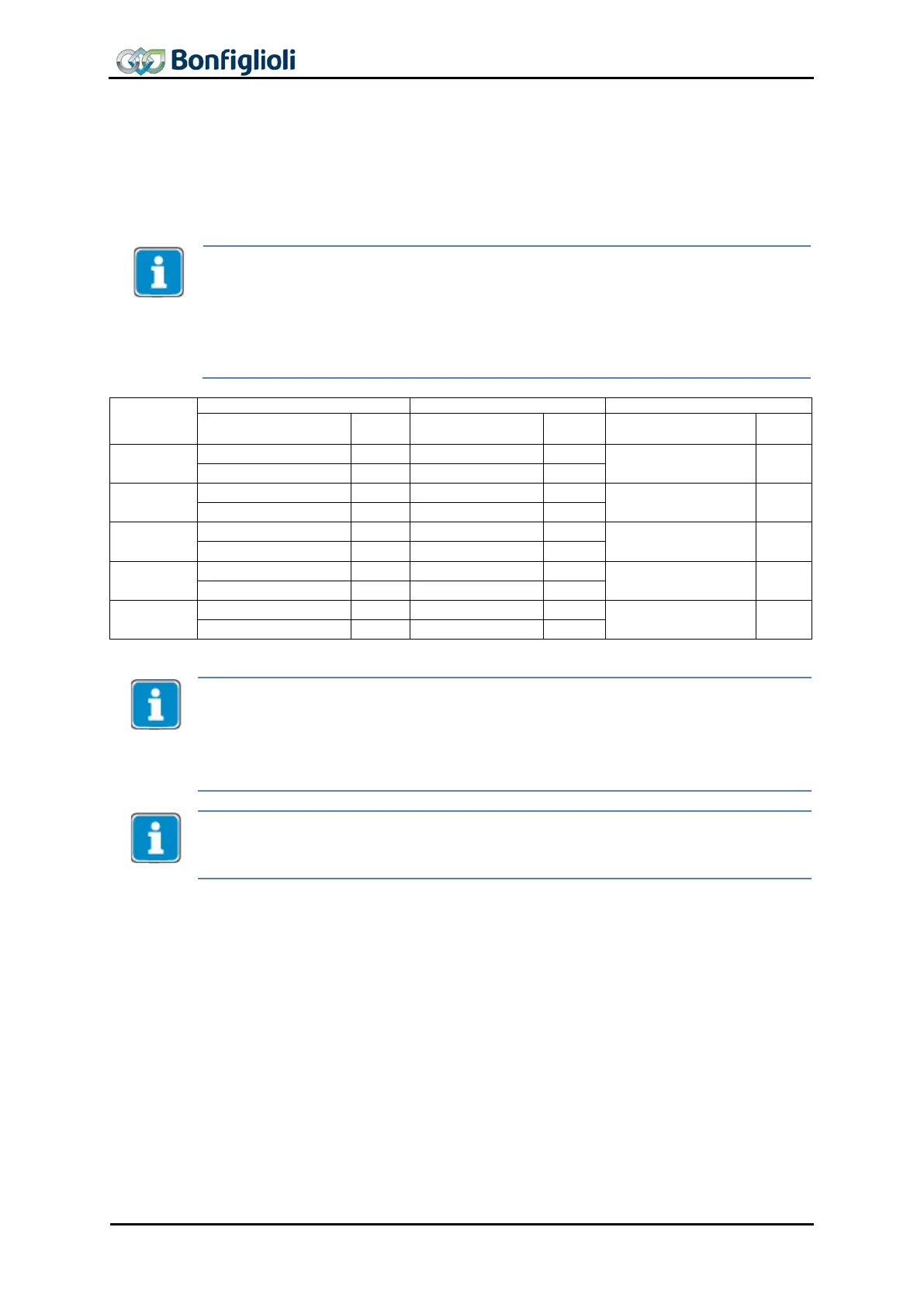
In the table below, the available output sources of the PZD-Out objects are listed.
The content of the sources depends on the application. For the different data types,
the relevant sources must be linked to the input parameters of the frequency invert-
• Availability of output sources depends on the number of configured PZD objects.
• Each configured PZD object comprises either two Boolean, two Word or one Long
output object(s).
• A PZD output object can only be used for one data type (depending on the re-
quirements of the application).
• The first PZD object configured (obligatory) represents PZD1/2 with fixed con-
configured
• Each source can be linked to an input parameter of the frequency inverter of the
same data type. The method is the same as the method
receive objects.
• Boolean sources represent Boolean objects.
• Word sources represent percentage, current or torque objects.
•
Long sources represent frequency or position objects.
The sources are typically linked to the sources using the linking function of the Motion
Control interface. For an example, refer to Chapter 10.4 “
Motion Control Mapping for
PROFINET”.
44 CM-PROFINET 10/13



 To Next Page