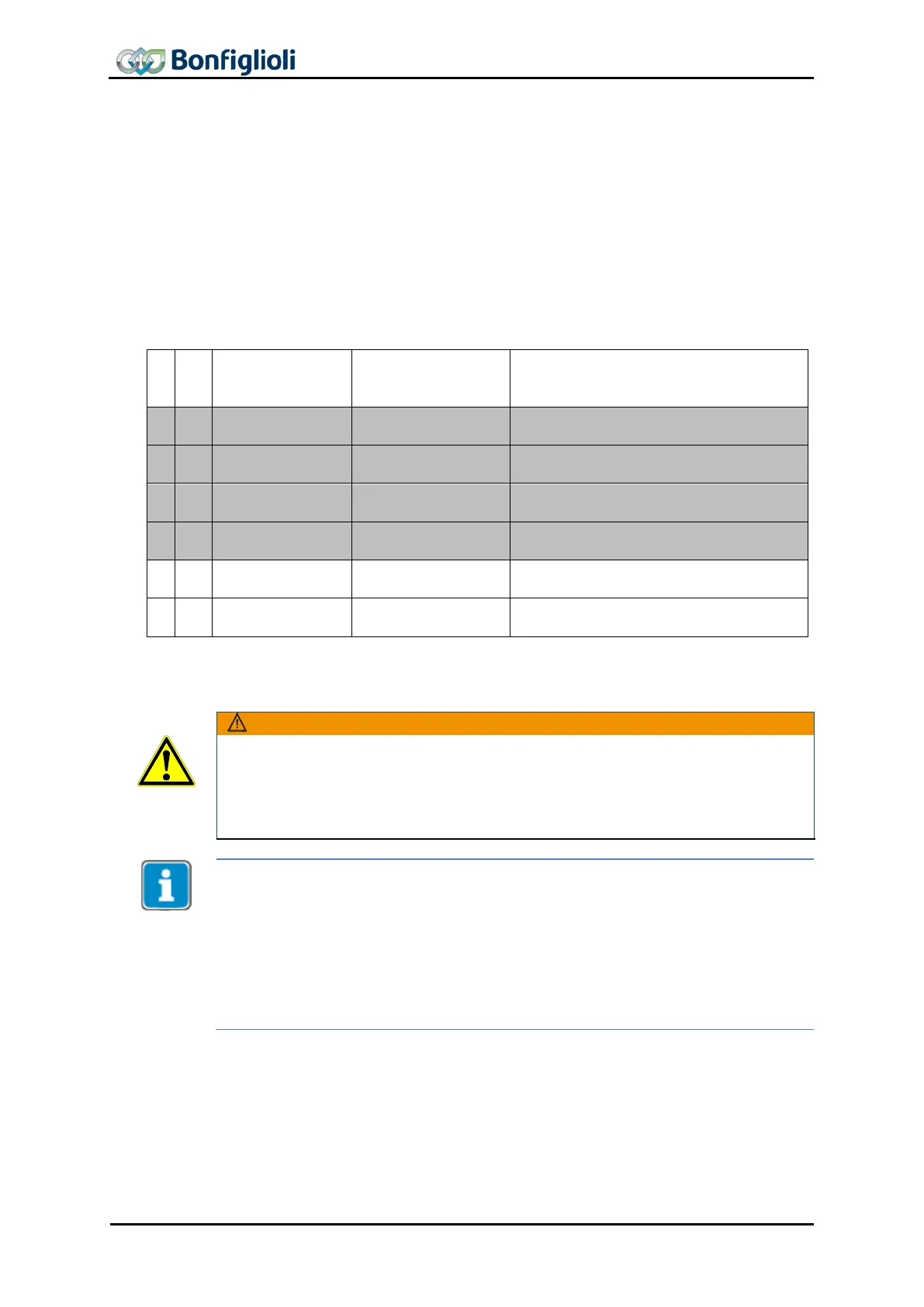
11.4.4.1 Sequence example
In order to start “homing mode”, the correct sequence must be sent by the PLC.
Set Homing mode 1130 (factory setting: “0 – no homing”).
Set
Home Offset 1131 if available (factory setting: 0).
Set
Fast speed 1132 (factory setting: 327680 u).
Set
Creep speed 1133 (factory setting: 163840 u).
Set
Acceleration 1134 (factory setting: 327680 u/s²).
Set
1135, if available (factory setting = 0 ms).
OUT
Control word
Modes of operation
Remark
Enable Operation and start Homing.
Operation enabled and homing attained.
r) permissible only when the recommended settings from 10.4 “Motion Control Map-
ping for PROFINET” have been made.
Dangerous state due to new mode!
If the mode of operation ‘modes of operation’ is changed during operation (control
word = 0xnnnF), a dangerous state may occur in the new mode.
• BONFIGLIOLI VECTRON recommends checking the status word before
chang-
ing the mode of operation (e.g. for status 0xnn33).
Once the sequence of the first four status words has been processed correctly, the
ACU is ready for operation (dark table area).
In state “operation enabled” (0xnnnF), the state of the Motion Control can be changed
(white table area).
With control word transition from 0x0007 (or 0x000F)
to 0x001F the homing operation
is started. Bit “Homing attained” (Bit 12) returns the status in the status word.
As long as 0x0007 is active, the mode of operation can also be changed safely. Once
modes of operation
has been set to another value, operatio
n can be started with a
corresponding sequence.
98 CM-PROFINET 10/13



 To Next Page