EasyManua.ls Logo

BONFIGLIOLI Vectron ACTIVE CUBE - Velocity Mode [Rpm]

BONFIGLIOLI Vectron ACTIVE CUBE
138 pages
Print Icon
To Next Page IconTo Next Page
To Previous Page IconTo Previous Page
Loading...
11.4.1 Velocity mode [rpm]
Velocity mode
[rpm] can be selected via
modes of operation
= 2.
In velocity mode, the operation mode specific of the control word control
the ramp
generator (RFG Ramp Function Generator). The block diagram illustrates the fun
c-
tion.
Relevant objects:
OUT-PZD1
Control word
IN-PZD1
Status word
OUT-PZD12
r)
Target velocity [rpm]
IN-PZD12
r)
Actual Speed [rpm]
OUT-PZD11
r)
Modes of operation
IN-PZD11
r)
Modes of operation
display
P. 418
Minimum frequency
P. 420 (& P.422)
Acceleration
P. 419
Maximum Frequency
P. 421 (& P.423)
Deceleration
P. 424 (& P.425)
Emergency stop
r) permissible only when the recommended settings from 10.4 Motion Control Map-
ping for PROFINEThave been made.
The ramp times are specified via parameters 430433.
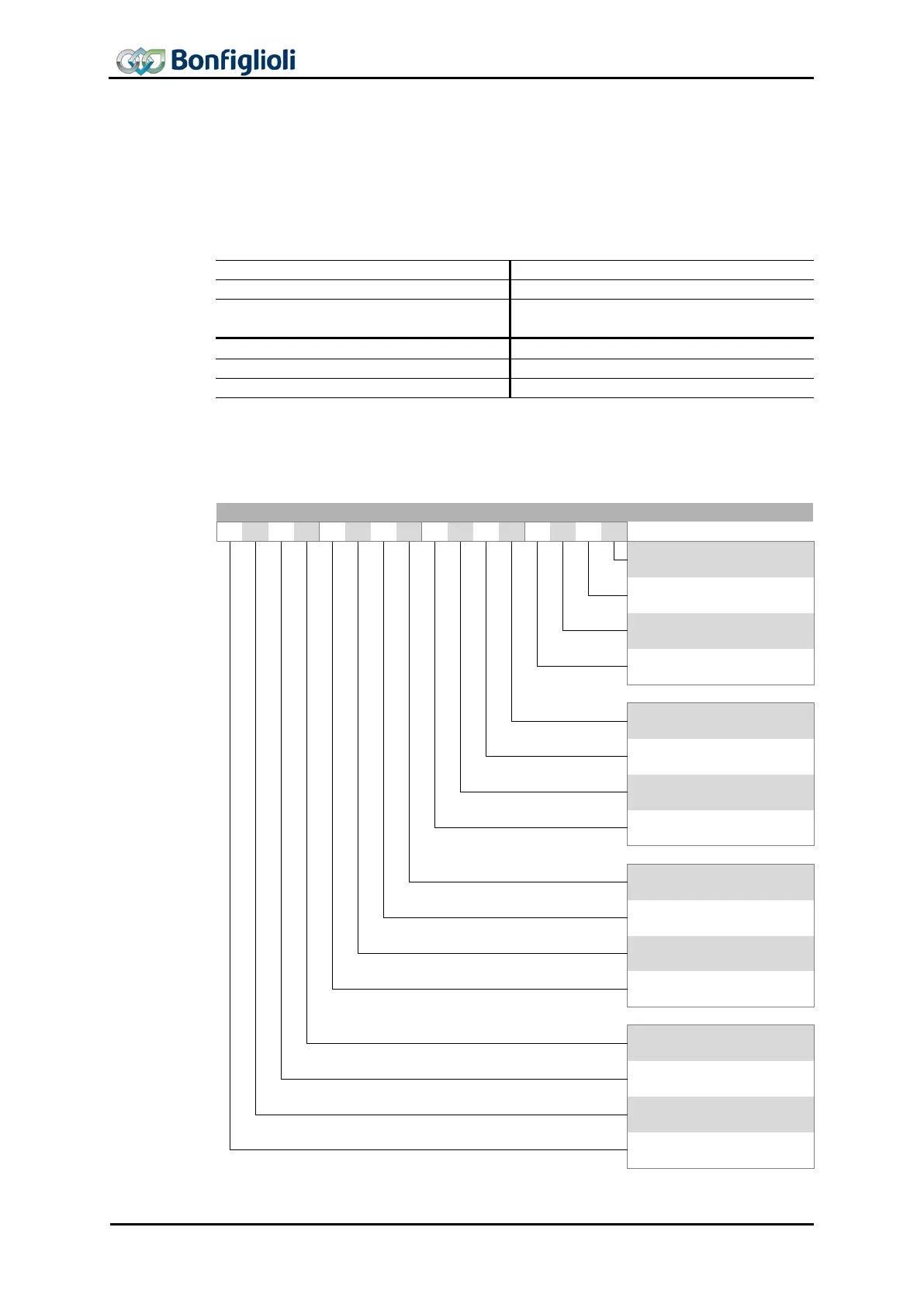
Control word
15
14
13
12
11
10
9
8
7
6
5
4
3
2
1
0
Bit
0
Switch on
1
Enable voltage
2
Quick stop (Low active)
3
Enable operation
4
Rfg enable
5
Rfg unlock
6
Rfg use ref
7
Fault reset
8
Halt
9
-
10
-
11
-
12
-
13
-
14
-
15
-
78 CM-PROFINET 10/13

Table of Contents

Other manuals for BONFIGLIOLI Vectron ACTIVE CUBE

Related product manuals