10.4 Motion Control Mapping for PROFINET
With the Motion Control Interface, the user can edit the sources which the Motion Con-
trol Interface accesses. By default, the sources are set to CANopen
®
. For PROFINET,
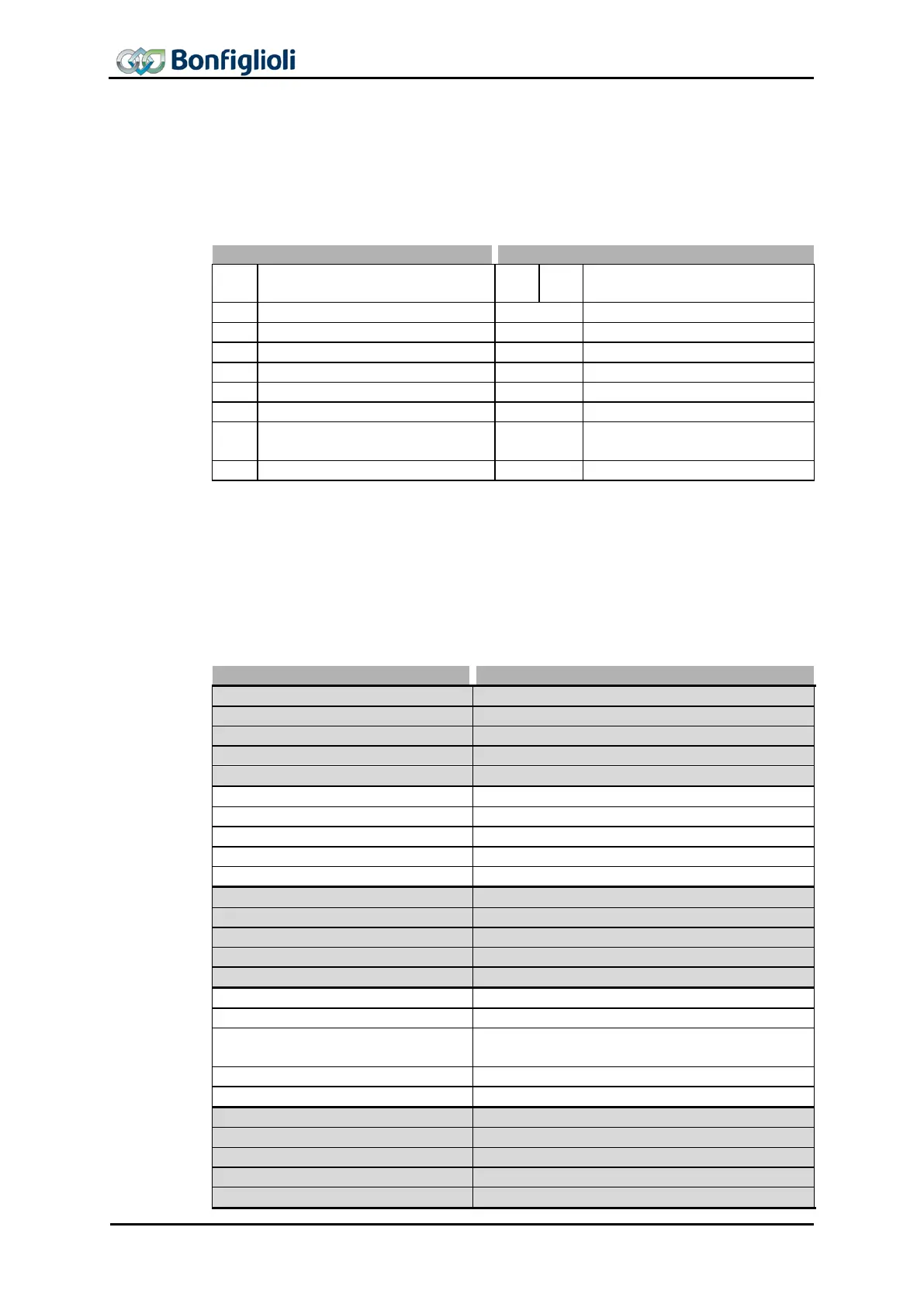
they will have to be changed. The following table shows recommended settings for
transmission direction PLCACU.
Recommended settings for
PROFINET mode
S. Target Velocity vl [rpm]
S. Special Function
Generator
S. Target Velocity pv [u/s]
1) If S. Profile Velocity 1294 is set to “9-Zero”, the value from Fixed speed 1 1170 is
used.
2) If S.Acceleration 1295 is set to “9-Zero”, the value from Acceleration 1175 is
used.
3) If S.Deceleration 1296 is set to “9-Zero”, the value from Deceleration 1177 is
used.
The following table shows recommended settings for transmission direction PLCACU.
= 743 – Actual position value [user units]
= 79 – Contact assignment word (hard-
ware)
= 125 – Absolute current value
= 742 – MCI: Modes of operation
60 CM-PROFINET 10/13



 To Next Page