10
How to use this manual
This manual is broadly organized into six sections, covering
the operations and functions that you will use for normal
performance, as well as how to make various settings. Please
read the sections consecutively.
An alphabetical index is provided at the end of the manual.
Please refer to the index if you come across any unfamiliar
term.
Section 1.
Producing Sound
This section explains basic operation of the VF-1, including
connections with external devices and how to change
patches.
Section 2.
Creating Sounds
This section explains how to modify the effect settings, and
how to use various functions.
Section 3.
Overall Settings (Utility)
This section explains settings that affect the overall operation
of the VF-1, such as how to use the tuner, and how to make
system settings.
Section 4.
Effect Guide
This section explains the effects and algorithms of the VF-1,
and what they do.
Section 5.
Using MIDI to Operate the VF-1
This section explains the settings used when controlling the
VF-1 from an external MIDI device, and operations using
MIDI to exchange data.
Section 6.
Appendices
This section explains operations when using the FC-200 MIDI
foot controller (sold separately).
It also provides information that will help you get the most
out of the VF-1, how to restore the factory settings, and
troubleshooting.
Conventions used in this
manual
For clarity in explaining operations, the following
conventions are used in this manual.
■ Words or symbols enclosed in square brackets [ ] indicate
buttons or knobs on the front panel.
Example
[UTILITY] Utility button
PARAMETER [ ][ ] Parameter buttons
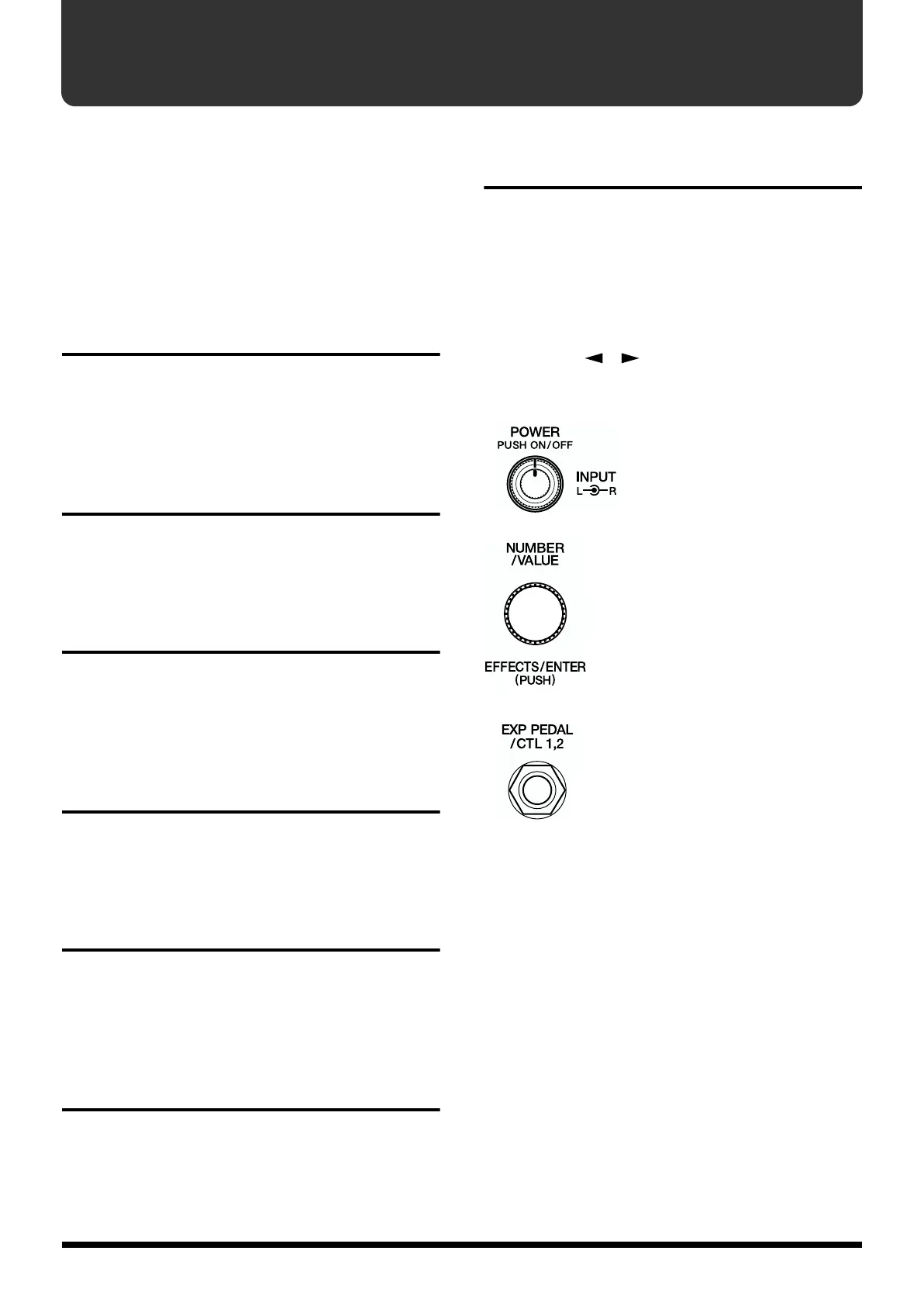
■ The following controls and jacks are indicated as follows.
fig.0-04
Rotate the knob –>
[INPUT L/R]
Press the knob –>
[POWER]
fig.0-05
Rotate the knob –>
[NUMBER] or [VALUE]
Press the knob –>
[EFFECTS] or [ENTER]
fig.0-06
Connect the expression pedal –>
EXP PEDAL jack
Connect the foot switch –>
CTL 1,2 jack



 To Next Page