17
Section 1. Producing Sound
Section 1
Turning on the power, and
standby
In order to take full advantage of the VF-1’s potential, be sure
to adjust the input/output levels after turning on the power.
Turning on the power
Once the connections have been completed (p. 14–16), turn
on power to your various devices in the order specified. By
turning on devices in the wrong order, you risk causing
malfunction and/or damage to speakers and other devices.
1. Before turning on the power, check the following points.
• Have connections with external devices been made
correctly?
• Has the volume been turned completely down on the VF-1
and on the connected amp, etc.?
2. Turn on the power on the sound generating device
(keyboard or other device).
3. Press the VF-1’s [POWER] switch to turn on the power.
The following display will appear, and after several seconds,
the VF-1 will be ready for normal playing. This display is
referred to as the “Play mode.”
fig.1-07
This unit is equipped with a protection circuit. A brief
interval (a few seconds) after power up is required before the
unit will operate normally.
* When the power is turned on, the last-selected Patch number
will be selected.
* Depending on the location where the VF-1 is placed, the display
may be difficult to read. In this case, adjust the display contrast
(P.24).
4. Turn on the power of your other equipment in the order
of effect processors –> mixer –> amp.
Turn up the amp volume only after all devices have been
powered on.
Turning off the power
1. Before turning off the power, check the following points.
• Has the volume of the connected amp, etc. been turned
completed down?
2. Turn off the power in the order of amp –> mixer –> other
effect processors.
3. Press the [POWER] switch of the VF-1 to turn off the
power.
4. Turn off the power on your sound generating devices
(keyboard or other device).
Adjusting the Input Level
Adjust the signal from the input device to an appropriate
level.
fig.1-08
1. Rotate [INPUT L/R] to adjust the input level.
Adjust this so that the level meter briefly reaches the peak
level when the instrument is played most loudly.
fig.1-09
* If the input level is not set appropriately, the VF-1 will not
perform to its full potential.
* Even though [INPUT L/R] is turned all the way down, the
input level may not be “0.”
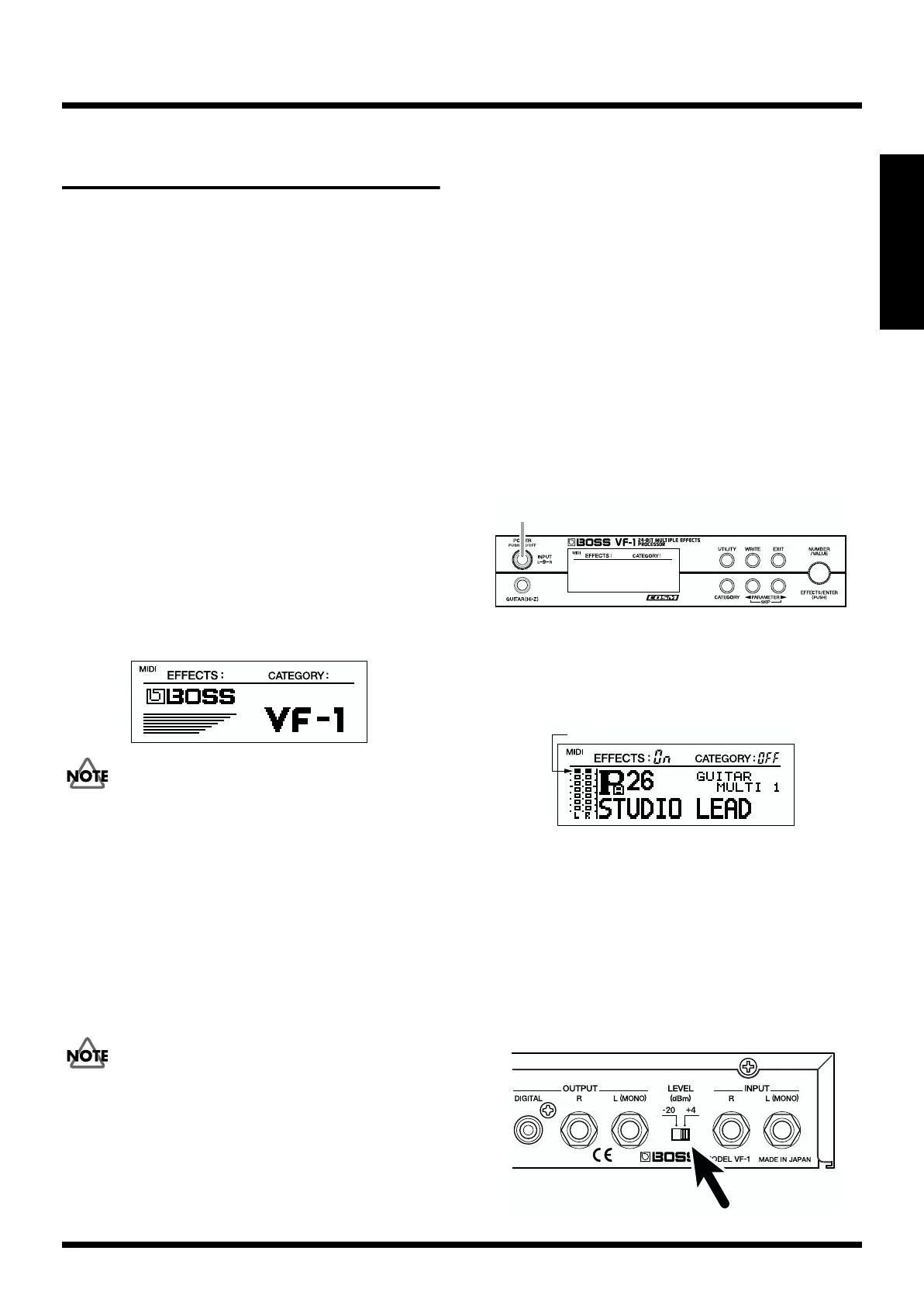
* If the level switch is set to the “-20 dBm” position and the level
meter occasionally reaches the peak level even though [INPUT
L/R] has been turned all the way down, change the level switch
to the “+4 dBm” position.
fig.1-10
Peak Level



 To Next Page