42
Section 3. Overall Settings (Utility)
Here’s how you can access the various Utility screens to
make settings that apply to the entire VF-1, such as tuner
settings and system settings. Make these settings as
appropriate for the situation or setup in which you are using
the VF-1.
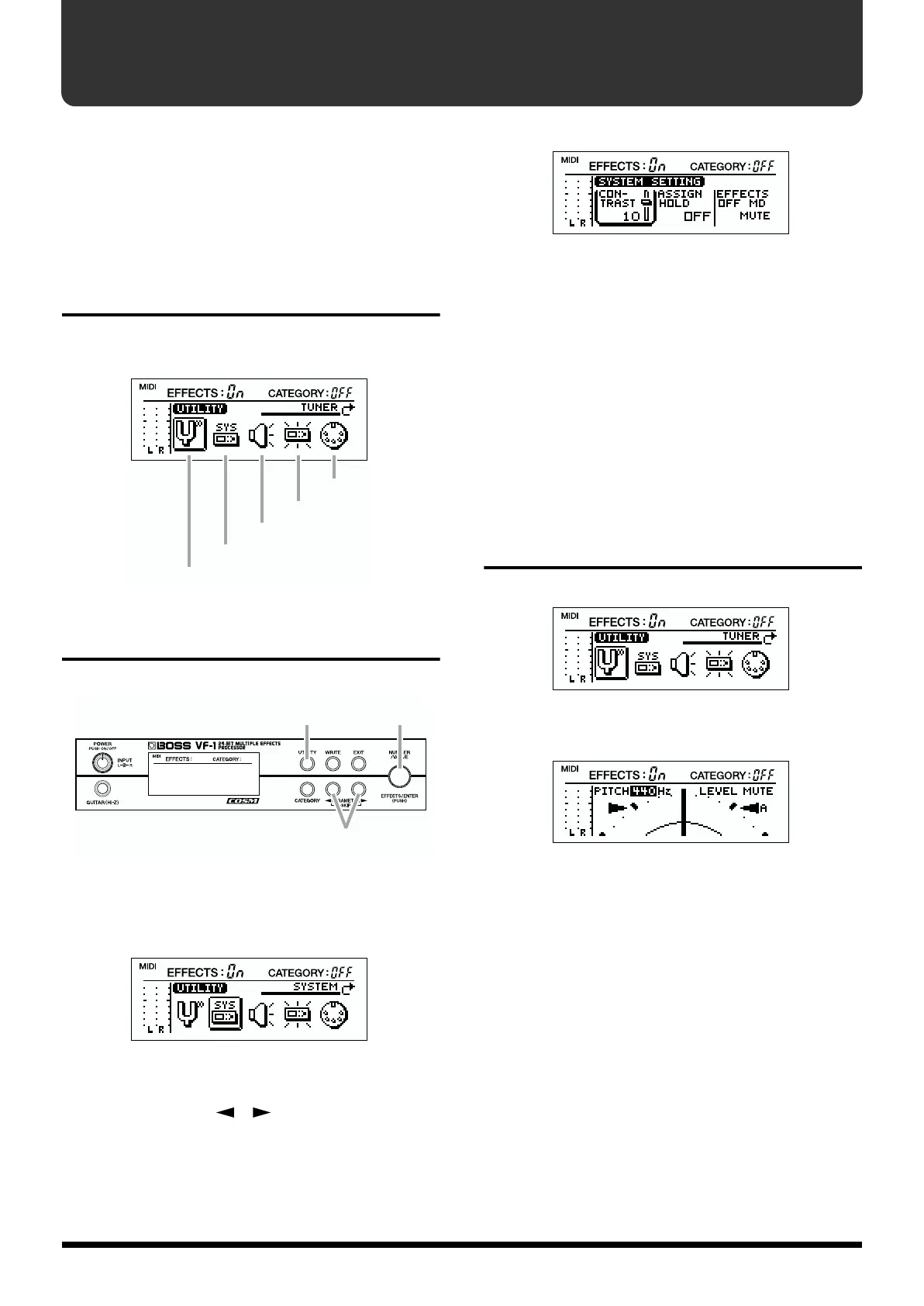
Utility functions
There are five Utility functions, as follows.
fig.3-01
How to make settings
fig.3-02
1. Press [UTILITY].
2. Rotate [VALUE] to select the desired Utility function.
fig.3-03
3. Press [ENTER].
4. Use PARAMETER [ ][ ] to select the parameter
that you wish to adjust.
fig.3-04
5. Rotate [VALUE] to change the setting.
The change will occur more rapidly if you hold down
[CATEGORY] as you rotate [VALUE].
6. Press [UTILITY] to return to Play mode.
* If you wish to save “MIDI PC MAP” settings, you must press
[WRITE]. For details refer to “Setting the Program Change
Map” (p.124).
* If you press [EXIT] in step 6, you will return to step 2. If you
press [EXIT] once again, you will return to Play mode.
TUNER
fig.3-05
Here you can make tuner-related settings.
fig.3-06
TUNER PITCH: 435–445 (Hz)
TUNER LEVEL: MUTE, 1–100
For details refer to “Modifying the tuner settings” (p. 24).
MIDI
Factory reset
Global sound setting
System setting
Tuner
1,6
4
2,3,5



 To Next Page