30
Section 2. Creating Sounds
Changing the order of the
effects
For some algorithms, you can place SFX, MOD (modulation),
and PREAMP/SP.SIM (speaker simulator) in different
locations within the algorithm.
The algorithms that allow SFX, MOD, and PREAMP/SP.SIM
to be moved are noted in the “Algorithm list” (p. 49–90).
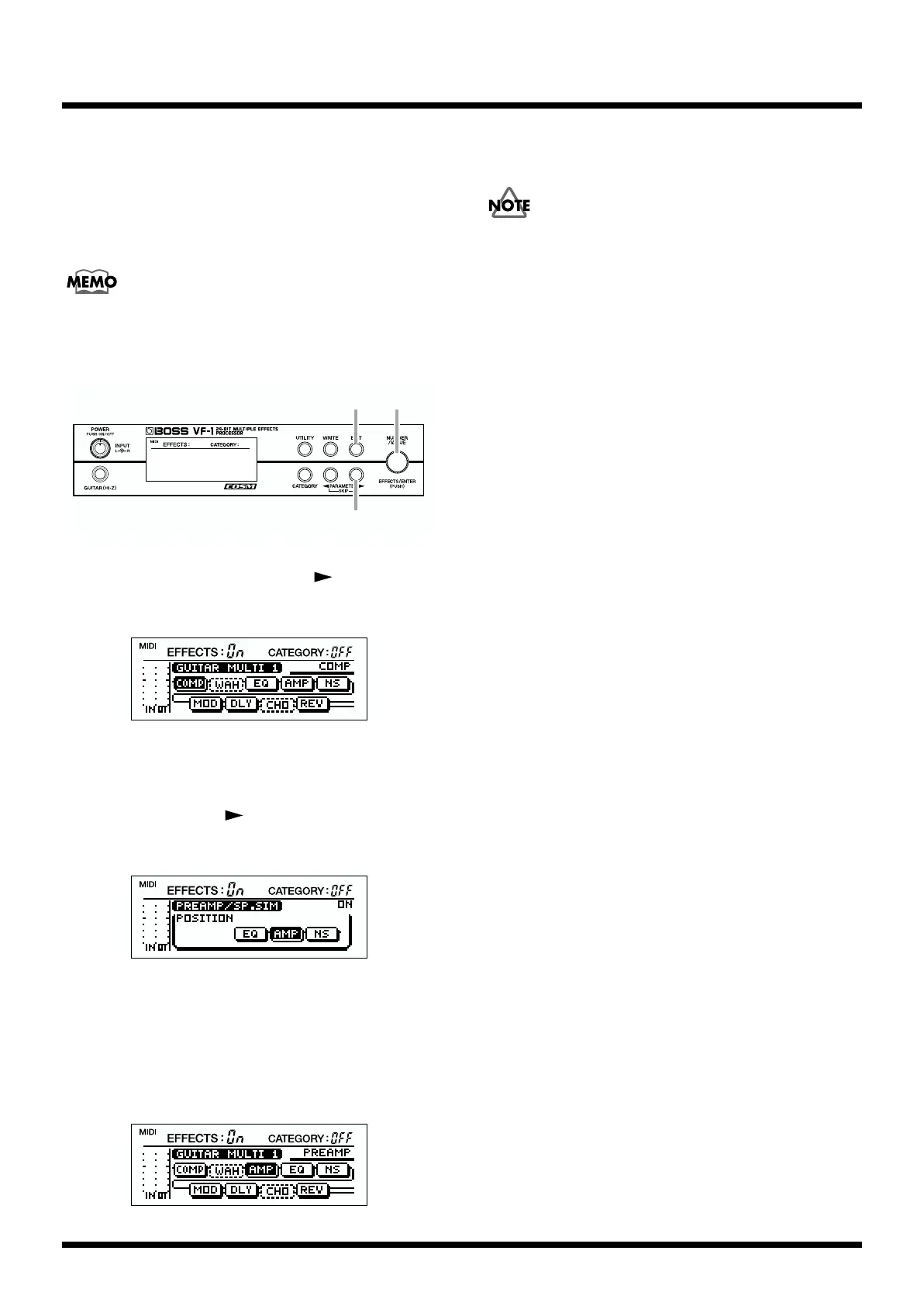
fig.2-15
1. In Play mode, press PARAMETER [ ].
The following algorithm display screen will appear.
fig.2-16
2. Rotate [VALUE] to select the effect (SFX, MOD or
PREAMP/SP.SIM) that you wish to move.
3. Press PARAMETER [ ] several times to select
“POSITION.”
fig.2-17
4. Rotate [VALUE] to move the location of the effect.
* It is not possible to place SFX, MOD, or PREAMP/SP.SIM
after “MASTER.”
5. Press [EXIT] to access the following screen, and confirm
the new location of the effect.
fig.2-60
6. If you press [EXIT] once again, you will return to Play
mode.
If you wish to keep your settings, you must perform the
Write operation (p. 38).
5,6
1,3
2,4



 To Next Page