2-18 BBP
®
33 Sign & Label Printer
User’s Manual
Brady Network Cards
Installing a Brady Network Card
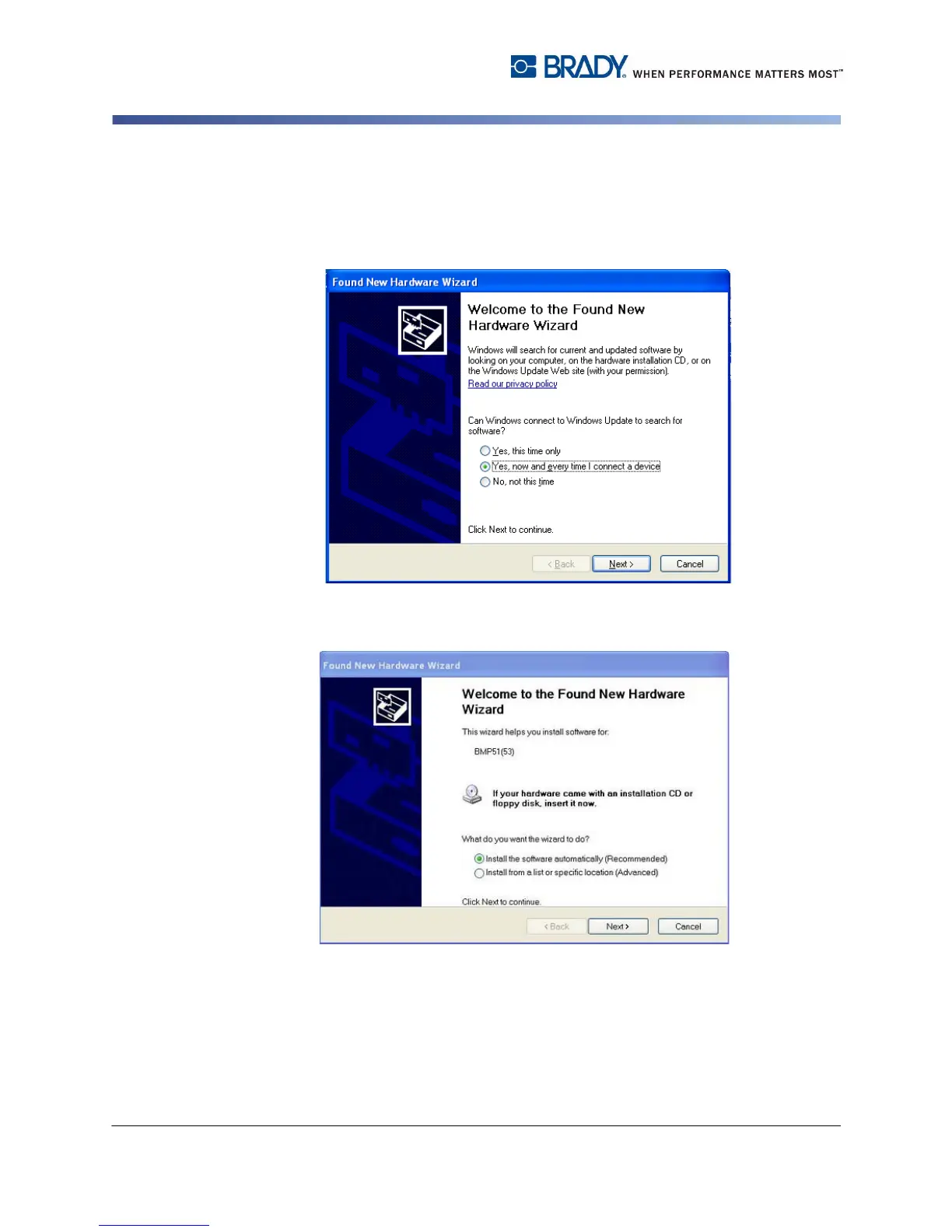
9. If the Found New Hardware Wizard displays, continue with the next step,
otherwise skip to Step 14.
10. Click the radio button Yes, now and every time I connect a device, then
click Next.
11. Click the radio button Install software automatically (Recommended), then
click Next. The installation continues.



 To Next Page