BBP
®
33 Sign & Label Printer
User’s Manual
2-19
Brady Network Cards
Installing a Brady Network Card
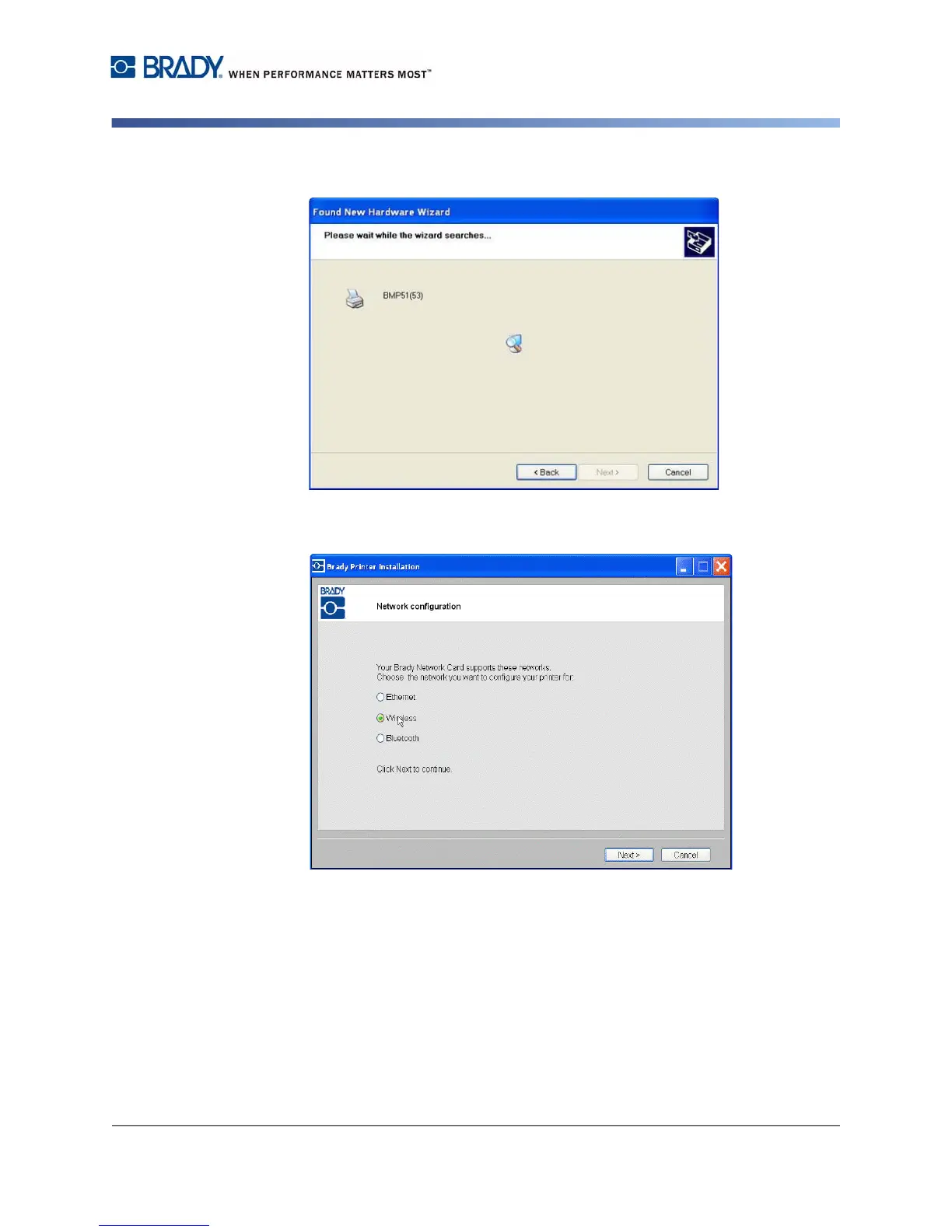
12. When completed, click Finish to close the wizard, then click Next.
13. The networks supported by your Brady Network Card are shown. To activate
WiFi, click Wireless, then click Next.



 To Next Page