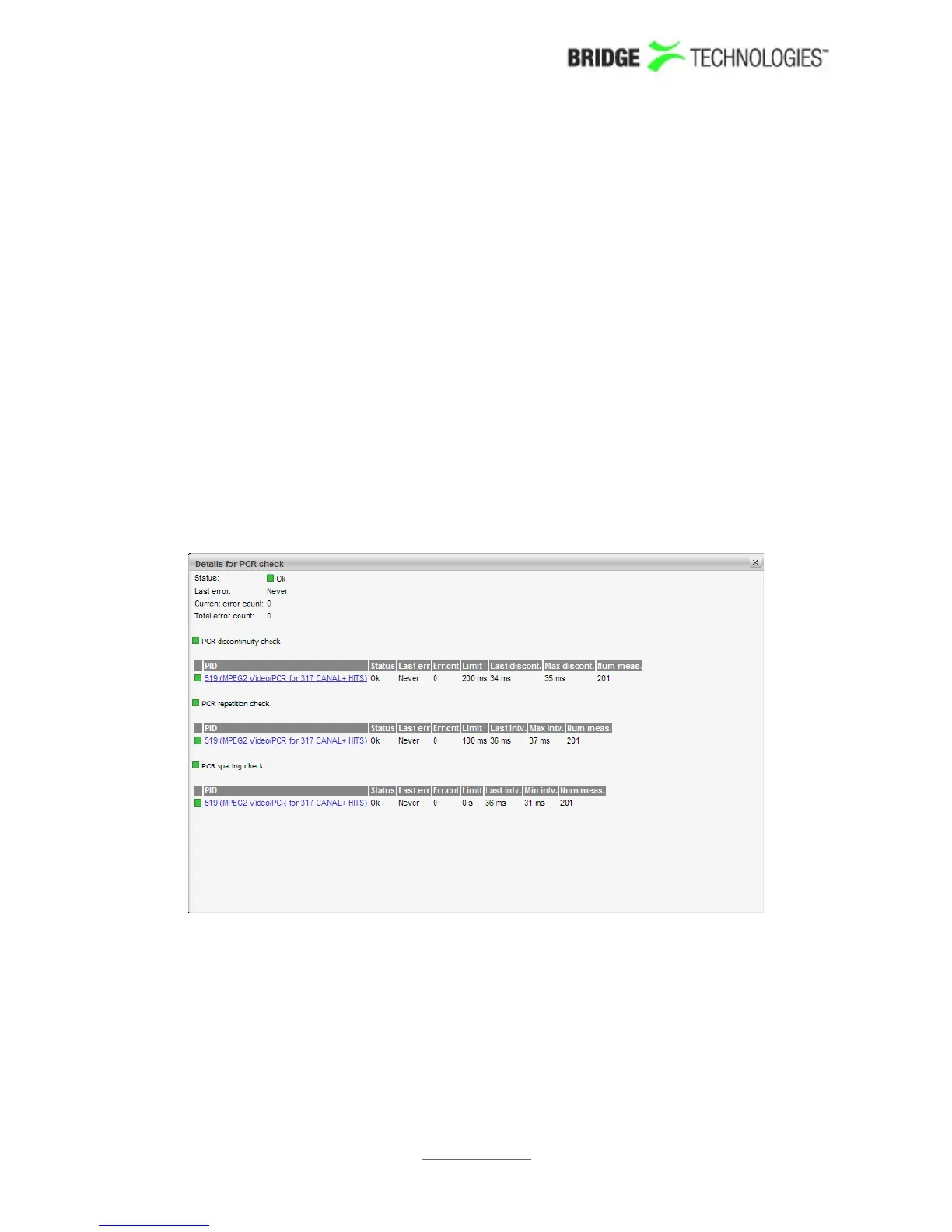
The ETR Details view shows the ETR 290 status for the current stream of the user-
selected input. The name of the current stream is displayed in addition to the two
round-robin indicator icons when relevant: the time cycle icon and the lock icon. By
clicking the lock icon the round-robin tuning process is stopped (locked to the current
frequency) or resumed. A DVB or ATSC icon indicates the analysis mode. The analysis
mode is defined as part of the ETR thresholds.
The ETR 290 parameters are grouped into five different categories. The first three
groups are defined in the ETSI TR 101 290 guidelines. The fourth category contains
checks defined by Bridge Technologies allowing CA system checks and custom PID and
service checks. The last category contains checks of the input interfaces such as RF
measurements for demodulators.
For each check a bulb indicates the current status of that parameter check: green
indicates status ok whereas red indicates an active alarm. When the probe has not yet
received data relevant for a particular check, the corresponding bulb is white. Grey
colour indicates that the check has been deactivated (as set in ETR 290 - ETR
thresh. - Edit).
When clicking one of the ETR 290 parameters, details about the current status can be
viewed for that item.
Enable the Show additional measurements checkbox to view additional
measurements that are a part of the alarm status. These will appear with a 'half-bulb'
icon indicating that the check is disabled whilst also showing the status of this
element. As an example this can be used to view the BAT section repetition interval
and section gap, or to view a list of PIDs with CC errors including the PIDs for which
this check has been manually disabled.
Click a PID in a PID list to view PID details.
PROBE USERS' MANUAL VERSION 5.0
2014 © BRIDGE Technologies Co AS - Bentsebrugata 20 - N-0476 Oslo, Norway - tel: +47 22 38 51 00 -
www.bridgetech.tv
119



 To Next Page