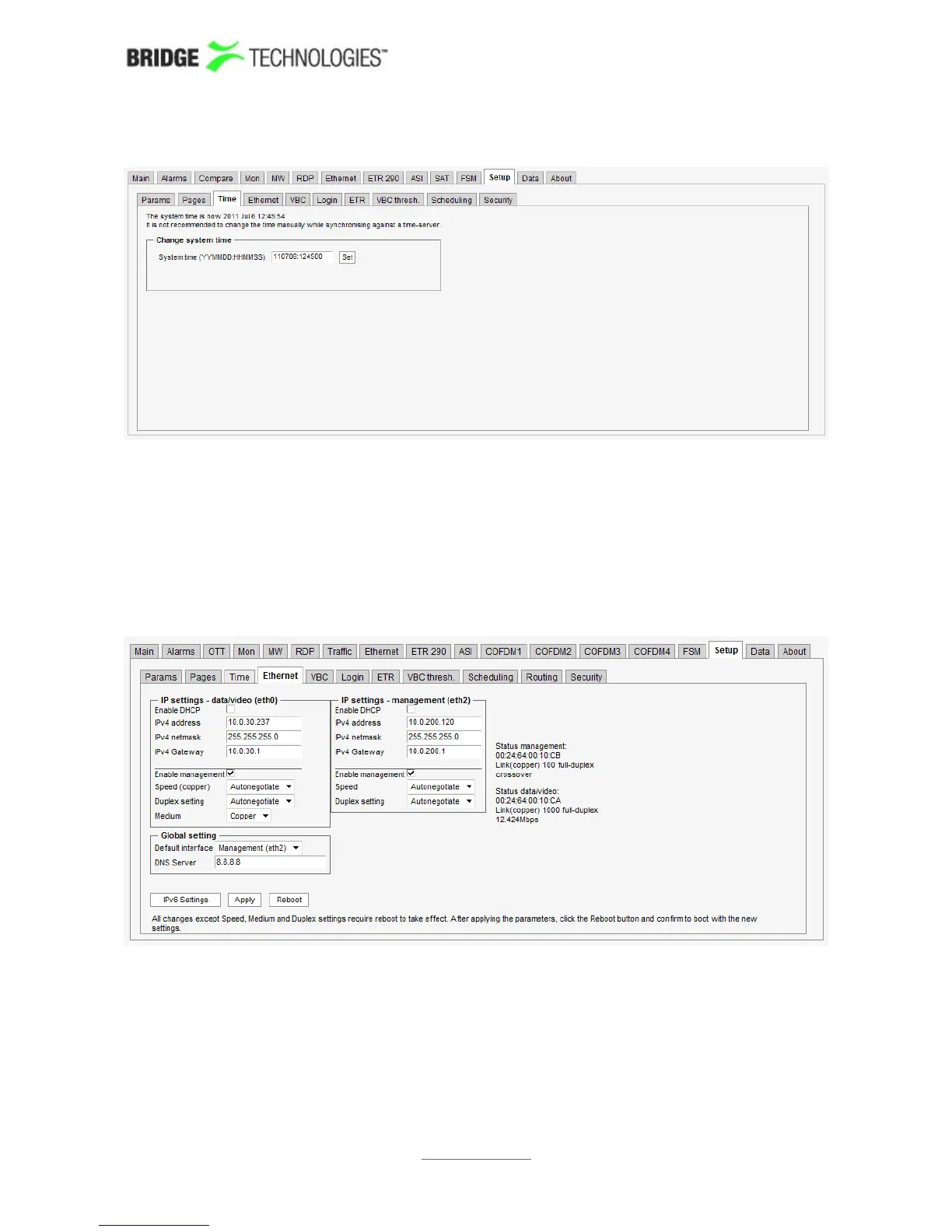
6.17.3 Setup - Time
The time of the probe is used to timestamp events in the alarm list. The local time is
always presented just below the alarm list.
The probe time should not be set manually if the probe is synchronising against a time
server (refer to the Setup - Params view).
6.17.4 Setup - Ethernet
The Ethernet setup menu defines the Ethernet setup parameters for the management
interface (eth2) and the data/video interface (eth0). The link statuses for the two
interfaces are updated live to reflect the current settings. All changes except changes
to Speed, Medium and Duplex require a reboot to take effect. Rebooting the probe
from this page is achieved by clicking the Reboot button after changes have been
confirmed by clicking the Apply button. Click the IPv6 Settings button to access the
PROBE USERS' MANUAL VERSION 5.0
2014 © BRIDGE Technologies Co AS - Bentsebrugata 20 - N-0476 Oslo, Norway - tel: +47 22 38 51 00 -
www.bridgetech.tv
222



 To Next Page