specified thresholds alarm status for each input signal.
6.16.6 Status for input
Each input may have different status, thresholds and redundancy rules defined. Both
of the inputs will have a dedicated area in the Redundancy tab. ETR parameters is
listed with colors and shapes depending on the status.
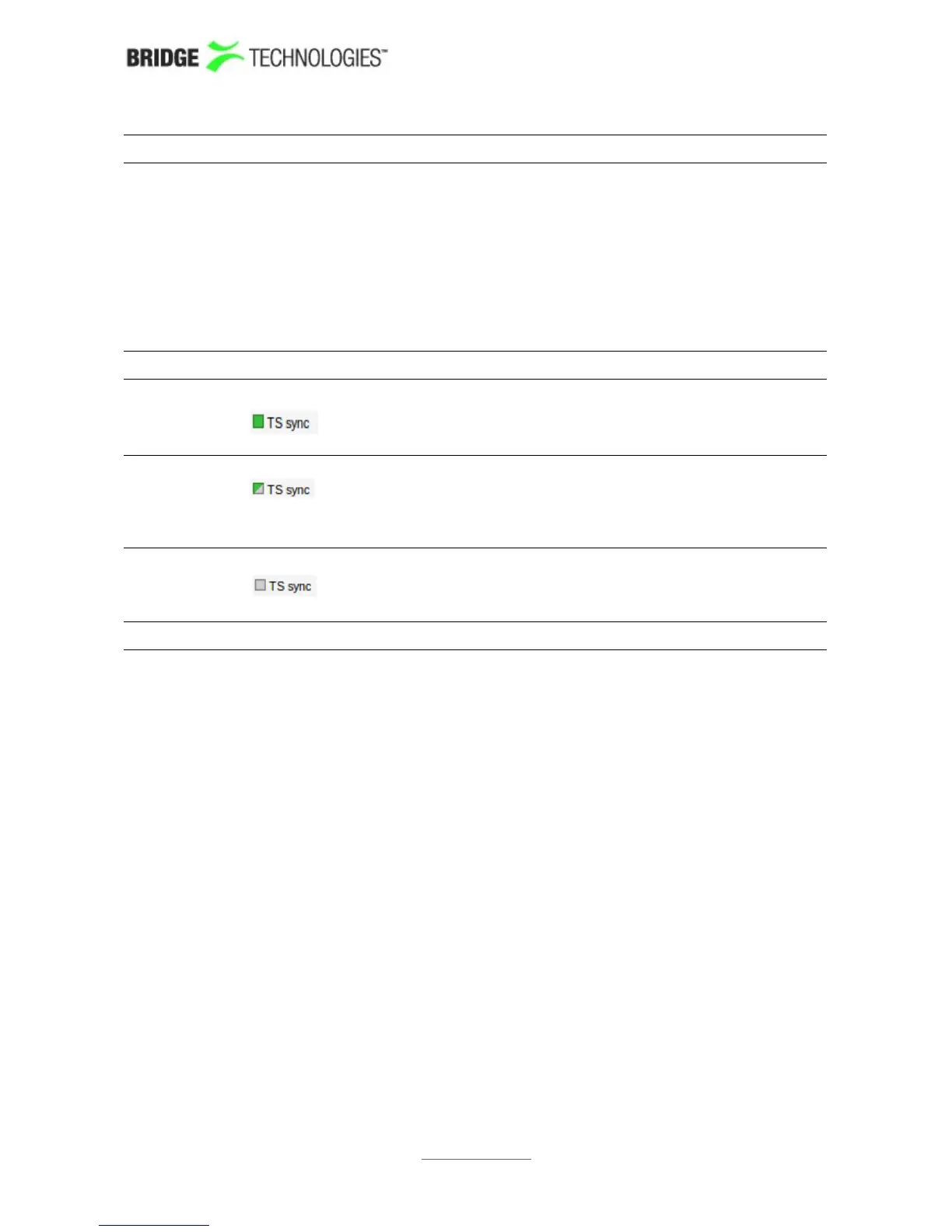
Input status:
A square with solid color means that the input signal has
both alarming and redundancy enabled on a PID/service.
A square divided diagonally color/grey means that the
input signal has alarming enabled but not redundancy on
a PID/service.
A grey square means that alarming is disabled on the
specified input signa on a PID/service.
PROBE USERS' MANUAL VERSION 5.0
2014 © BRIDGE Technologies Co AS - Bentsebrugata 20 - N-0476 Oslo, Norway - tel: +47 22 38 51 00 -
www.bridgetech.tv
218



 To Next Page