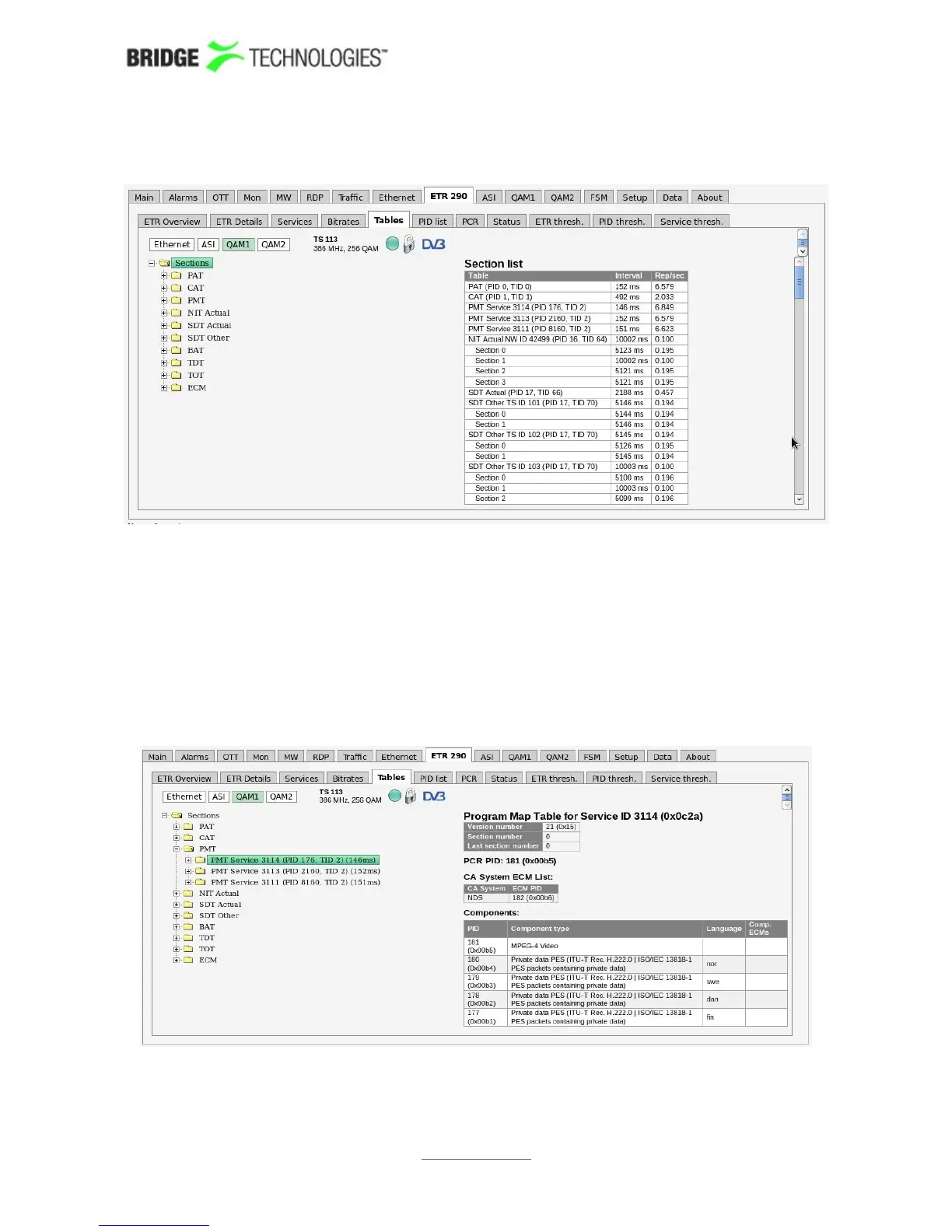
6.9.5 ETR 290 - Tables
This view lists the PSI and SI or ATSC tables and table contents of the currently active
stream of the selected input.
The name of the current stream is displayed in addition to the two round-robin
indicator icons when relevant: the time cycle icon and the lock icon. By clicking the
lock icon the round-robin cycling is stopped or resumed. A DVB or ATSC icon indicates
the analysis mode. The analysis mode is defined as part of the ETR thresholds.
Clicking the 'Sections' node displays detected tables and associated repetition rates.
Clicking a table enables viewing the table contents in a readily readable format.
PROBE USERS' MANUAL VERSION 5.0
2014 © BRIDGE Technologies Co AS - Bentsebrugata 20 - N-0476 Oslo, Norway - tel: +47 22 38 51 00 -
www.bridgetech.tv
126



 To Next Page