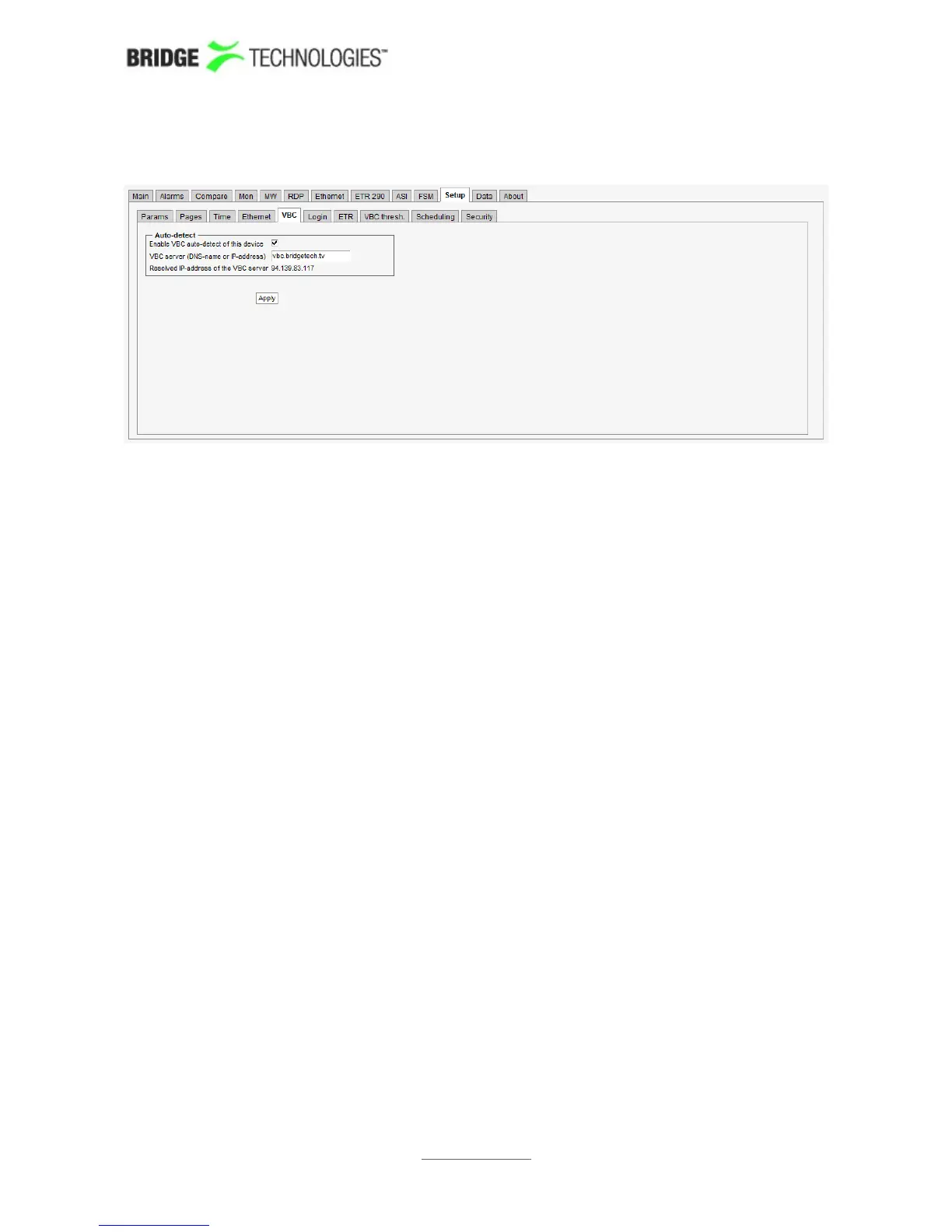
6.17.5 Setup - VBC
The VideoBridge Controller (VBC) can automatically detect the probe and add it to the
VBC equipment list, provided that the auto-detect functionality is enabled and the VBC
server address is known to the probe. Note that the network must be transparent to
traffic between the VBC server and probes for auto-detection to work.
If DHCP is used, the VBC server's DNS name may be typed in the VBC server address
field. The IP address associated with the DNS name will be displayed.
If DHCP is not used, it is necessary to type the VBC server's IP address.
When changes have been made in the Setup – VBC view, click the Apply button for
changes to take effect.
PROBE USERS' MANUAL VERSION 5.0
2014 © BRIDGE Technologies Co AS - Bentsebrugata 20 - N-0476 Oslo, Norway - tel: +47 22 38 51 00 -
www.bridgetech.tv
228



 To Next Page