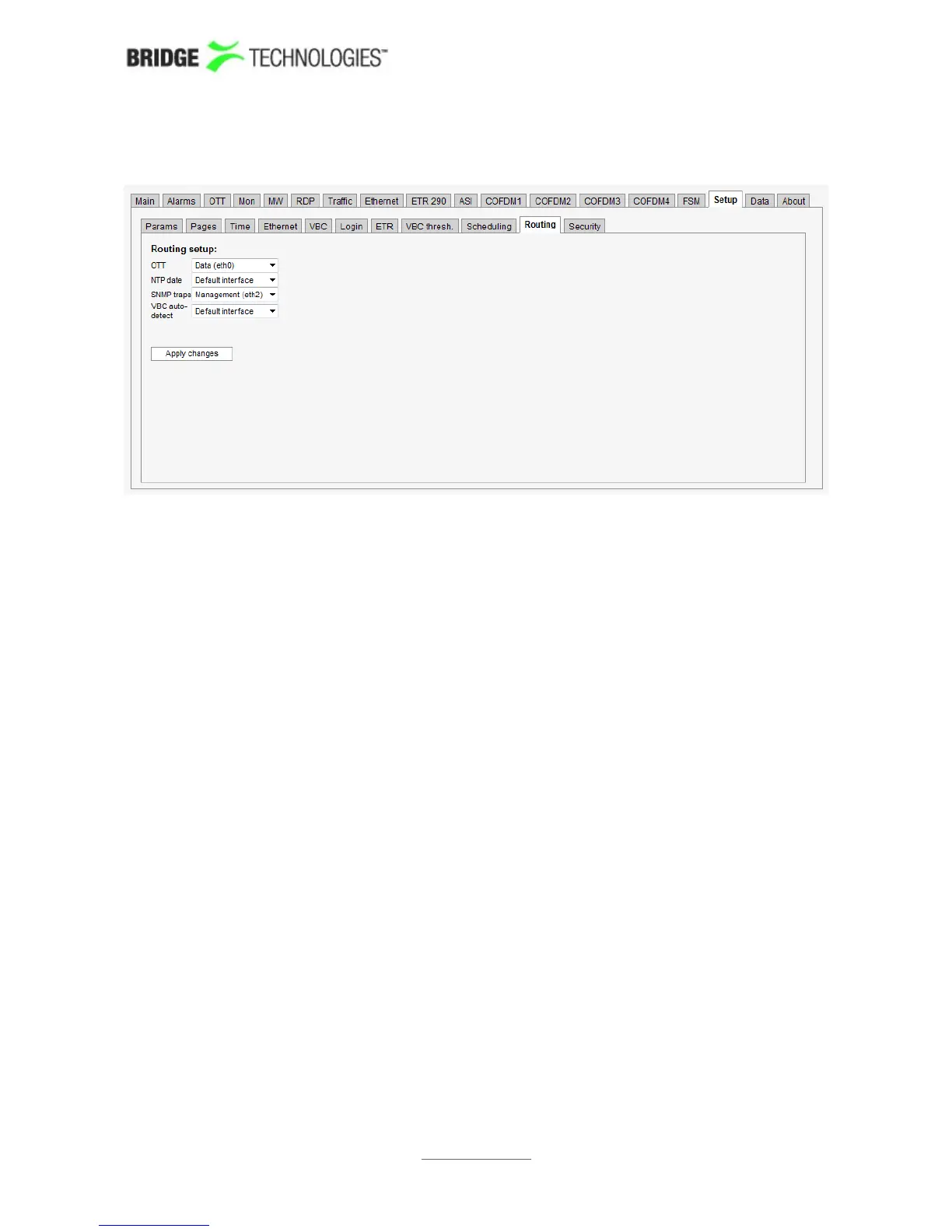
6.17.10 Setup - Routing
The Setup - Routing view allows users to override the default interface for out-going
probe traffic specified in the Ethernet - Setup view. To override the default interface
for one or more types of traffic select the interface from the drop-down menu and click
the Apply changes button.
Note that routing for Full Service Monitoring (FSM) is selected in the FSM - Setup -
Edit view.
PROBE USERS' MANUAL VERSION 5.0
2014 © BRIDGE Technologies Co AS - Bentsebrugata 20 - N-0476 Oslo, Norway - tel: +47 22 38 51 00 -
www.bridgetech.tv
238



 To Next Page