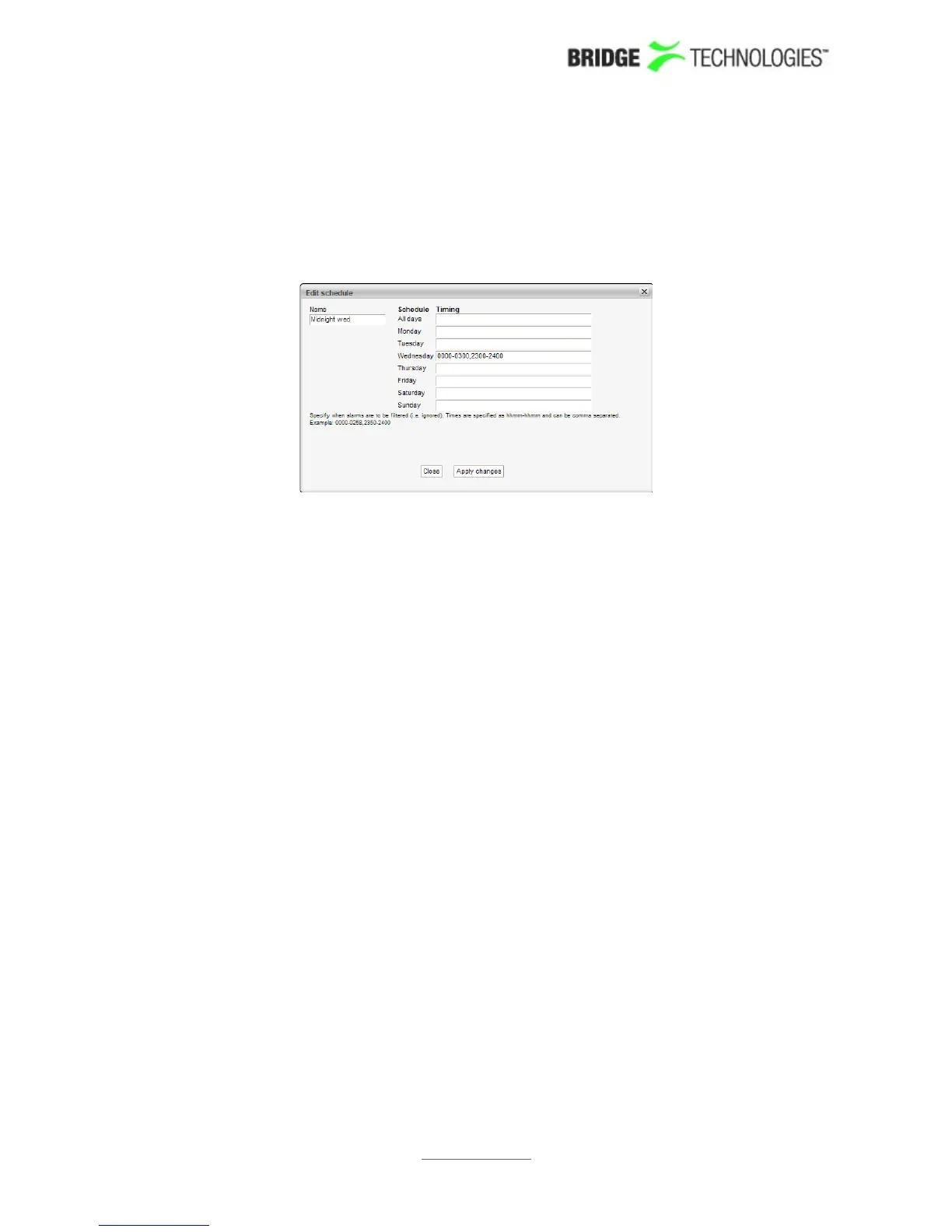
selected button. To delete a template, highlight it and click the Delete selected
button.
When a scheduling template has been modified, click the Apply changes button.
Defined scheduling templates become available as selections in the ETR 290 - PID
thresh. - Edit and ETR 290 - Service thresh. - Edit views.
PROBE USERS' MANUAL VERSION 5.0
2014 © BRIDGE Technologies Co AS - Bentsebrugata 20 - N-0476 Oslo, Norway - tel: +47 22 38 51 00 -
www.bridgetech.tv
237



 To Next Page