and any active alarms affecting the service.
Services
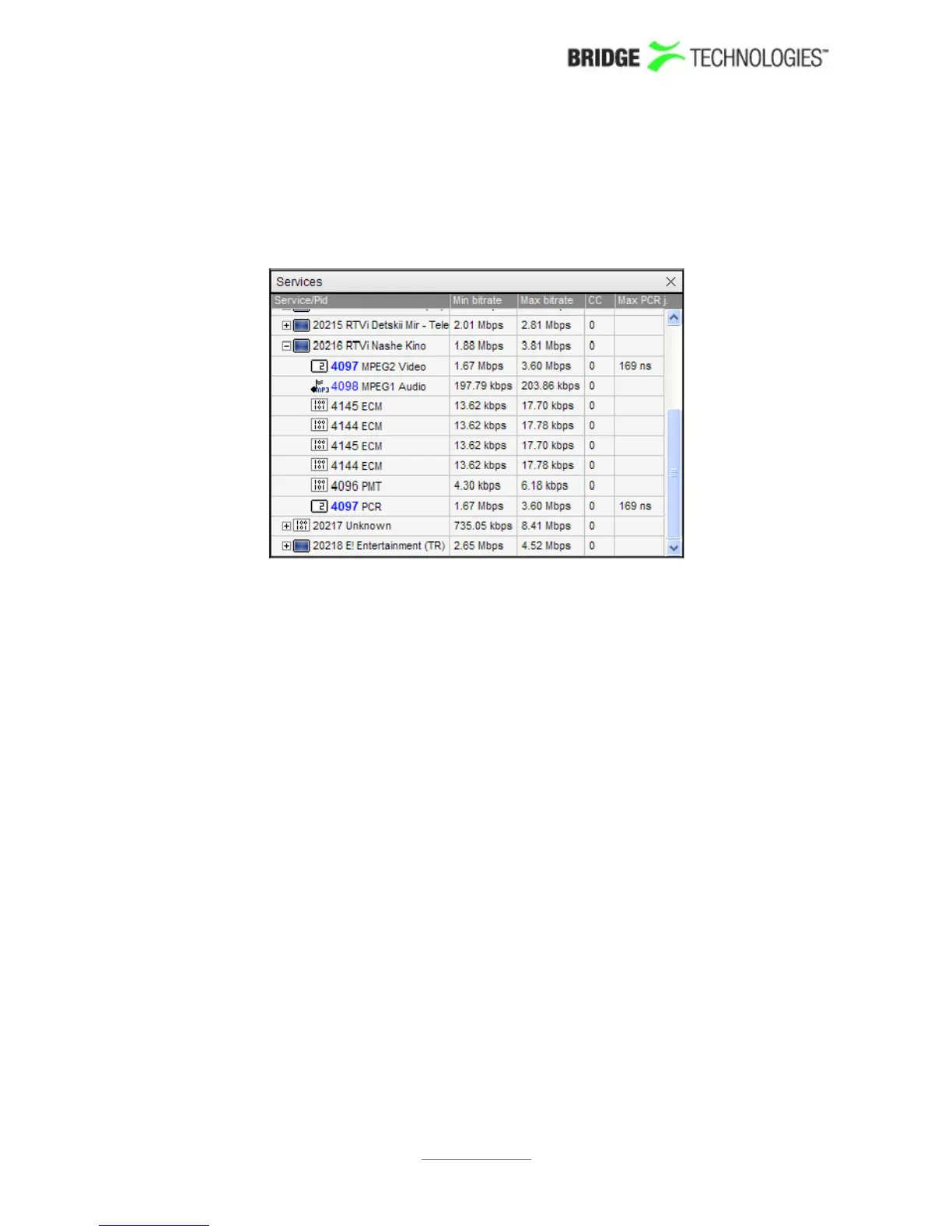
If a transport stream is selected for comparison the Services subviewdisplays a list of
services present in the stream. Clicking the plus icon at a service will expand the
service tree, displaying the service's individual components. The minimum and
maximum effective bitrates of a service/component are also shown, in addition to the
number of continuity counter errors and the maximum measured PCR jitter (if
relevant).
Coloured PIDs indicate scrambling; blue and green representing odd and even
scrambling respectively.
Note that all references to a PID will result in a PID entry, i.e. one PID may be displayed
several times in the list.
PROBE USERS' MANUAL VERSION 5.0
2014 © BRIDGE Technologies Co AS - Bentsebrugata 20 - N-0476 Oslo, Norway - tel: +47 22 38 51 00 -
www.bridgetech.tv
141



 To Next Page