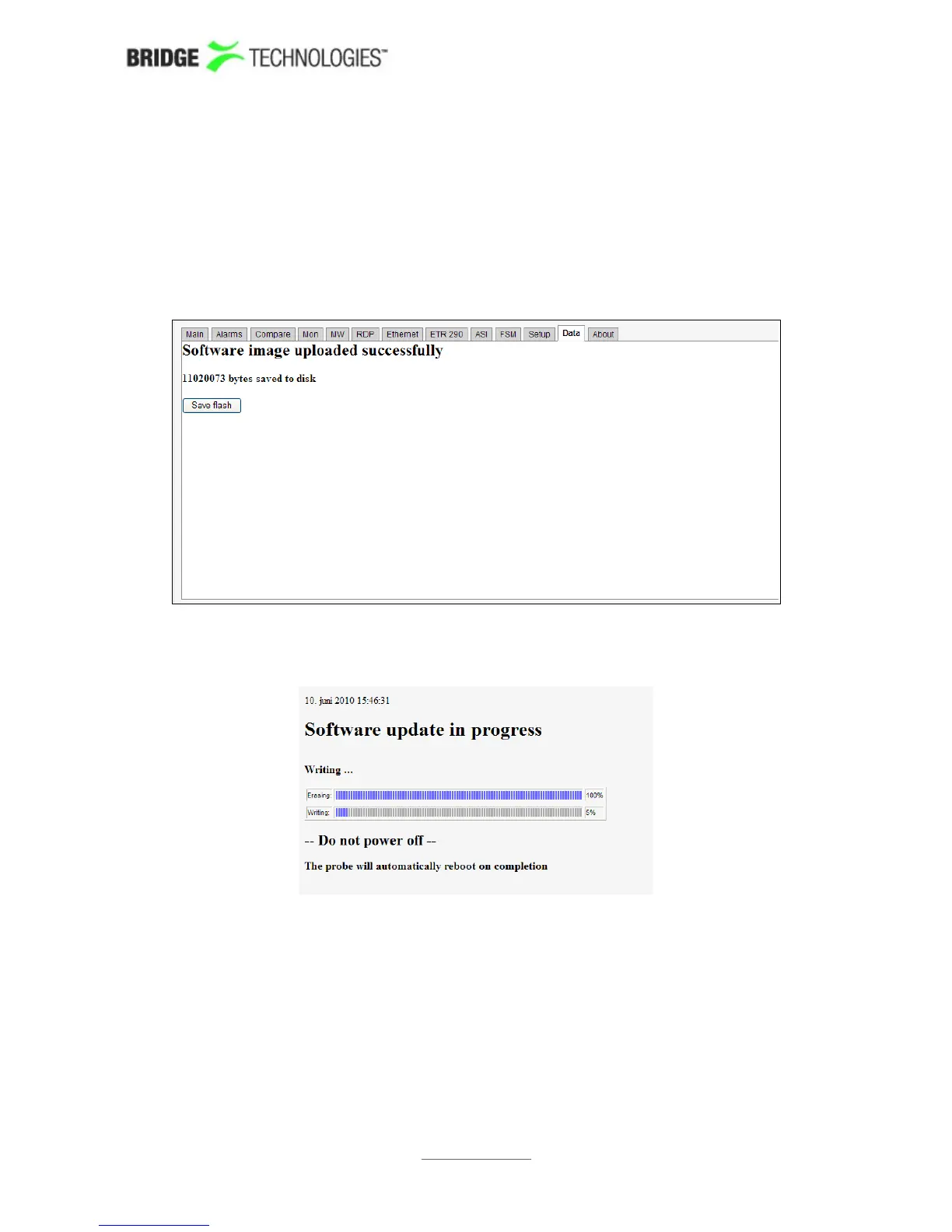
Step 4: Transfer the image to the probe and save to flash
Using the software upload functionality in the Data view (sw 4.5.0 and
later)
From the Data view select the software image file to be uploaded and click the Go!
button. When the software has been successfully transferred to the probe click the
Save flash button and confirm.
Progress bars are displayed to show flash save status.
Note that the probe will reboot when new software is successfully stored in flash, and
the probe will be unresponsive until reboot has completed.
PROBE USERS' MANUAL VERSION 5.0
2014 © BRIDGE Technologies Co AS - Bentsebrugata 20 - N-0476 Oslo, Norway - tel: +47 22 38 51 00 -
www.bridgetech.tv
260



 To Next Page