2. PREPARATION
2-11. Detal on standard data settings
― 10 ―
BAS-705
1. Check that the air is being supplied.
* Refer to "2-7. Using the air unit" on page 8.
2. Turn on the power switch.
3. Press the START switch. The machine will then the
home position for the upper shaft X-Y feed and the
lower shaft.
NOTE:
・
Wait for at least 10 seconds after turning off
the power before turning it back on again. If
you do
not wait long enough, the error code
"E-330"
will appear on the display.
・If there is no belt loop in position under the ac
tuator, the message shown at left will be dis-
played.
If this happens, refer to "2-10. Passing through
the belt loops" on page 9.
AUTO MODE
Loop length
1 st
bobbin counter
2nd bobbin counter
<BAS - 705 >
Main Ver. = 1.0
Panel Ver. = 1.0
X - Y Ver. = 1.0
2-12. Checking the sewing data
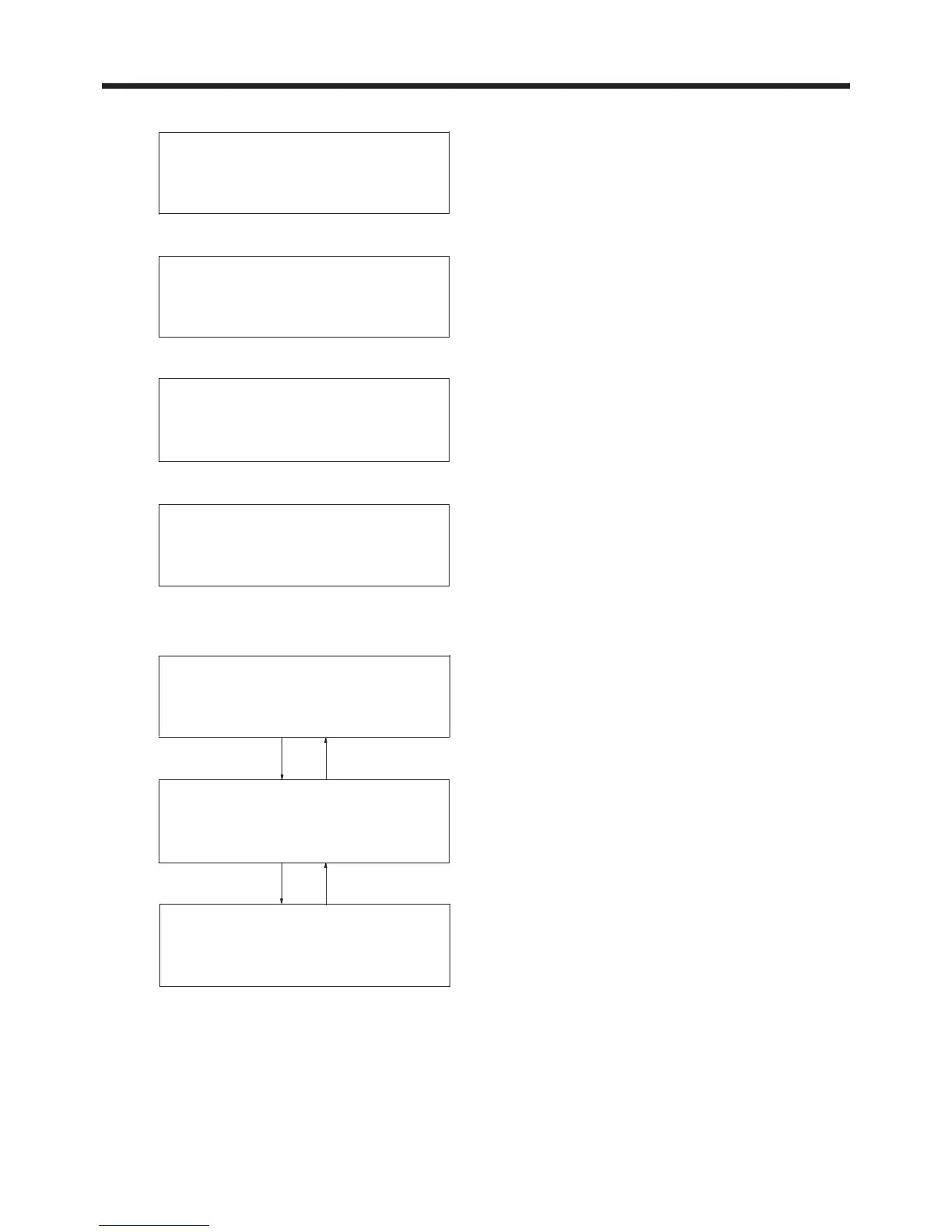
After the home position has been determined, press
the SELECT switches (▲ and ▼). The screen will then
start scrolling so that you can check the sewing data
settings.
Set home position
Press the start switch
No loop
pass loop through the channel
AUTO MODE
2nd bobbin counter
Speed
Loop length
AUTO MODE
1s t
bobbin counter
2nd bobbin counter
Speed
AUTO MODE
Production counter
1s t
bobbin counter
2nd bobbin counter



 To Next Page