4. SEWING
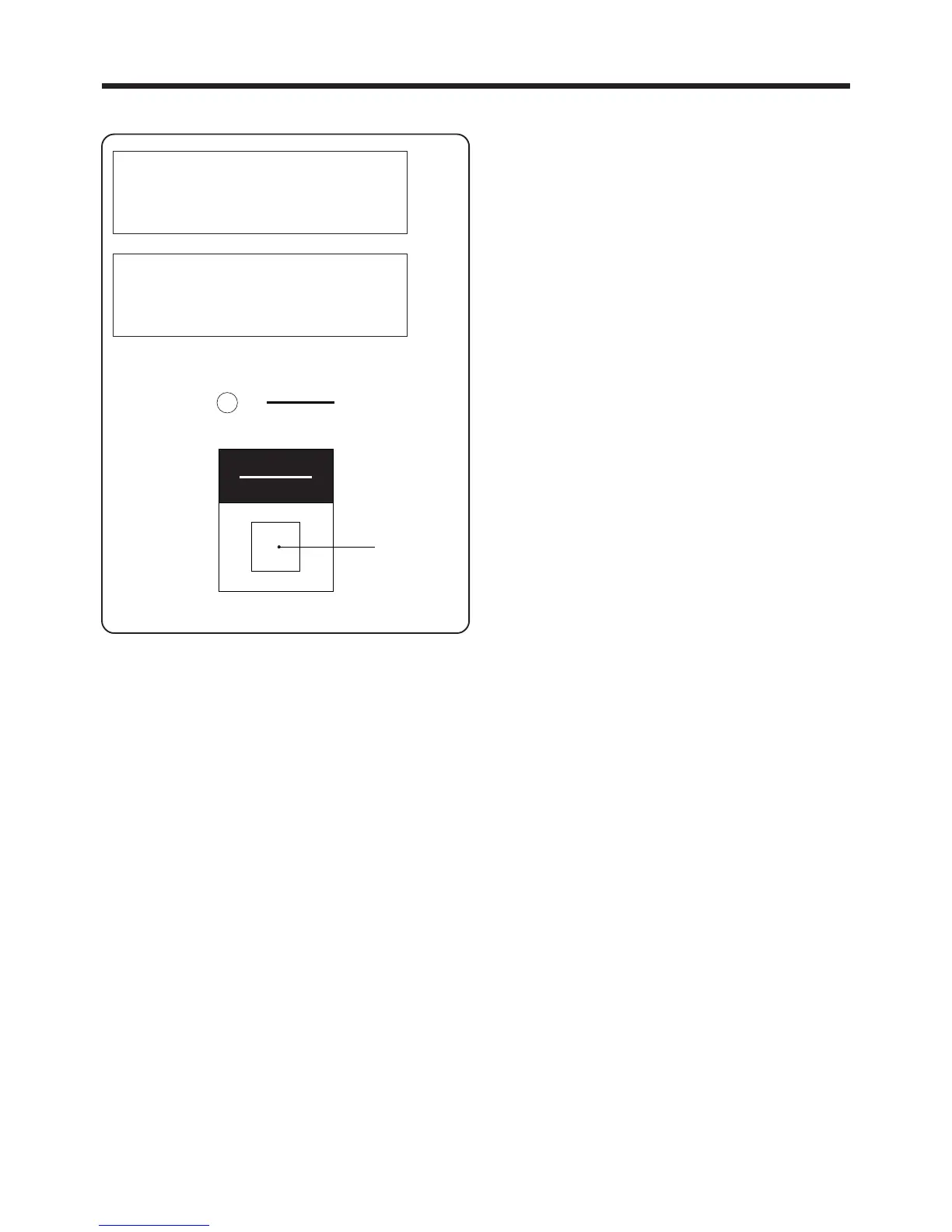
4-6-2. If the upper thread breakage codes (E-181, E-182) are displayed
1. Press the RESET switch q. The machine will switch
to standby mode.
2. Thread the upper thread properly.
NOTE:・
Sewing will continue until the end even if an
upper thread breakage has been detected
during sewing.
・ Obstructions to the thread may cause the 1st
needle thread breakage and 2nd needle
thread breakage messages to display even
when there is no actual thread breakage.
E-181
1st needle thread breakage
Press reset switch
E-182
2nd needle thread breakage
Press reset switch
― 31 ―
BAS-705
リセット
RESET
電源
POWER
q



 To Next Page