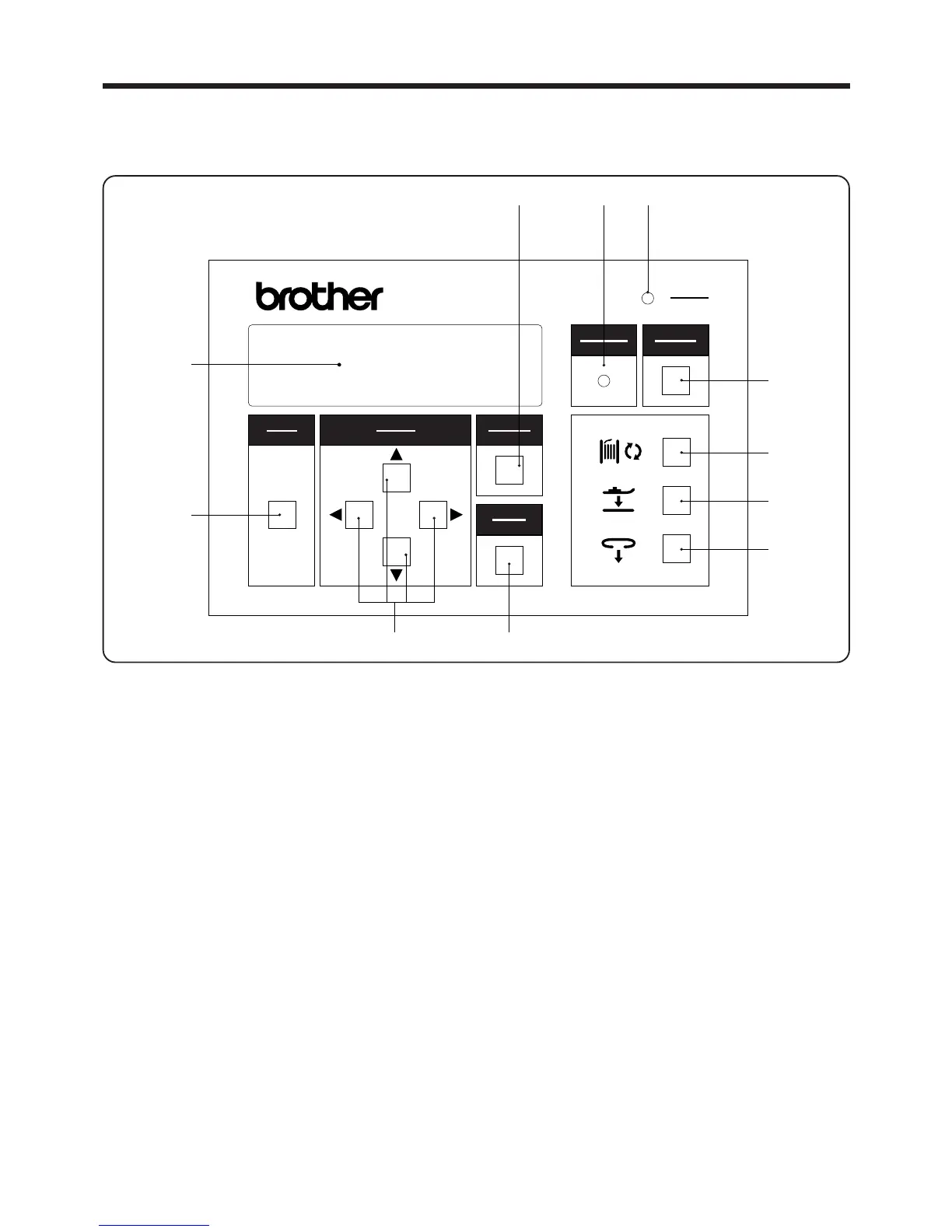
3. PANEL OPERATION
q POWER indicator:
w MODE switch:
e SELECT switch:
r CANCEL switch:
t ENTER switch:
y RESET switch:
u BOBBIN switch:
i FOOT switch:
o LOOP switch:
!0 WARNING indicator:
3. PANEL OPERATION
3-1. Explanation of panel
When the power is turned on, the indicator lights to show that the power is on
This switch is used to switch between AUTO mode, HEAD mode and PROGRAM
mode.
During AUTO mode, the ▲and ▼ SELECT switches are used to switch the
contents of the display.
During PROGRAM mode and ADJUSTMENT mode, the SELECT switches are
used to select items and to input settings.
This switch is used to cancel the changing of a setting or to cancel the selection
of an item.
This switch is used to accept changes made to any of the settings and selection
of items.
This switch is used to reset the machine when an error occurs, and to raise the
presser foot when it has been lowered using the FOOT switch. In addition, it is
used to lock a module which has been unlocked using the BOBBIN switch.
This switch is used to open a module when replacing a bobbin.
This switch is used to lower the presser foot when threading the bobbin thread.
This switch is used to set belt loops.
This indicator illuminates when an error has occurred, and when the MODULE
switch or FOOT switch has been pressed.
― 12 ―
BAS-705
NOTE:
The machine will not start while the WARNING indicator is illuminated, even when the START switch is pressed.
After turning on the power, press the START switch to determine the home position.
選択
SELECT
モード
MODE
確定
ENTER
リセット
RESET
電源
POWER
取り消し
CANCEL
警告
WARNING
BAS-705
u
y



 To Next Page