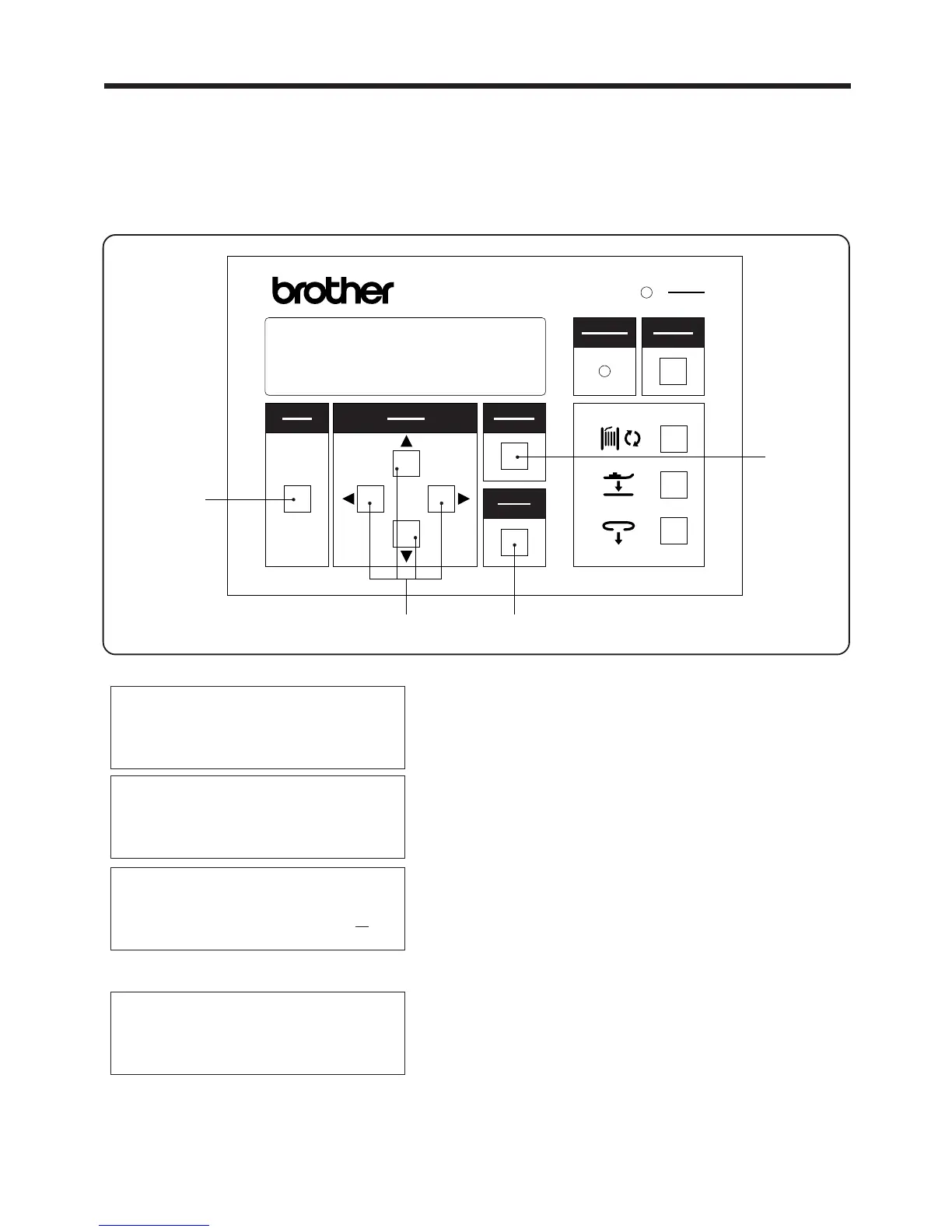
3. PANEL OPERATION
3-2-2. Setting the bobbin counter
1. Press the MODE switch w to select PROGRAM
mode.
2. Use the ▲ and ▼SELECT switches e to move the
pointer " ◆ " so that "1st bobbin counter" or "2nd
bobbin counter" is selected.
3. While using the SELECT switch e to move the
cursor "-", press the ▲ and ▼SELECT switches
e to set the desired bobbin counter setting.
* If the CANCEL switch r is pressed, the old
previously-set bobbin counter setting will appear
again on the display.
4. Press the ENTER switch t
*
The new bobbin counter setting will appear on
the display.
〈To disable operation of the bobbin counter〉
*
Enter "0" as the value when making the bobbin
counter setting.
・ When the bobbin has been replaced, you need to set the number of bar tacking stitches that the
new bobbin can be used for.
・ The counter setting decreases by 1 each time a single bar tacking is sewn.
・ The bobbin counter operation can also be disabled if required.
・ The setting range is 0 - 999.
▲
― 14 ―
BAS-705
PROGRAM MODE
◆ Production counter
1st bobbin counter
2nd bobbin counter
PROGRAM MODE
Production counter
◆ 1st bobbin counter
2nd bobbin counter
PROGRAM MODE
Production counter
◆ 1st bobbin counter ,//
2nd bobbin counter
PROGRAM MODE
Production counter
◆ 1st bobbin counter ,,,
2nd bobbin counter
選択
SELECT
モード
MODE
確定
ENTER
リセット
RESET
電源
POWER
取り消し
CANCEL
警告
WARNING
BAS-705
r
te
w



 To Next Page