[Input method]
* The patterns that can be set are the patterns with
numbers from 1 to 3.
1. Press the ENTER switch t to select the second
line of the display.
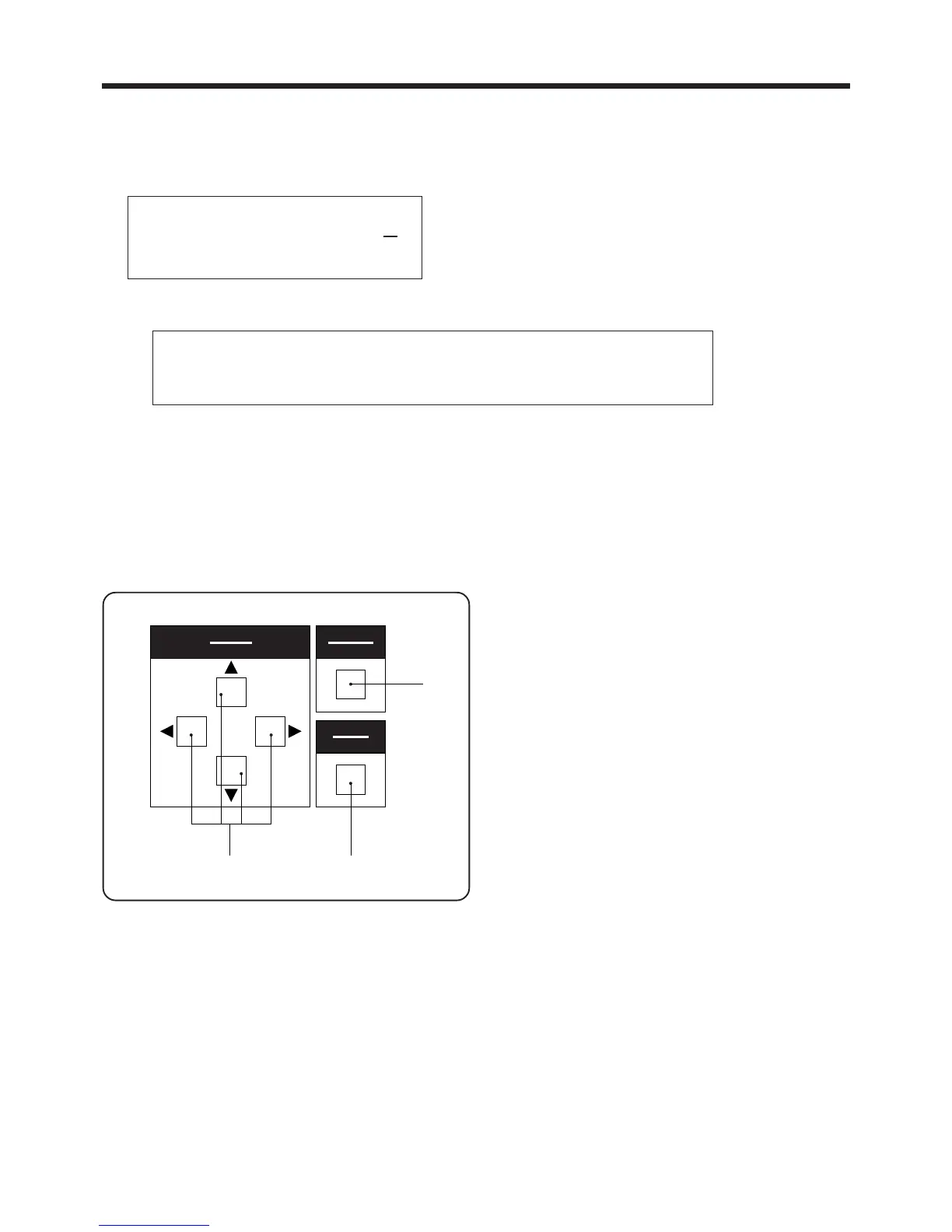
2. Use the ▲ and ▼SELECT switches e to change
the numbers, and use the and SELECT
switches e to move the cursor "-" .
3. If the CANCEL switch r is pressed while the
cursor "-" is displayed, the display will return to
the item selection display without the setting being
changed.
4. If the ENTER switch t is pressed while the cursor
is displayed, the setting value will be changed to
the value displayed and the display will return to
the item selection display.
3. PANEL OPERATION
― 19 ―
BAS-705
3-2-6-1. Pattern selection mode
* The following procedure lets you select the stitch pattern.
There are three different basic patterns which can be selected, and these patterns are pre-programmed
into the sewing machine's ROM.
X-Y/PROGRAM/(ADJ)
Program No. MM
Xscale(%)
Yscale(%)
[Operation method]
* Use the ▲ and ▼ SELECT switches e to change
the numbers, and use the and SELECT switches
e to move the cursor "-" .
▲
▲
▲
▲
* The enlargement and reduction settings can be applied to each of the patterns as described below.
Program No.11/21/31‥‥‥‥Set based on program No. 1
Program No.12/22/32‥‥‥‥Set based on program No. 2
Program No.13/23/33‥‥‥‥Set based on program No. 3
NOTE:
If the ENTER switch is pressed while any patterns other than the above are selected,setting
will not be possible.
選択
SELECT
確定
ENTER
取り消し
CANCEL
t
e
r



 To Next Page